
How to Generate Blog Paragraph Using AI
In this Article, I have provided a step by step guide on how to generate blog paragraph using AI
Creating cohesive blog content can be tricky—knowing what comes next and ensuring each paragraph flows naturally is often a writer’s biggest challenge. AI solves this by intelligently connecting ideas and maintaining perfect alignment throughout your content. That’s exactly why Wordwriter blog paragraph tool is so effective: it harnesses AI’s natural ability to create seamless, engaging narratives that keep readers hooked
What’s an AI Paragraph Gennerator
An AI paragraph generator is a writing tool powered by artificial intelligence that creates coherent, contextually relevant paragraphs based on user input. Here’s what you need to know:
What It Does
Core Function: Takes a topic, keyword, or brief prompt and automatically generates complete paragraphs that are grammatically correct, well-structured, and relevant to your subject matter.
Key Capabilities:
- Creates original content from scratch
- Maintains consistent tone and style
- Ensures logical flow and coherence
- Adapts to different writing purposes (blogs, articles, essays, marketing copy)
- Generates multiple paragraph variations for the same topic
How It Works
- Input Processing: You provide a topic, keyword, or writing prompt
- Context Analysis: The AI analyzes your requirements and intended purpose
- Content Generation: Uses natural language processing to create relevant paragraphs
- Output Delivery: Provides ready-to-use paragraphs that you can edit or use
How to Generate Blog Paragraph Using AI
Getting Started with WordWriter
Step 1: Access the Platform
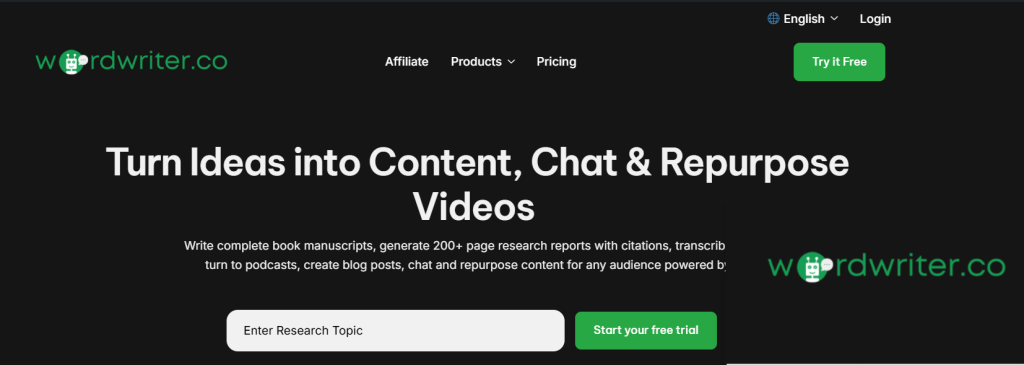
Visit WordWriter and create your account by either signing in with your existing credentials or signing up as a new user. The registration process is straightforward and gets you immediate access to the AI-powered writing tools.
Step 2: Navigate to Your Dashboard
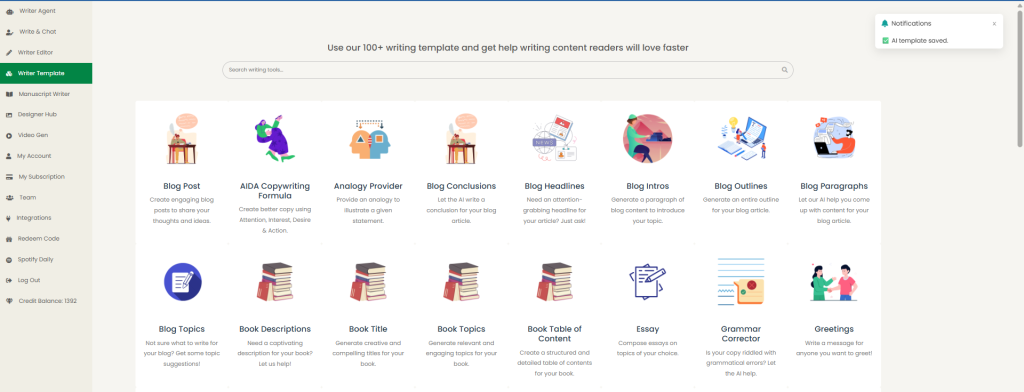
Once logged in, you’ll land on the AI dashboard – your central hub for all writing activities. This intuitive interface provides easy access to all the platform’s features and tools.
Finding the Blog Paragraph Tool
Step 3: Locate the Writers Template
Look for the Writers Template section in the left corner of your dashboard. This is your gateway to accessing all available AI writing tools and templates designed for different content types.
Step 4: Search for the Blog Paragraph Template
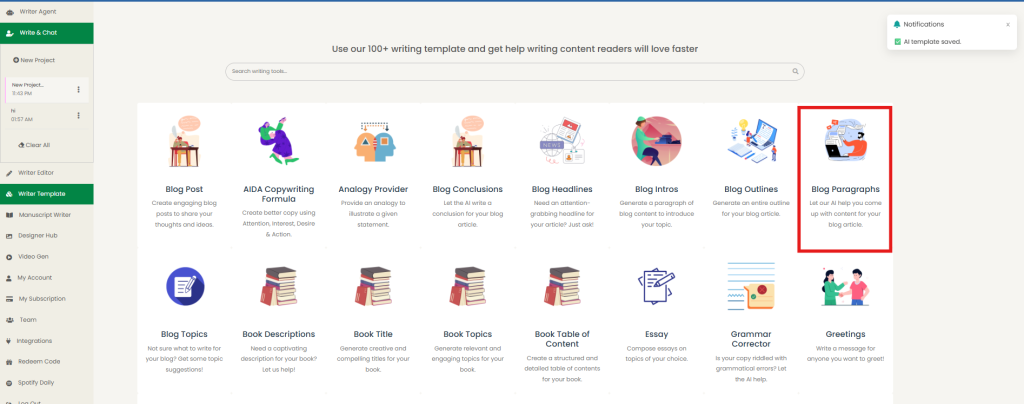
You have two options to find the blog paragraph generator:
- Use the search bar: Type “blog paragraph template” in the search field on the displayed page
- Browse manually: Simply scroll through the available templates until you find the blog paragraph option
Creating Your Content
Step 5: Configure Your Blog Paragraph
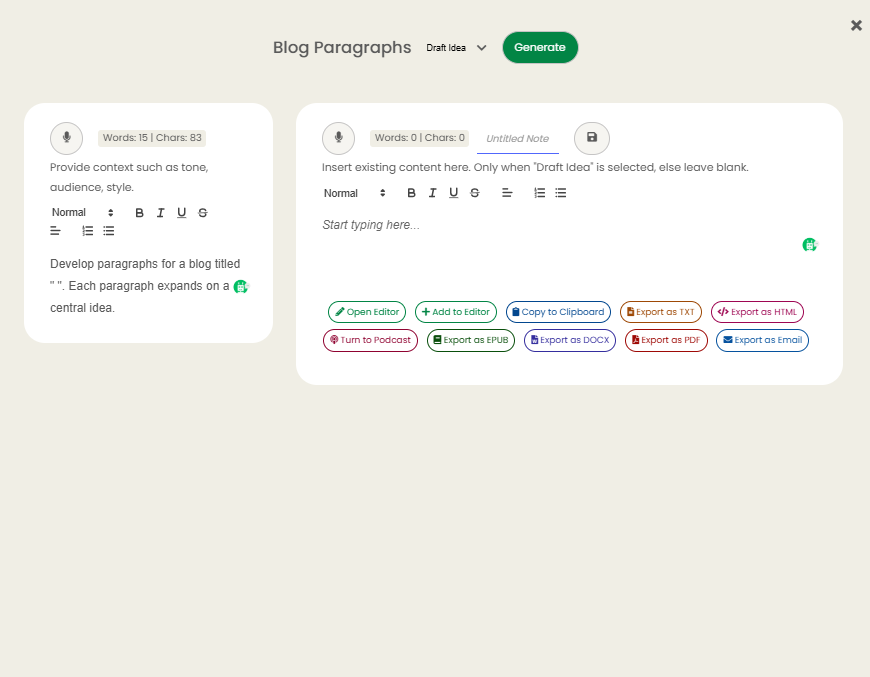
Click on the Blog Paragraph template to open the generation interface. Here you’ll need to provide:
- Article Title: Enter the main title of your blog post
- Context: Add relevant background information, keywords, or specific details about what you want the paragraph to cover
Step 6: Generate Your Content
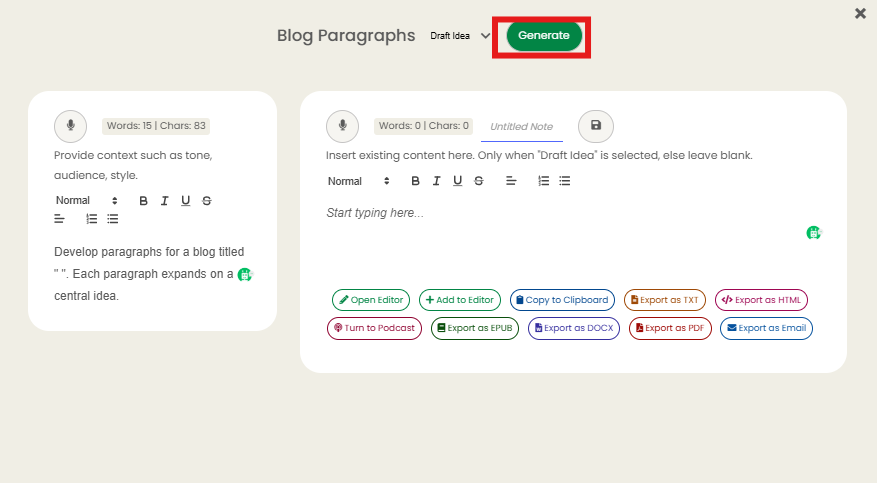
Hit the Generate button and let the AI work its magic. Within seconds, you’ll have a professionally crafted paragraph that aligns with your title and context requirements.
Related: How to Write Compelling Blog Post Headlines That Drive Traffic
Pro Tips for Better Results
- Be specific with your context to get more targeted content
- Include relevant keywords you want to incorporate
- Specify the tone or style if you have particular requirements
- Generate multiple variations to choose the best fit for your article
This streamlined process makes creating engaging blog content faster and more efficient than traditional writing methods.
Conclusion
Let’s be honest – we’ve all stared at that blinking cursor, wondering what to write next. Those days of wrestling with writer’s block and spending hours crafting the perfect paragraph are behind you. WordWriter’s blog paragraph generator isn’t just another tool; it’s like having a writing partner who never runs out of ideas and always knows exactly what fits.
I’ve walked you through every step because I know how frustrating it can be when you have great ideas but struggle to put them into words that flow naturally.
