
8 Best AI Planner Tools in 2026
What are the best AI planner Tools in 2026?
Maybe there wasn’t enough space to write your daily tasks. Maybe you wanted a habit tracker, a budget page, or extra room for notes, but your planner didn’t include them. Instead of helping you stay organised, it only made planning more frustrating.
This is why more people are learning how to create monthly planners, especially with AI
AI planner tools let you create a planner that matches the way you work. Instead of settling for a ready-made notebook, you can choose your own layout, add the pages you need, and even print a professional planner from home.
The best part is that you don’t need any design experience. In just a few minutes, AI can create a planner that would normally take hours to design yourself.
In this guide, you’ll learn why AI planners are becoming so popular, why traditional planners often fall short, and the 8 best AI planner tools in 2026. We’ll also show you why WordWriter is the best choice if you want to create beautiful, printable planners.
Let’s dive in
Related: 11 Best Generative Engine Optimization Tools
Why Custom Planners Help You Stay Organized
Everyone plans their day differently.
A student has different needs than a business owner. A freelancer works differently from a stay-at-home parent. That’s why one planner cannot work perfectly for everyone.
Creating your own planner gives you complete control over your schedule.
1. You Only Include What You Need
Some people need monthly calendars. Others need weekly schedules, daily to-do lists, habit trackers, meal planners, budget pages, or goal trackers. With AI, you can include only the pages that are useful to you.
2. You Save Time
Creating planner pages by hand takes a long time. You have to draw tables, add dates, organize sections, and make sure everything looks neat. AI does all of that for you in seconds.
3. You Stay More Consistent
When a planner is designed around your routine, you’re more likely to use it every day. Instead of forcing yourself to fit into someone else’s layout, your planner works the way you already do.
The 8 Best AI Planner Tools in 2026
1. WordWriter
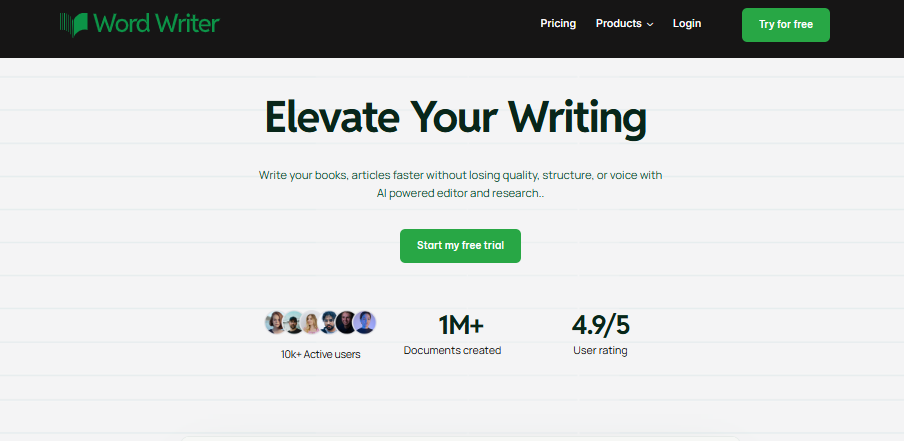
WordWriter takes the number one spot because it makes creating printable planners incredibly simple.
Its Print Studio lets you create monthly, weekly, and daily planners that are ready to print. Instead of editing complicated templates, you simply choose the options you want, preview the planner, and generate it.
Whether you’re creating a planner for yourself, your business, or even to sell online, WordWriter gives you everything you need in one place.
Pros
- Ready-made planner presets including 12-month planners, weekly planners, daily planners, and undated planners.
- Choose between monthly, weekly, or daily layouts.
- Pick dated or undated planners.
- Select your starting month and year.
- Generate planners for up to 12 months at once.
- Choose different paper sizes like US Letter, 6×9, and 8×10.
- Preview your planner before generating it.
- Edit your planner inside the Smart Editor.
- Create other print products like journals, cookbooks, and coloring books from the same dashboard.
2. Motion
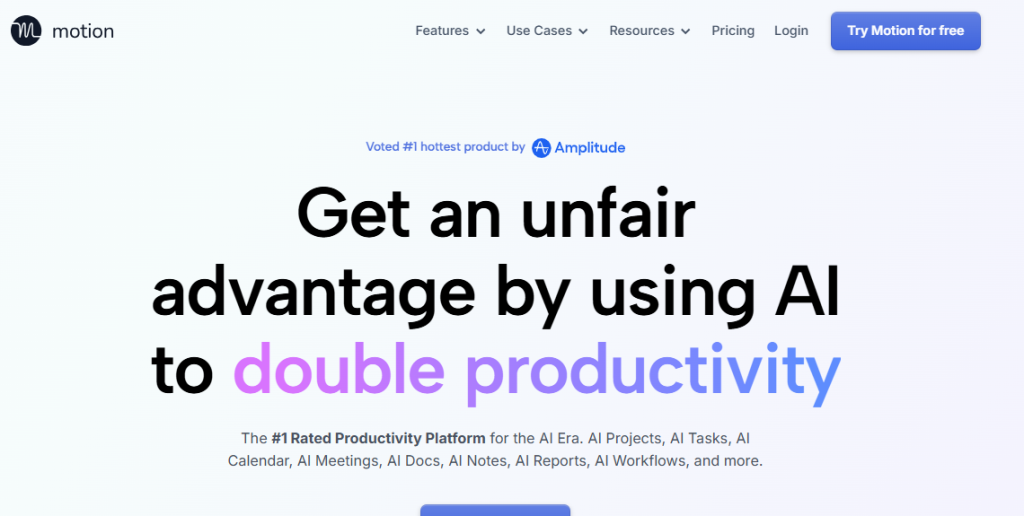
Motion is one of the smartest AI scheduling apps available today.
Instead of creating printable planners, it automatically organizes your calendar based on your tasks, deadlines, and available time. It works well for busy professionals who spend most of their day working on a computer.
Pros
- Automatically schedules your daily tasks.
- Adjusts your calendar when plans change.
- Great for managing meetings and deadlines.
- Helps reduce manual planning.
Cons
- Designed mainly for digital planning.
- Cannot create printable planners.
- Offers very limited design customization.
3. Reclaim.ai
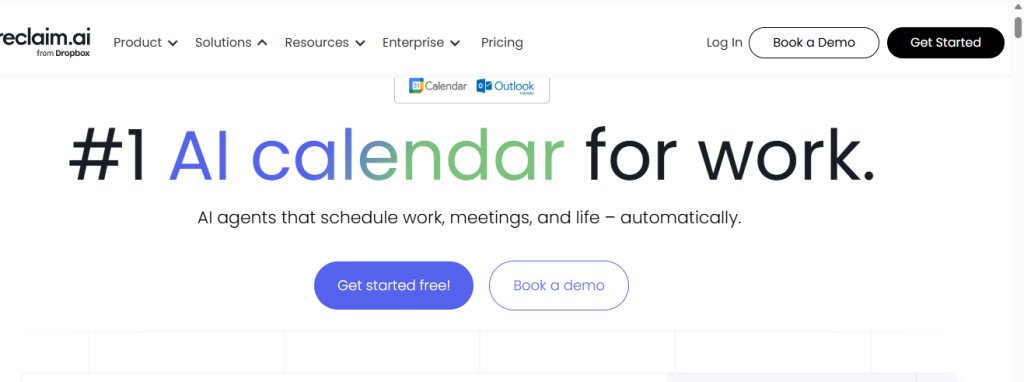
Reclaim.ai focuses on protecting your time.
It automatically blocks time for work, meetings, breaks, and personal habits so your calendar stays balanced.
Pros
- Excellent automatic time blocking.
- Works well with Google Calendar.
- Helps protect focus time.
- Great for managing recurring habits.
Cons
- Best suited for digital calendars only.
- Doesn’t create printable planner books.
- Very limited design options.
4. Piktochart AI
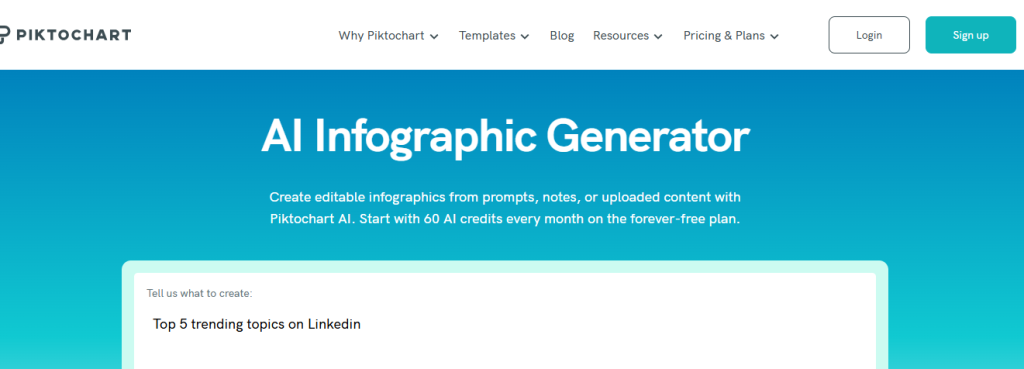
Piktochart AI is known for creating attractive visual designs.
Although it wasn’t built specifically for planners, it can generate planner templates that are clean and professional.
Pros
- Easy to design beautiful planner pages.
- Simple drag-and-drop editor.
- Good selection of templates.
- Great for presentations and visual documents.
Cons
- Limited planner customization.
- Doesn’t generate complete yearly planner books.
- Better for individual pages than full planners.
Related: 10 Best AI tools for content repurposing
5. Morgen
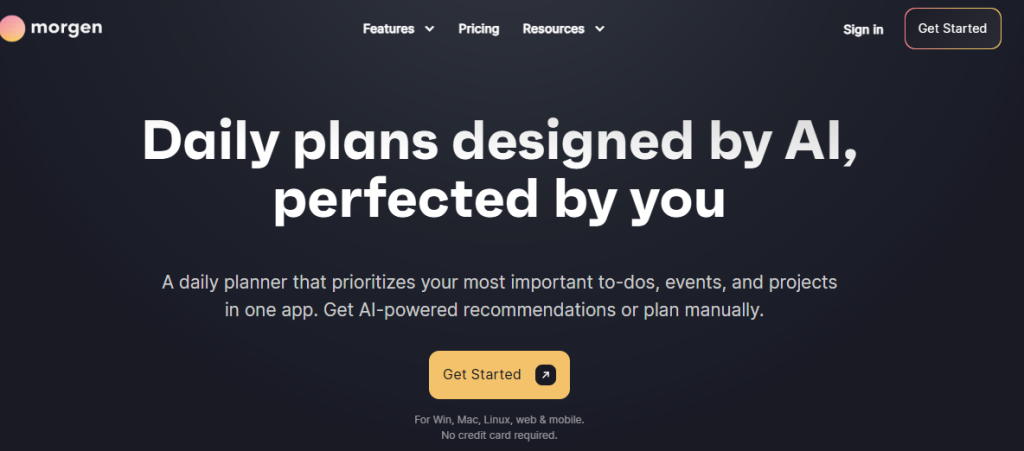
Morgen combines calendars, tasks, and scheduling into one application.
It helps users manage multiple calendars without switching between different apps.
Pros
- Combines tasks and calendars.
- Supports several calendar services.
- Easy-to-use interface.
- Good for professionals with busy schedules.
Cons
- Focused on digital planning.
- Doesn’t support printable planner creation.
- No advanced planner layout customization.
6. Venngage AI Planner
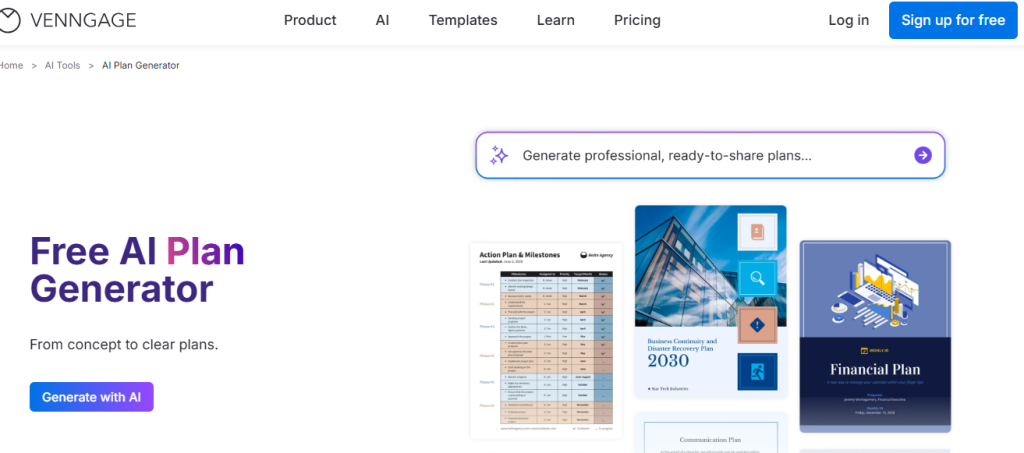
Venngage is another design platform that includes planner templates.
It works well if your main goal is creating visually attractive planners.
Pros
- Large collection of templates.
- Easy customization.
- Good for creating branded planners.
- Exports high-quality PDFs.
Cons
- Editor can feel slow on large projects.
- Limited automatic planner generation.
- Doesn’t easily create complete multi-month planners.
7. Taskade AI
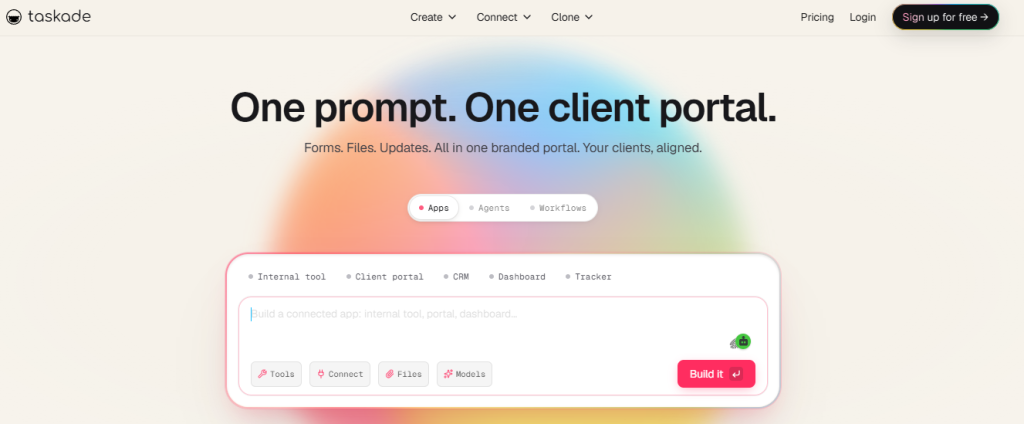
Taskade is designed for productivity and teamwork.
Its AI helps users create task lists, project plans, meeting notes, and schedules.
Pros
- Excellent collaboration features.
- AI quickly creates project plans.
- Great for managing teams.
- Available on multiple devices.
Cons
- Built mainly for work management.
- Not ideal for creating personal printable planners.
- Limited creative layout options.
8. Mew Design
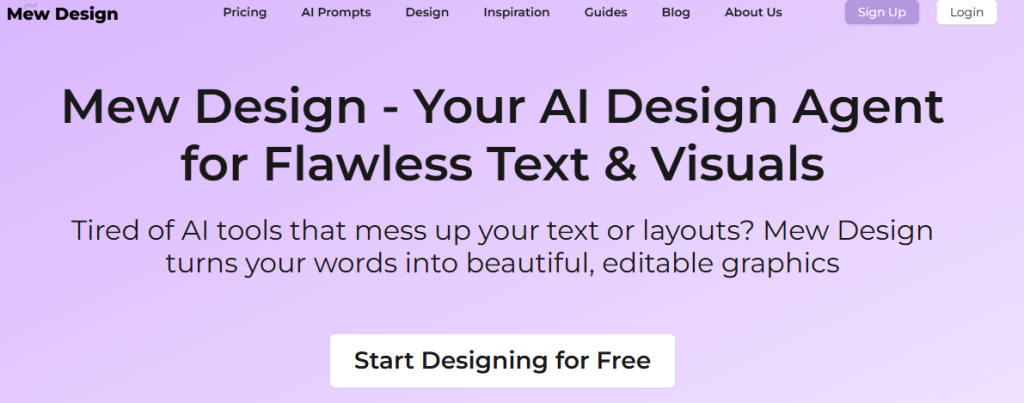
Mew Design is an AI design tool that creates printable layouts from simple prompts.
It’s useful for creating simple planner pages without much effort.
Pros
- Easy to use.
- Quickly creates printable layouts.
- Good for beginners.
- Clean, modern designs.
Cons
- Limited customization.
- Better for single-page planners than complete planner books.
- Doesn’t offer advanced planning features.
Conclusion
Planning should make your life easier, not harder. Instead of spending hours drawing pages or settling for planners that don’t fit your routine, you can let AI do the hard work for you.
All the tools on this list can help you stay organized, but they focus on different things. Some are better for managing digital calendars, while others help with scheduling tasks or designing templates.
If your goal is to create a fully customized, printable monthly planner, WordWriter is the best option. It lets you choose your layout, customize your planner, preview it before generating, and download a professional planner that’s ready to print.
Whether you’re planning your work, studies, business, or personal life, WordWriter gives you an easy way to create a planner that truly works for you.
