
10 Best AI Writing Tools for Writers in 2026
Whether you write novels, blog posts, marketing copy, or academic papers, there’s an AI writing tool built for your workflow. But with dozens of options on the market, picking the right one matters. This list covers the 10 best AI writing tools for writers in 2026, evaluated on core features, real user ratings from G2, Capterra, and Trustpilot, and actual value for the price.
How We Evaluated These Tools
We looked at five things: writing features that genuinely serve writers (not just marketers), third-party ratings from G2, Capterra, and Trustpilot, pricing transparency, content quality, and how well each tool handles the full writing process — from research to final draft.
10 Best AI Writing Tools for Writers in 2026
1. WordWriter — Best Overall AI Writing Tool for Writers in 2026
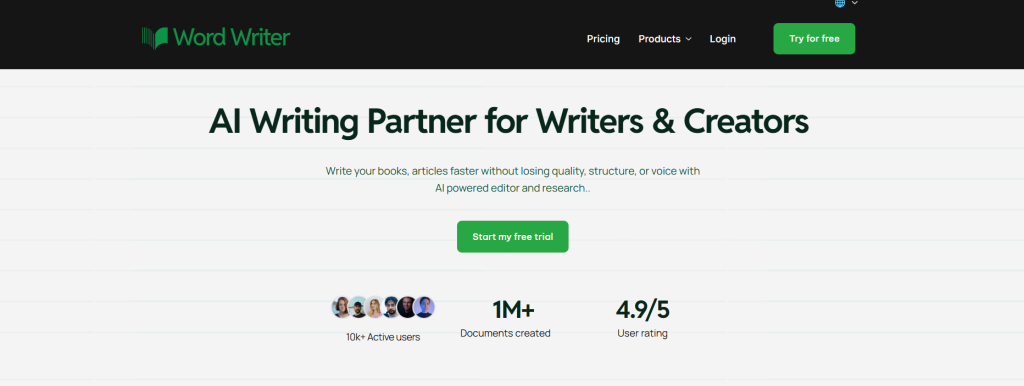
Leading the pack in 2026, WordWriter has established itself as the premier AI writing tool for authors who demand comprehensive research capabilities and professional-grade content creation. This innovative platform combines cutting-edge AI technology with robust research features, making it the go-to choice for serious authors across all genres.
Key Features
- AI Research Agent — A revolutionary automated research system that gathers, analyzes, and cites credible sources directly within your workflow. No more tab-switching to verify facts or hunt for references.
- Long-Form Excellence — Generate complete book manuscripts up to 200+ pages with maintained consistency in tone, narrative arc, and chapter structure.
- Story Bible — Build a living reference for your characters, world, and lore so your story stays consistent from chapter one to the last page. This is especially powerful for series writers managing complex fictional universes.
- Plot Development Tools — Map out your story arc, spot pacing issues early, and structure your narrative with tools designed around how great fiction actually works.
- Creative Brainstorming — Stuck on where the story goes next? Get AI-generated plot twists, character directions, and “what if” scenarios tailored specifically to your story, not generic suggestions.
- Style Matching — WordWriter reads your writing and mirrors it, so every AI suggestion sounds like you wrote it, not a machine.
- Visual Storytelling — Bring your characters and settings to life visually so you can see your world before you write it into existence.
- Genre Specialization — Whether you write fantasy, sci-fi, literary fiction, or anything in between, WordWriter is tuned to the specific demands of your genre.
- Content Repurposing — Transform podcasts, webinars, and videos into written content, making the platform useful well beyond original drafts.
- 100+ Templates — A comprehensive library covering every format from fiction to academic writing, blog posts, marketing copy, and more.
- SEO and GEO Optimization — Advanced search engine optimization plus Generative Engine Optimization, so your content is structured to rank on traditional search engines and appear in AI-generated answers on platforms like ChatGPT and Perplexity.
- Multimedia Integration — Create charts, infographics, images, and videos within your workflow without switching tools.
- Multilingual Support — Generate content in multiple languages with cultural adaptation for global audiences.
- WordPress Integration — Publish directly to WordPress without manual formatting or copy-pasting.
Why WordWriter Tops This List
WordWriter’s unmatched research capabilities set it apart from every other tool on this list. The AI Research Agent doesn’t just generate content, it conducts thorough research, verifies facts, and provides proper citations, making it invaluable for non-fiction authors and researchers. The platform’s ability to maintain narrative consistency across entire manuscripts while providing multimedia support makes it the most comprehensive solution available in 2026.
Ratings: 4.9/5 user rating
Pricing: Free trial available, no credit card required. Visit wordwriter.co for current plan details.
Best For: Research-heavy non-fiction, novelists, creative writers, screenwriters, fantasy and sci-fi authors, academic writers, long-form content creators, and professional authors requiring citation management.
2. Jasper — Best for Marketing Teams and Brand-Consistent Content
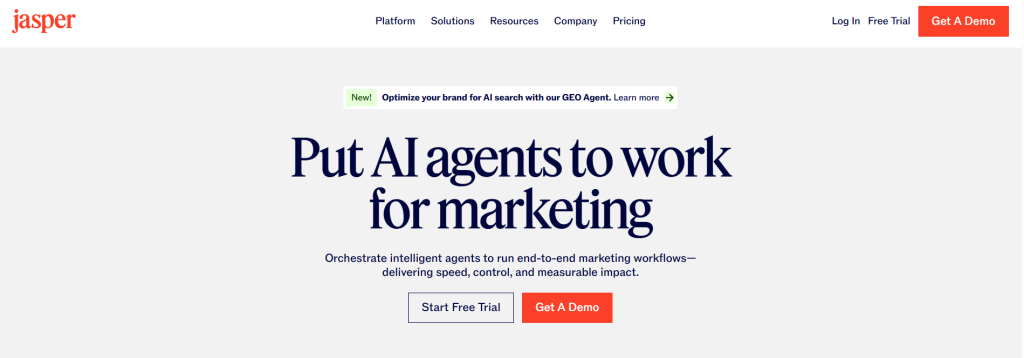
Jasper has firmly positioned itself as an enterprise content platform for marketing teams in 2026. If your primary need is producing on-brand, high-volume marketing copy across multiple campaigns and channels, Jasper is one of the strongest tools available.
Key Features
Ratings: G2: 4.7/5 (1,270+ reviews)
- Brand Voice Training — Jasper learns your brand’s tone and style and enforces consistency across all generated content, particularly valuable for teams with multiple writers.
- 50+ Content Templates — Covers blog intros, product descriptions, email sequences, landing pages, ad copy, and social media content.
- Canvas Editor — A long-form content editor built for drafting, organizing, and refining full documents.
- Jasper IQ — A brand intelligence layer that continuously learns your guidelines and applies them at scale.
- AI Image Generation — Built-in image creation and editing, including background removal and social media resizing.
- Surfer SEO Integration — Optimize content for search rankings directly inside Jasper (note: requires a separate Surfer subscription).
- Campaign Builder — Create multi-piece campaigns (emails, social posts, landing pages) from a single goal or brief.
- Collaboration Tools — Multi-user workspaces with role assignment and team-level content governance.
- Chrome Extension — Write with AI assistance inside Gmail, Google Docs, LinkedIn, and any other browser-based tool.
- Multi-Language Support — Generate content across 30+ languages.
Pricing: Creator starts at $39/month (annual) or $49/month (monthly). Pro starts at $59/month (annual) or $69/month (monthly). Business plan is custom pricing. All paid plans include unlimited word output, and a 7-day free trial is available.
Best For: Marketing teams, brand managers, agencies, and businesses producing content across multiple campaigns and channels.
3. Writesonic — Best for SEO Content and AI Search Visibility
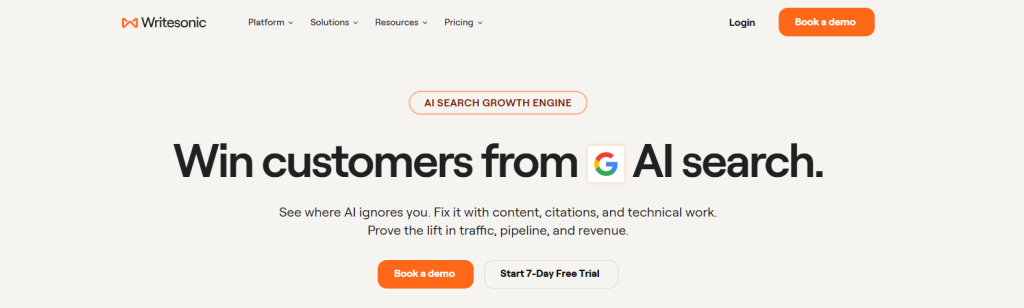
Writesonic has evolved from a basic AI writing assistant into a full content and SEO platform with a particular focus on Generative Engine Optimization, making it the strongest pick for writers who care about appearing in both traditional search results and AI-generated answers.
Key Features
- AI Article Writer 6.0 — Long-form content generation with real-time data access for factual accuracy, handling articles up to 5,000 words.
- GEO Tracking Dashboard — Monitor your content’s visibility across ChatGPT, Gemini, and Google AI Overviews — one of the very few writing tools with this capability.
- 80+ Writing Templates — Blog posts, ad copy, product descriptions, social media, landing pages, and more.
- Multiple AI Model Access — Choose between GPT-4o, Claude, and other models depending on your plan.
- Chatsonic — An AI chat assistant with real-time web access for research and content ideation.
- Keyword Research Tools — Built-in SEO tools for content strategy and competitive analysis.
- WordPress and Zapier Integration — Publish directly or automate your workflow.
- AI Image Generation — Create visuals for your content without switching platforms.
- Team Collaboration — Shared workspaces on higher-tier plans.
- Multi-Language Support — Create content for global audiences
Ratings: G2: 4.7/5 (2,065+ reviews) | Trustpilot: 4.7/5 (5,810+ reviews)
Pricing: Plans start at $39/month billed annually for solo operators and freelancers. Higher tiers unlock more articles, GEO tracking across multiple AI platforms, team seats, and advanced SEO features. A free plan is available with limited access.
Best For: Bloggers, SEO content writers, digital marketers, and content teams focused on organic and AI search visibility.
4. Sudowrite — Best for Fiction Writers and Novelists
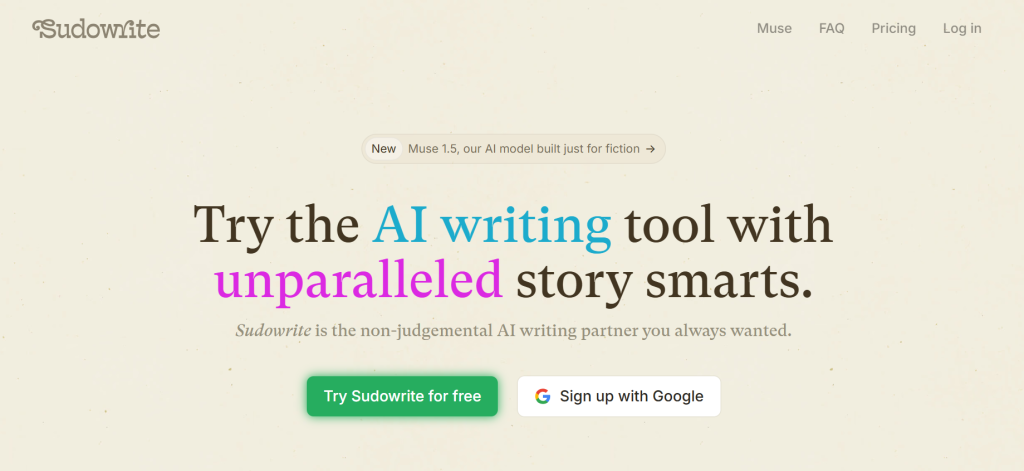
Sudowrite was built by fiction writers, for fiction writers, and that foundation shows in everything from the feature names to how the AI actually handles narrative. Unlike general-purpose tools that treat novels as just longer blog posts, Sudowrite understands pacing, character voice, scene structure, and genre-specific conventions at a sentence level.
Key Features
- Sudowrite Muse — A proprietary language model fine-tuned on published novels and short stories, giving it literary output that general AI models can’t replicate without heavy prompting.
- Story Engine 3.0 — Generate a beat sheet outline from a premise, characters, and genre, then expand it into full chapters.
- Story Bible — Maintain consistent character details, plot notes, and world-building across your manuscript.
- Describe Tool — Generate sensory-rich descriptions (sight, sound, smell, taste, touch) from simple prompts.
- Rewrite and Expand — Rework existing sections or expand scene-level content without losing your voice.
- Shrink Ray — Tighten wordy passages without stripping meaning.
- Brainstorm Mode — Generate plot twists, character directions, and scene ideas when you hit a wall.
- Canvas Workspace — Organize ideas, scenes, and character notes before drafting.
- Multiple AI Model Options — Switch between models to find the best fit for your genre and style.
- Free Trial — 10,000 credits with no credit card required to get started.
Ratings: G2: 5.0/5 | Capterra: Reviewers highlight strength in outlining and short-form fiction, with noted limitations on complex multi-chapter projects.
Pricing: Hobby and Student at $10/month (225K AI words), Professional at $22/month (1M words with priority processing), and Max at $33/month (2M words with fastest generation).
Best For: Novelists, short story writers, screenwriters, fantasy and sci-fi authors, and any fiction writer who needs AI that understands narrative craft.
5. Rytr — Best Budget AI Writing Tool
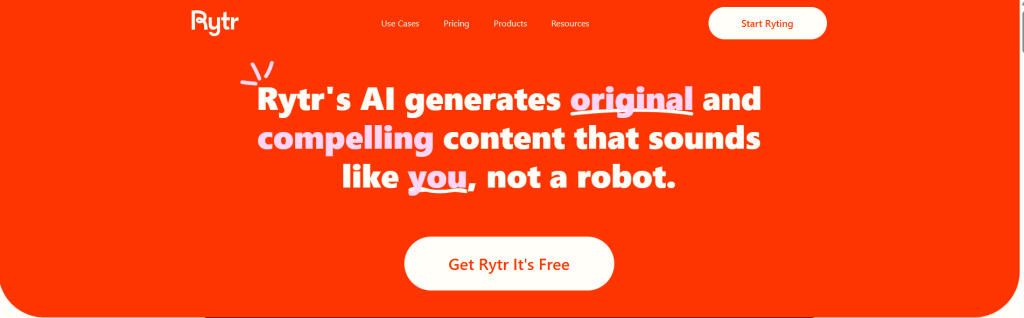
Not every writer needs enterprise features or deep research capabilities. For solo bloggers, freelance writers, and content creators who need reliable AI assistance without a steep monthly bill, Rytr delivers solid results at a price point that’s hard to beat.
Key Features
- 40+ Use Case Templates — Blog intros, product descriptions, email copy, LinkedIn posts, YouTube scripts, social media captions, and more.
- Tone Selection — Multiple tone options (formal, persuasive, humorous, etc.) for different content needs.
- Personalized Voice Program — Train Rytr to write in your specific voice and style.
- Built-in Plagiarism Checker — Built into the platform so you don’t need a separate tool.
- AI Chat — Separate chat interface for brainstorming, research assistance, and content ideation.
- Multi-Language Support — Generate content in 20+ languages.
- Chrome Extension — Write with AI inside Gmail, Google Docs, WordPress, and other browser-based tools.
- Fast Output — Most generations take 2 to 5 seconds, making it one of the quickest tools for first drafts.
- Clean, Simple Dashboard — Beginner-friendly with almost no learning curve.
- Free Plan — Available with limited monthly characters, enough to test the tool properly.
Ratings: G2: 4.7/5 | Capterra: 4.6/5 | Trustpilot: 4.5/5
Pricing: Rytr offers a free plan, an Unlimited plan at $9/month, and a Premium plan at $29/month with team features. Annual billing saves about 17 percent.
Best For: Bloggers, solo content creators, freelance writers on a budget, small businesses needing quick content assistance.
6. Copy.ai — Best for Short-Form Copy and Workflow Automation
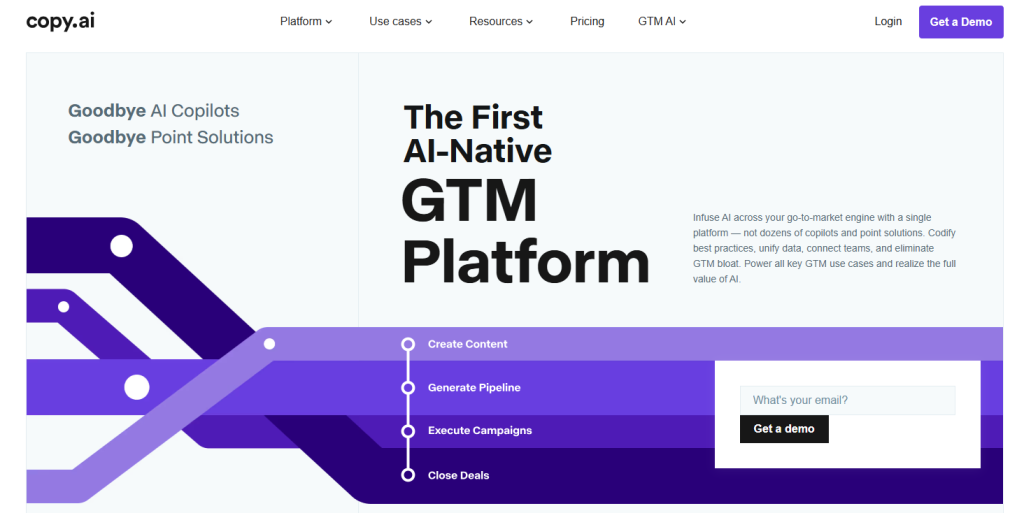
Copy.ai started as a copywriting tool and has since expanded into a full go-to-market AI platform. Its sweet spot remains short-form content, where it produces fast, usable drafts with minimal setup, and its workflow automation features make it genuinely useful for teams that produce repetitive content at scale.
Key Features
- 90+ Writing Tools and Templates — Strong coverage for short-form content: social media captions, ad hooks, email subject lines, product descriptions, and more.
- Chat by Copy.ai — A conversational AI interface for generating long-form content, with unlimited words on paid plans.
- AI Workflows — Build multi-step automation pipelines that combine content generation with data inputs, approvals, and publishing. One of Copy.ai’s most powerful differentiators.
- Infobase — A knowledge management feature that stores your brand information so the AI can reference it for contextually accurate content.
- Brand Voice — Train the AI on your existing content to maintain consistent tone and style.
- Content Agents — Generate content automatically based on your examples and preferences.
- 2,000+ App Integrations — Connects with WordPress, Google Docs, Zapier, and thousands of other tools.
- Team Collaboration — Role-based access and shared workspaces for content teams.
- Sales Tools — Prospecting Cockpit for lead generation and Deal Coaching from sales transcripts (useful for content teams that support sales).
- Generous Free Plan — 2,000 words per month and access to 90+ tools at no cost, making it one of the most accessible tools on this list
Ratings: G2: 4.7/5 | Capterra: 4.4/5
Pricing: Free plan available (2,000 words/month). Chat plan starts at $29/month for unlimited words. Pro plan begins at $49/month and includes 500 workflow credits, unlimited word generation, brand voice customization, and team collaboration tools.
Best For: Marketers, copywriters, sales teams, content creators who produce high volumes of short-form copy, and teams wanting to automate repetitive content workflows.
7. Grammarly — Best AI Writing Assistant for Editing and Polish
Grammarly is the most widely used writing assistant in the world, and in 2026 it has expanded well beyond basic grammar checking into a full AI writing platform with rewriting, tone control, and generative capabilities. For writers who want real-time feedback as they write, it remains the gold standard.
Key Features
- Real-Time Grammar and Spelling — Catches errors as you type across every platform where you write, including Gmail, Google Docs, Microsoft Word, LinkedIn, and your browser.
- AI Rewriting (GrammarlyGO) — Full-sentence rewrites, tone adjustments, and clarity improvements powered by generative AI.
- Tone Detection — Identifies how your writing sounds (assertive, passive-aggressive, overly formal) before you send it.
- Plagiarism Detection — Checks your content against billions of web pages, essential for academic writers and bloggers.
- AI Text Detection — Identifies AI-generated content within your own work.
- Clarity Suggestions — Flags overcomplicated sentences and suggests cleaner alternatives.
- Style Guides and Brand Tones — Teams can set writing standards and enforce them across the organization.
- 2,000 Monthly AI Prompts — Available on Pro plan for generative writing assistance.
- Snippets — Save and reuse frequently used phrases, boilerplate text, and templates.
- Chrome Extension and Desktop App — Works wherever you write with seamless cross-platform integration.
Ratings: G2: 4.7/5 (12,969 reviews) | Capterra: 4.7/5 (7,210 reviews)
Pricing: Free plan available. Pro plan is $12/month billed annually ($144/year) or $30/month billed monthly. Business plan runs $15/seat/month billed annually.
Best For: All types of writers who want real-time editing, grammar correction, tone feedback, and AI rewriting integrated directly into their existing writing environment.
8. ProWritingAid — Best Deep Editing Tool for Authors
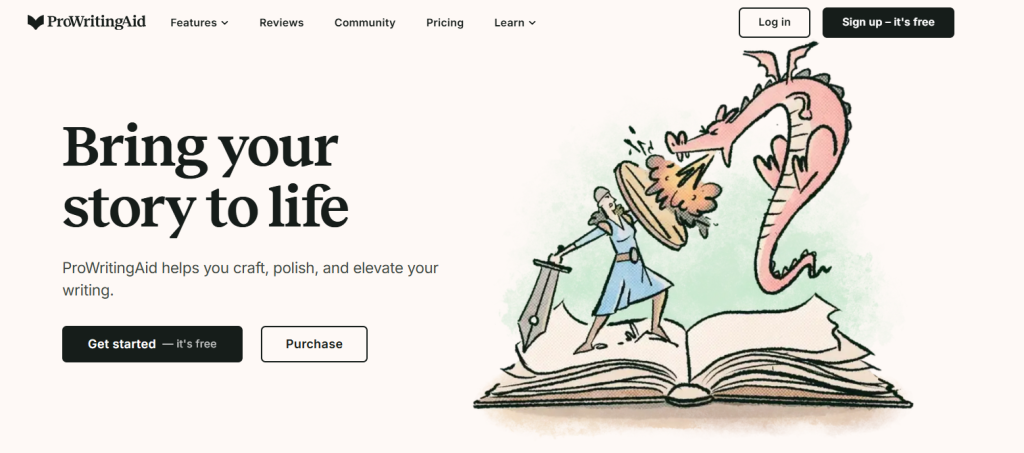
Where Grammarly focuses on quick, real-time corrections, ProWritingAid goes deeper. It’s built specifically for long-form writers, novelists, authors, and serious bloggers, who want detailed analytical reports on their writing style, structure, and readability, not just surface-level grammar fixes.
Key Features
- 20+ In-Depth Writing Reports — Readability, sentence structure, pacing, overused words, dialogue tags, clichés, passive voice, consistency, and more — all in detailed, actionable reports.
- Chapter Critiques — AI-powered chapter-level feedback, particularly praised by authors working on novels and long manuscripts.
- Grammar and Style Checking — Goes beyond spelling and punctuation to catch structural and stylistic issues.
- Readability Analysis — Scores your writing for clarity and accessibility, with suggestions to improve.
- Repetition and Overuse Alerts — Flags words and phrases you lean on too heavily across your manuscript.
- Consistency Checker — Identifies inconsistencies in character names, hyphenation, capitalization, and style across long documents.
- Integration with Word, Google Docs, Scrivener — Works directly inside the tools authors already use.
- Desktop App — A native macOS and Windows app for focused writing and editing sessions.
- 1,000+ Prebuilt Writing Style Suggestions — Covers different genres and writing contexts.
- Lifetime Plan Option — A one-time payment option that removes recurring billing, rare in the AI writing tool space.
Ratings: G2: 4.5/5 | Capterra: 4.7/5 (497 reviews)
Pricing: Free tier available with limited checks. Premium starts at $20/month. A lifetime Premium plan is available as a one-time payment for writers who want to avoid recurring subscriptions.
Best For: Novelists, authors, long-form bloggers, academic writers, and editors who want deep stylistic analysis, not just grammar fixes.
9. Copy.ai (Workflows) vs. Notion AI — Best for Writers Who Work in a Connected Workspace
Actually, let’s round this list out with a tool that takes a different angle entirely.
9. NovelAI — Best for Immersive Fiction and World-Building
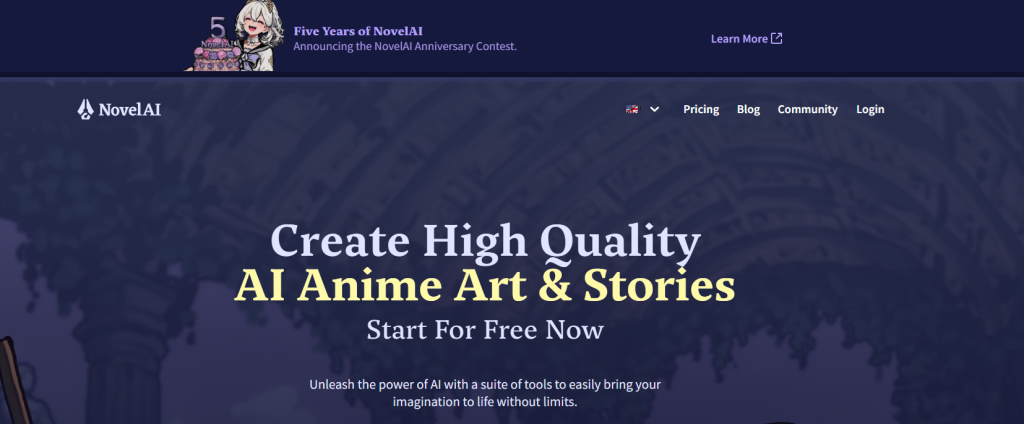
NovelAI takes a different approach from most tools on this list. Rather than positioning itself as an AI assistant, it functions more like an AI creative collaborator, generating narrative content in styles trained on actual literature, and giving fiction writers a sandbox environment to explore stories, characters, and worlds without constraints.
Key Features
- Kayra and Clio AI Models — NovelAI’s proprietary language models are trained specifically on literary fiction, producing prose that reads closer to published novels than general AI output.
- Story Mode — An immersive writing environment where the AI continues your story from where you leave off, maintaining narrative thread and character voice.
- Author’s Note and Memory — Persistent story memory system that lets you feed the AI key context about your characters, plot, and world so it doesn’t lose the thread across long sessions.
- Lorebook — A world-building database where you store lore, character details, locations, and rules that the AI references during generation.
- Text Adventure Mode — Explore your fictional world in an interactive format, useful for testing how characters respond in different scenarios.
- Image Generation — Generate character art, scene illustrations, and world-building visuals directly inside the platform.
- Custom AI Training — Higher-tier plans allow you to fine-tune the AI on your own writing style for even closer style matching.
- No Content Restrictions — Designed for adult fiction writers who need creative freedom without platform-level content filters.
- Offline Exports — Download your generated content in multiple formats.
- Encryption and Privacy — Stories are encrypted on NovelAI’s servers, with a strong emphasis on user privacy.
Ratings: Highly rated within fiction writing communities on Reddit and specialized forums. Official review platform presence is limited given its niche positioning.
Pricing: Tablet plan at $10/month (limited generations). Scroll plan at $15/month (unlimited Opus model access). Opus plan at $25/month with priority access and custom AI training.
Best For: Fiction writers, fantasy and sci-fi authors, adult fiction creators, and writers who want an AI creative collaborator with minimal content restrictions and strong narrative memory.
10. Notion AI — Best for Writers Who Want AI Built Into Their Workflow

Most AI writing tools require you to open a separate app, copy your content across, generate something, and then paste it back into wherever you’re actually working. Notion AI takes the opposite approach — it brings the AI directly into the workspace where you already plan, outline, research, and draft.
Key Features
- AI Writing Assistance Inside Notion — Generate, rewrite, summarize, and edit content directly within your Notion pages and databases without leaving the platform.
- Ask AI — A conversational AI sidebar that answers questions, generates content, and helps you brainstorm based on your existing notes and documents.
- Summarization — Condense long meeting notes, research documents, or drafts into clear summaries in seconds.
- Autofill for Databases — Automatically populate Notion database properties using AI, useful for content calendars, editorial planners, and project trackers.
- Tone and Style Adjustments — Rewrite selected text to be more formal, casual, concise, or engaging with a single click.
- Translation — Translate content directly inside your pages.
- Action Items Extraction — Pull actionable tasks out of long documents, meeting notes, or research pages automatically.
- Content Generation from Prompts — Create blog drafts, outlines, social posts, and document sections from simple text prompts without leaving your workspace.
- Connected to Your Existing Notes — Unlike standalone AI tools, Notion AI can reference and work with content you’ve already stored in your Notion workspace.
- Team Collaboration — Full real-time collaboration with AI assistance available to the whole team within shared Notion workspaces.
Ratings: G2: 4.7/5 (5,700+ reviews for Notion overall) | Capterra: 4.7/5 (2,400+ reviews)
Pricing: Notion AI is available as an add-on at $10/member/month (or $8/month billed annually) on top of any Notion plan. Notion’s Plus plan starts at $10/month, making the entry point around $18-20/month total for individuals.
Best For: Writers, content strategists, bloggers, and creative teams who use Notion as their primary workspace and want AI assistance integrated directly into their planning and drafting process.
Quick Comparison: Which Tool Is Right for You?
| Tool | Best For | Starting Price |
|---|---|---|
| WordWriter | All-round: research, fiction, long-form | Free trial |
| Jasper | Marketing teams, brand content at scale | $39/month |
| Writesonic | SEO content and AI search visibility | $39/month |
| Sudowrite | Fiction writers and novelists | $10/month |
| Rytr | Budget-conscious solo writers | $9/month |
| Copy.ai | Short-form copy and workflow automation | Free |
| Grammarly | Real-time editing and polish | $12/month |
| ProWritingAid | Deep editing for authors and long-form writers | $20/month |
| NovelAI | Immersive fiction and adult creative writing | $10/month |
| Notion AI | Writers who work inside Notion | $8/month add-on |
Final Thoughts
The best AI writing tool is the one that fits your actual workflow. A novelist and an SEO blogger have completely different needs, and using the wrong tool for either job adds friction instead of removing it. Start with WordWriter if you want a single platform that covers the most ground, from research to fiction to content repurposing.
Layer in a specialized tool like Sudowrite if fiction is your focus, or ProWritingAid if editing depth matters more than generation speed. And for writers working at the intersection of content and marketing, Jasper and Writesonic are the strongest choices.
The blank page problem hasn’t gone away. But in 2026, you have better tools than ever to beat it.
