
How to Create a Research Brief Using AI

A research brief is the foundation of any serious content project, report, or academic paper. It defines your scope, aligns your team, and gives your writing direction before a single word hits the page. The problem is that building one from scratch takes time, and most people skip it entirely. That’s where AI comes in.
With the right AI writing tool, you can go from a vague topic idea to a well-structured research brief in a fraction of the time. This guide walks you through exactly how to do that using WordWriter’s AI Research Writer.
What is a research brief and why does it matter?
A research brief is a short document that outlines the purpose, scope, key questions, and intended audience of a research project. Think of it as a contract you make with yourself before diving into a deep topic. It keeps your writing focused, helps you avoid scope creep, and gives collaborators a shared reference point.
Whether you’re writing a long-form blog post, a white paper, a literature review, or an academic essay, a research brief tells you what to look for, what to ignore, and how to structure what you find.
Without one, you end up collecting random information and wondering how to fit it all together. With one, every source you find has a clear home in your document.
What you’ll need before you start
Before you open WordWriter, spend five minutes answering these questions:
- What is the core topic or question I’m researching?
- Who is this research for and what will they do with it?
- What outcome does this research need to support?
- Are there specific subtopics, angles, or positions I need to cover?
- What is the expected length or format of the final output?
You don’t need perfect answers. Even rough ones give the AI enough to work with.
How to Create a Research Brief Using AI
Step 1: Open the AI Research Writer on WordWriter
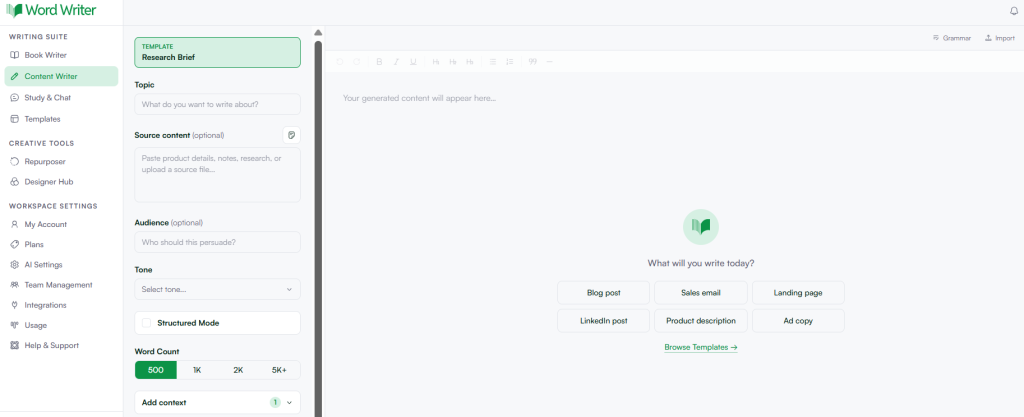
Log into your WordWriter account at web.wordwriter.co and navigate to the Product menu. Tap on Template, Browse and Select AI Research Writer using the search bar. This is WordWriter’s dedicated tool for research-driven content. It’s built to analyze sources, generate structured chapters, insert properly formatted citations, and synthesize insights from documents you upload.
If you’re starting fresh without uploaded materials, you can simply describe your research topic in the input field and the tool will pull from relevant sources to build your content.
Step 2: Define your topic and scope
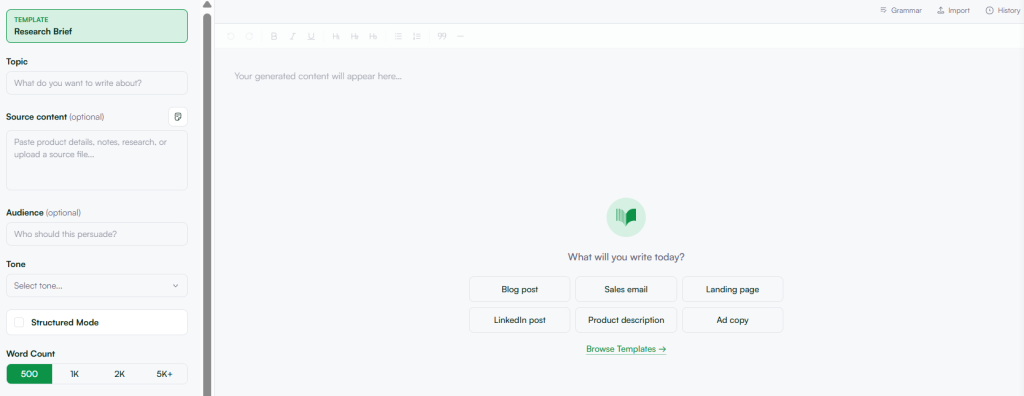
In the research input field, write a clear description of your topic. Be specific. Instead of typing “AI in marketing,” try something like “how AI is changing content personalization in B2B marketing, with a focus on small-to-medium businesses.”
The more context you give the AI, the more targeted your research brief will be. You can also specify the intended audience, the tone (academic, professional, conversational), and the goal of the research.
Step 3: Upload your existing materials (optional but powerful)
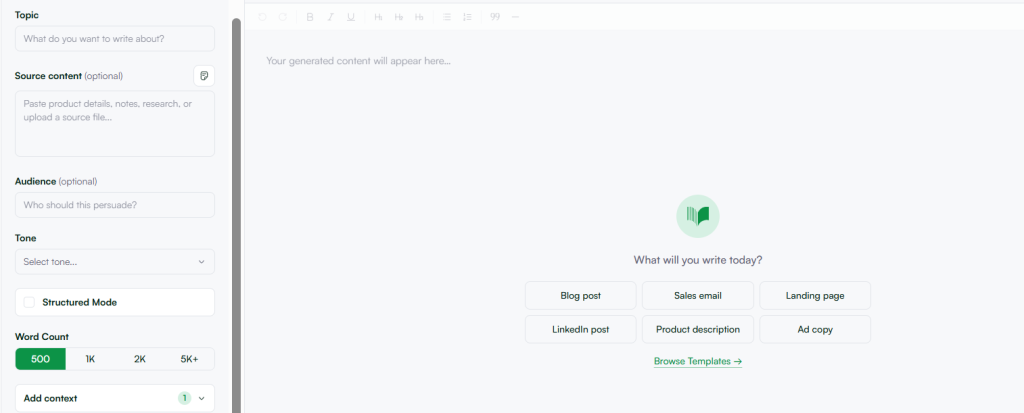
If you already have documents, PDFs, notes, or source files related to your topic, WordWriter’s AI Research Writer lets you upload them directly. The AI will process those files, extract key insights, identify themes, and use them to shape the structure of your brief.
This is especially useful if you’re working on a project where the client has provided background materials, internal reports, or previous research. Instead of reading through everything manually, you let the AI do the synthesis and surface what matters most.
Step 4: Let the AI generate your research structure
Once your topic and materials are in, WordWriter’s AI analyzes everything and generates a structured framework. This typically includes a problem statement or context section, the key research questions the brief is addressing, main themes or subtopics to explore, suggested sources and citations formatted in APA, MLA, or Chicago style depending on your needs, and a recommended content flow.
This gives you an instant skeleton for your research brief. You’re not starting from a blank page. You’re editing and refining something that already has shape.
Step 5: Refine with the Smart Text Editor
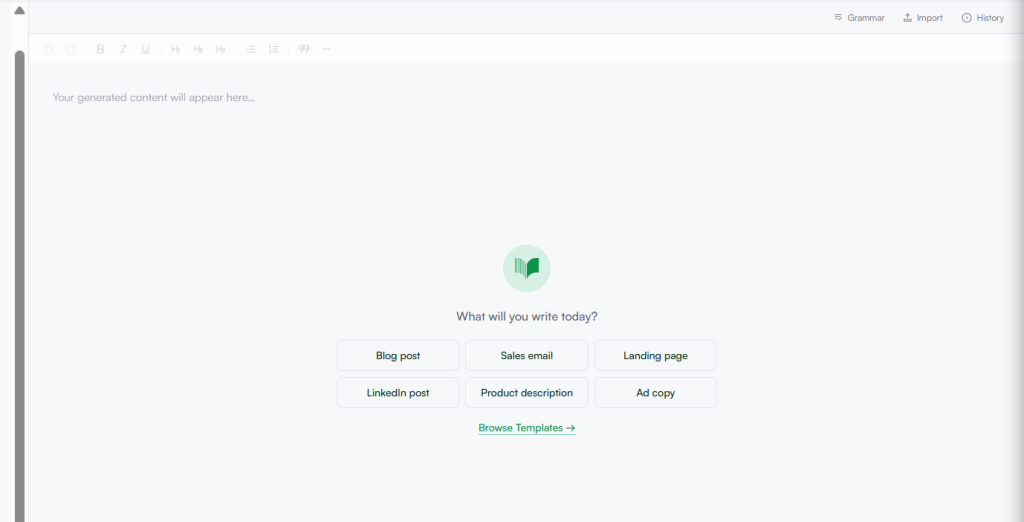
WordWriter’s Smart Text Editor lets you edit the generated research brief directly in the platform. You can reorder sections, remove angles that aren’t relevant, expand on themes the AI flagged as important, and rewrite any part that doesn’t fit your voice or direction.
The AI offers suggestions as you edit, so if you want to expand a section or tighten a paragraph, you can do that without leaving the document.
Step 6: Review your citations
One of the most time-consuming parts of creating a research brief is tracking down and formatting references. WordWriter handles this automatically. The AI Research Writer pulls citations from trusted academic and professional sources and formats them accurately, with a stated accuracy rate of 99.5% on references.
Review the citations the AI has included and remove any that aren’t directly relevant to your brief. If you need to add a specific source, you can prompt the tool to find references on that subtopic.
Step 7: Export or publish your research brief
Once your research brief is ready, you can export it directly to your content workflow. WordWriter integrates with WordPress, so if your brief is being handed off to a writing team or going directly into your CMS, you can publish from the platform without copy-pasting.
You can also save the document to your Content Hub inside WordWriter, where it stays organized alongside your other drafts and projects.
Tips for getting the most out of AI research briefs
The quality of your output depends heavily on how you frame your input. Vague prompts produce vague briefs. Specific, detailed prompts produce research briefs that actually save time downstream.
Use the research brief as a living document. Once your writing project is underway, go back to the brief and update it as your focus sharpens. What you think the article is about at the start is often different from what it becomes by the middle.
Don’t try to include everything. A good research brief is focused, not exhaustive. If the AI surfaces 10 subtopics but your piece only has room for three, choose the three most important ones and cut the rest.
Why WordWriter is built for this kind of work
Most AI writing tools are built for short-form content. Generating a caption, a product description, or a social media post is straightforward. Research-driven content is a different challenge entirely. It requires structure, sourcing, and the ability to synthesize information across multiple inputs, not just generate text from a prompt.
WordWriter’s AI Research Writer is purpose-built for this. It handles the heavy lifting of finding and formatting sources, generates well-structured chapters with academic rigor, and works with both fresh topics and documents you already have. For content strategists, researchers, academics, and marketers who need to produce serious, well-sourced content at scale, it removes the most friction-heavy parts of the process.
Get started
Creating a research brief no longer has to be the part of a project you dread. With WordWriter, you can go from a topic idea to a structured, sourced research brief in minutes, not hours. Try the AI Research Writer free at wordwriter.co and see how much faster your research process can move.
