
How to Write a Cover Letter With AI
Learn how to write a cover letter with AI in minutes. Follow these steps to create a tailored, job-winning cover letter with WordWriter’s AI writing tools.
A powerful cover letter can be the difference between landing an interview and getting lost in a pile of applications. It can turn a hiring manager’s quick glance into a full read, make a career gap feel like a non-issue, and position you as the obvious choice before they even look at your resume. The problem is most people spend hours trying to get it right and still end up with something that sounds stiff, generic, or forgettable.
That is where AI comes in. With the right tool and the right approach, you can generate a cover letter that is sharp, tailored, and ready to send in a fraction of the time.
Related: How to write perfect job description with AI
What is a Cover Letter?
A cover letter is a one-page document you send alongside your resume when applying for a job. It gives you space to introduce yourself, explain why you are the right fit for the role, and show some personality that a resume simply cannot capture. Think of it as your first conversation with the hiring manager, on paper, before you ever walk through the door.
What You Need Before You Start
The biggest mistake people make when using AI for cover letters is giving it too little information. A vague prompt gets a generic result. Before you open any AI tool, gather the following:
- Your resume highlights, not the full document, but your top three to five skills and achievements relevant to the role. Pull in numbers where you can. Increased sales by 30%, managed a team of 10, cut customer churn by 15%. Specifics give the AI something real to work with.
- The full job description. Copy the exact language the employer uses for required skills, responsibilities, and qualifications. AI tools use this to mirror the tone and terminology that resonates with that specific hiring team.
- The company name and, where possible, the hiring manager’s name. A single line about why you want to work at that company specifically goes a long way.
- The tone you want. Formal and traditional, or professional but conversational? Different industries call for different approaches, and setting this upfront shapes the entire output.
Related: How to Write a Formal Letter: A Step by Step Guide
Step-by-Step: How to Generate a Cover Letter with WordWriter
WordWriter’s AI Content Generator comes with over 100 writing templates built for different use cases, from business bios and professional emails to marketing copy and formal documents. Here is how to use it for your cover letter:
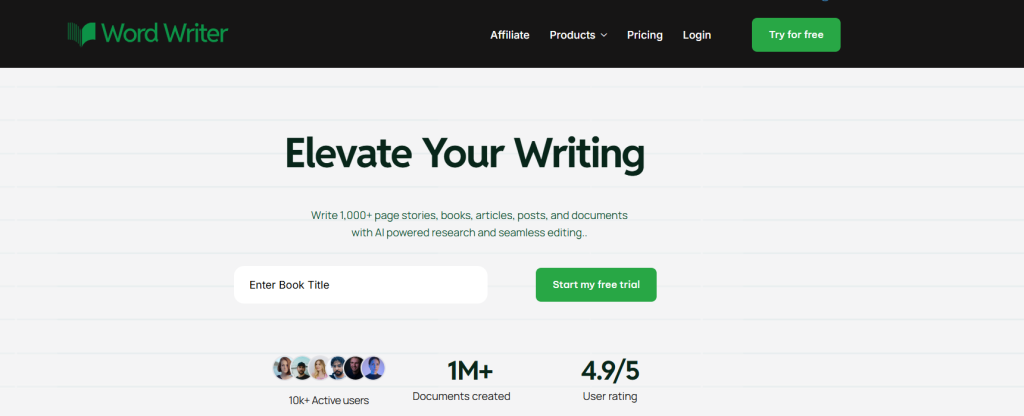
Step 1: Log into your WordWriter account.
Visit wordwriter.co and log into our account.
2. Navigate to the AI templates section
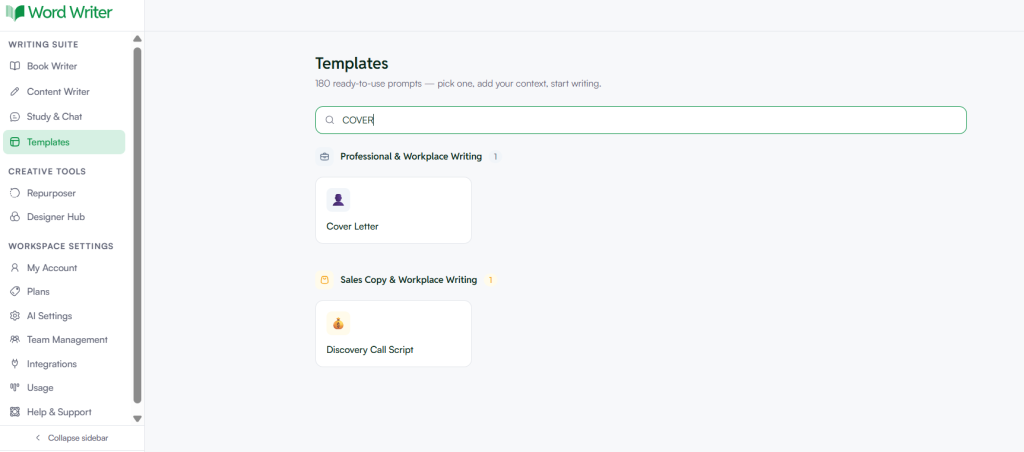
Navigate to the AI Templates section in the dashboard and select the “Application Letter” or “Cover Letter” template. It’s built for crafting job application letters, with options to customise tone and structures.
Step 2: Input your key details.
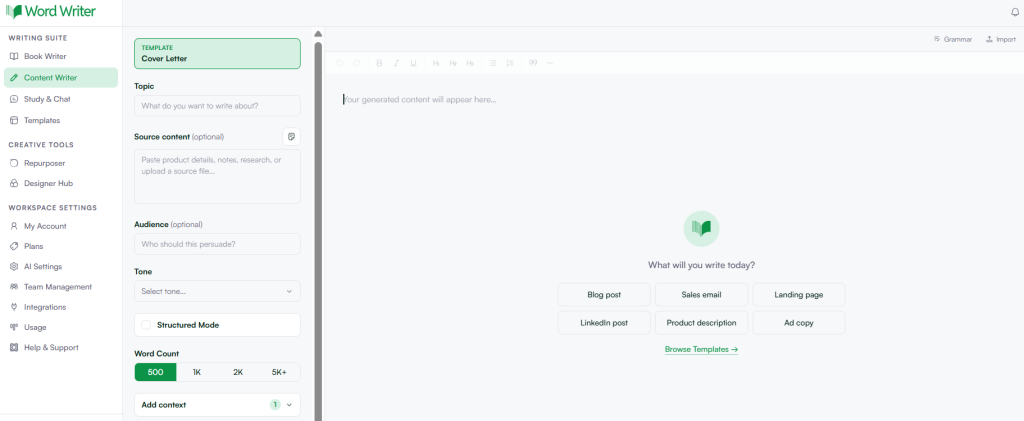
Fill in the prompt fields with your job title, target role, company name, and a summary of your most relevant experience. Do not paste your entire resume. Highlight only what connects most directly to the role you are applying for.
Step 3: Add context from the job posting.
Include key phrases and requirements from the job ad. WordWriter’s AI uses this context to generate content that naturally mirrors what the employer is looking for, which is also critical for getting past applicant tracking systems (ATS).
Step 4: Generate and review the first draft.
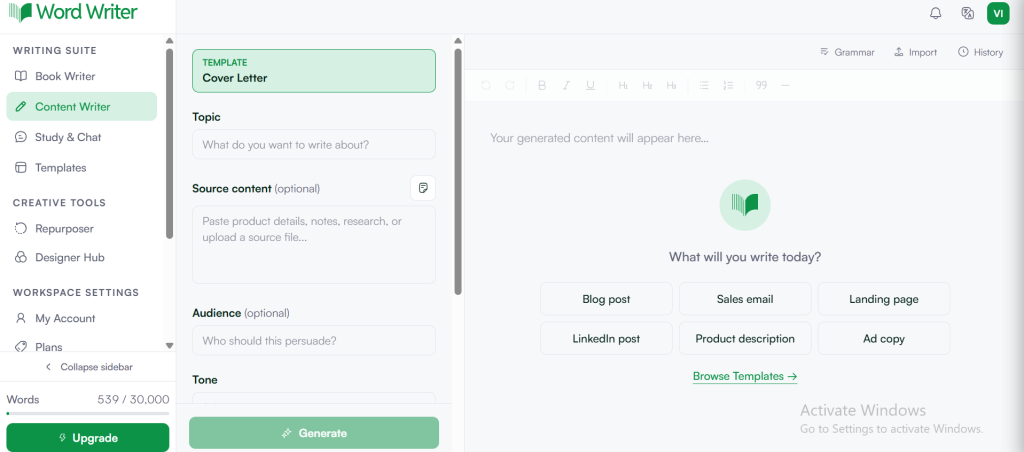
Read through what the AI produces. Look for places where it sounds too generic, phrases like “I am passionate about your innovative company” or “I am a hard worker” are signs the AI did not have enough specific input to anchor the letter to your actual background.
Step 5: Refine using WordWriter’s editor.
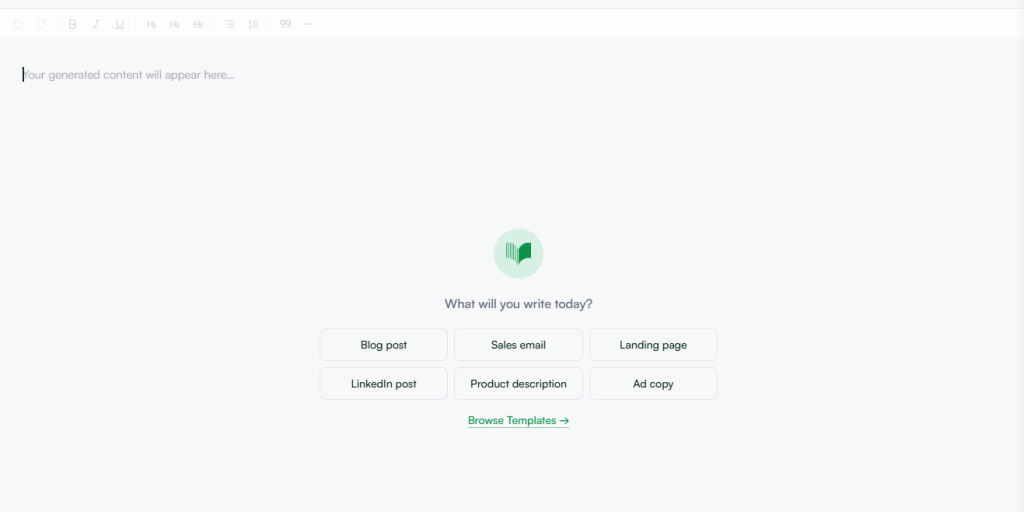
Use the built-in content editor to adjust tone, tighten paragraphs, and inject your personality. Add a specific detail about why you want to work at that company, reference a project you led, or mention a company initiative you genuinely admire. That human layer is what separates a letter that gets read from one that gets deleted.
Tips for Getting the Best Results
- Brief the AI like you would brief a ghostwriter. The more specific your input, the stronger the output. Vague prompts produce vague letters.
- Do not skip the editing step. AI drafts are starting points, not finished products. Your goal is to spend five to ten minutes refining rather than an hour writing from scratch.
- Regenerate for every new application. With WordWriter, producing a fresh, role-specific version takes only a couple of minutes. Sending the same letter to every employer is one of the easiest ways to get ignored.
- Keep it to one page. AI tools can be verbose. Edit ruthlessly. A tight, confident letter beats a long one every time.
Common Mistakes to Avoid
- Using a generic prompt is the most common error. “Write me a cover letter for a marketing job” gives the AI nothing to personalize. Without context, the output will be indistinguishable from hundreds of other applications.
- Sending the AI draft without reviewing it is another. Even a two-minute read-through to catch inaccuracies or off-tone phrasing is worth it. Some employers also use AI detection tools, and a letter with no personal detail or specific references can get flagged or dismissed.
- Ignoring tone is the third. A cover letter for a creative agency should sound different from one for a financial services firm. Set the tone in your prompt and adjust the output to match the culture of the company you are applying to.
Final Thoughts
Generating a cover letter with AI is not about cutting corners. It is about removing the friction from a process that should not be as painful as it usually is. Tools like WordWriter give you a strong, structured starting point, and your job is to shape that into something that sounds like you at your most confident and articulate.
Brief it well, review what it gives you, add your voice, and send something worth reading.
Ready to try it? Open WordWriter’s AI Content Generator and write your next cover letter in minutes.
