
How to write perfect job description with AI
How to write perfect job description with AI is a skill everyone seeking a job should have. A well-written job description is more than just a list of responsibilities; it’s a powerful marketing tool. It’s your first chance to attract top talent, filter for the right skills, and convey your company’s culture.
However, crafting a job description that is both comprehensive and compelling can be a time-consuming task, often leading to generic, uninspired listings that fail to attract the right candidates.
This is where artificial intelligence has become a game-changer. AI-powered tools can streamline the process, transforming a tedious task into a quick, strategic exercise. They can help you write clear, inclusive, and engaging job descriptions in a fraction of the time.
In this article, we’ll explore the key principles of a perfect job description and then show you how WordWriter, with its specialized AI templates, makes it easier than ever to attract your ideal candidate. Let’s dive.
Key Principles of a High-Impact Job Description
Before you even touch an AI tool, it’s crucial to understand what makes a job description effective. The best descriptions are a mix of clarity, authenticity, and strategic design.
1. Be Specific and Clear:
Vague descriptions of responsibilities and qualifications are a major turn-off for top candidates. Use clear, action-oriented language to describe what the role entails on a day-to-day basis.
2. Focus on the Candidate:
A great job description is a sales pitch. It should not only list what the company needs, but also what the candidate will gain. Highlight growth opportunities, company culture, and unique perks.
3. Write for a Human and a Machine (ATS):
Your description must be readable and engaging for human applicants, but also optimized with relevant keywords to get past Applicant Tracking Systems (ATS).
4. Ensure Inclusivity:
Bias in job descriptions, even if unintentional, can deter a diverse pool of candidates. Use gender-neutral language and avoid corporate jargon or exclusionary terms.
5. Structure for Readability:
Use a clear structure with headings and bullet points to make the description easily scannable. A solid format includes a job title, summary, key responsibilities, required qualifications, and a company overview.
Related: How to Create a Compelling Press Release With AI
Step-by-Step on How to Write a Job Description on WordWriter
WordWriter’s AI templates are designed to take these principles and apply them automatically, turning your basic inputs into a polished, professional job description. Here is the straightforward process:
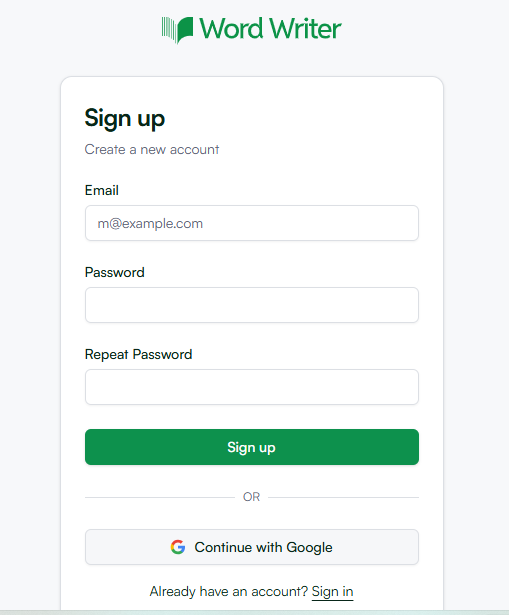
1. Log In to WordWriter
First, go to wordwriter.co and sign in to your account. If you’re a new user, the sign-up process is quick and gives you immediate access to all the AI tools.
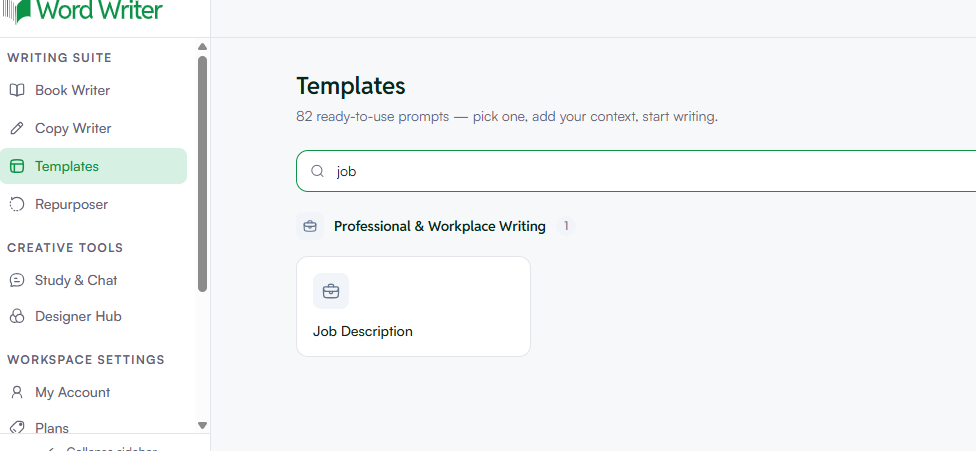
2. Navigate to the Writer’s Templates
From your dashboard, find the “Writer Templates” section. Scroll through the list or use the search bar to find the “Job Description” template. Click on it to open the tool.
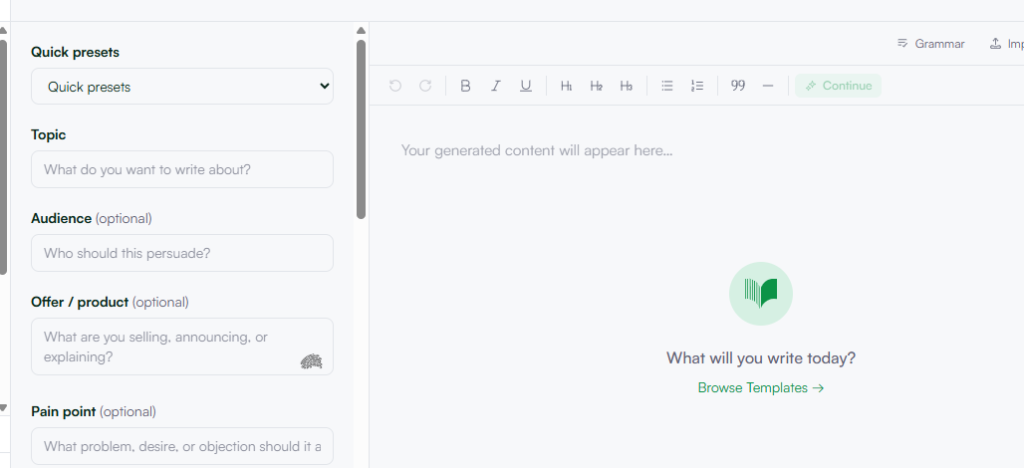
3. Add Your Prompts and Details
This is the most critical step. The quality of your output is directly related to the details you provide. WordWriter will prompt you to input the following information:
i. Job Title: (e.g., “Senior Software Engineer,” “Digital Marketing Manager”)
ii. Key Responsibilities: A bulleted list of the main duties (e.g., “Develop and maintain web applications,” “Manage social media campaigns”).
iii. Required Skills & Qualifications: (e.g., “5+ years of experience with Python,” “Proven track record in SEO”).
iv. Company Information: A brief overview of your company’s mission and culture.
v. Tone: (e.g., “Professional,” “Friendly,” “Energetic”).
4. Generate and Refine
Click the “Generate” button. WordWriter’s AI will analyze your inputs and generate a full job description, structuring it with a compelling overview, detailed responsibilities, clear qualifications, and a professional closing. Review the output carefully.
While the AI provides an excellent, well-structured draft, you should always add a final layer of human polish. Adjust the tone, add specific company details, and ensure it perfectly reflects your organization.
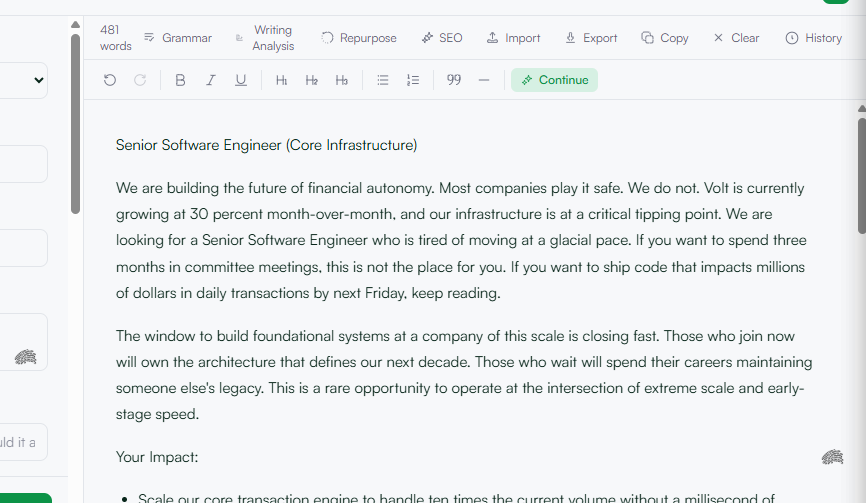
5. Copy or Export Your Final Description
Once you are satisfied with the final result, you can use WordWriter’s various export options to seamlessly integrate the job description into your hiring workflow. You can copy the text to your clipboard, add it to your main editor, or export it as a DOCX or PDF file to share with hiring managers or post on job boards.
Conclusion
Writing a perfect job description is a strategic task that requires a blend of clear communication, marketing, and an understanding of both human and machine readers.
While this process can be challenging, AI tools have transformed it from a chore into an opportunity. By using a specialized platform like WordWriter, you can automate the drafting process, ensuring every job description is not only comprehensive and clear but also compelling and inclusive.
This allows you to spend less time writing and more time connecting with the top talent who are the perfect fit for your team.
