
8 Best AI picture Book illustrator in 2026
What are the best AI picture book illustrators in 2026?
One of the problems most people face after writing a children’s picture book is that they don’t know how they’re going to bring the story to life.
You’ve probably got the characters, the storyline, and even every page mapped out, but when it’s time to actually create the pictures, things fall apart fast. In a bid to make things easier, you probably hire an illustrator, which even can cost more than the whole project’s budget. Then, you tried AI image tools, and most left you with characters that looked different from page one to the last page. You probably were on the verge of giving up.
And that’s probably exactly why you searched for the best AI picture book illustrators in 2026 in the first place but be rest assured it’s about to be sorted in this article. We’ve carefully tested and selected the tools that actually solve this problem, the ones that keep characters consistent, produce publish-ready pages, and don’t force you to become a designer just to finish your book.
In this guide, we’ll compare the top AI picture book illustrators available this year, break down what each one does well, where it falls short, and help you pick the right one for your next children’s book.
Let’s dive in.
Related: How to Create a Cookbook Using AI: A Complete Guide
The 8 Best AI Picture Book Illustrators of 2026
1. WordWriter
WordWriter is an all-in-one AI platform built specifically for authors, educators, and creators who want to publish children’s picture books without juggling multiple apps. Wordwriter, instead of just generating illustrations, it goes ahead to combine story creation, character consistency, page design, and print-ready formatting together inside one workspace.
Its print studio allows you design books in popular publishing sizes like 8.5 x 8.5, 8 x 10, and 11 x 8.5, which makes the entire publishing process much smoother and easier.
Pros
- Advanced Character Locking keeps characters consistent throughout the entire book.
- Integrated Print Studio supports popular print sizes like 8.5 x 8.5, 8 x 10, and 11 x 8.5.
- One-Click Story Layout automatically organizes illustrations into book pages.
- Age-Targeted Styles let you create artwork that matches different reading levels.
- Smart AI Editor makes it easy to refine illustrations without starting over.
2. ToonyStory
ToonyStory is an AI illustration tool designed for creating fun, cartoon-style artwork for children’s stories. It focuses on generating colorful characters and playful scenes, making it a good starting point for beginners who want simple illustrations without a steep learning curve.
Pros
- Beginner-friendly interface.
- Creates colorful cartoon-style illustrations.
- Fast image generation.
- Easy to create playful characters.
Cons
- Characters often change appearance between pages.
- Limited print-ready formatting options.
- Requires exporting artwork into another design tool for book layout.
- Limited control over page composition.
3. LoveToRead.ai
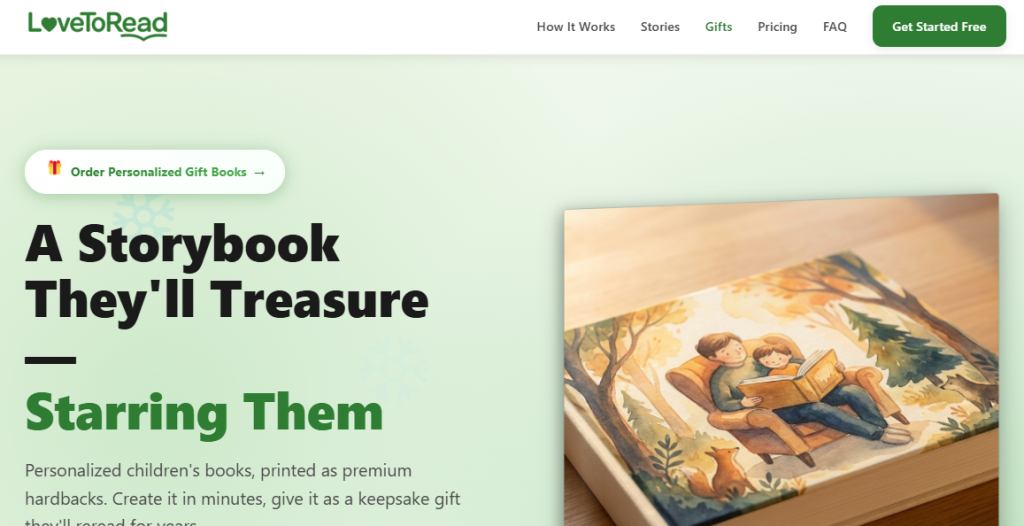
LoveToRead.ai helps users generate children’s stories with matching illustrations. It is designed to simplify the book creation process by combining storytelling with AI-generated visuals, making it suitable for parents, teachers, and first-time authors.
Pros
- Simple workflow for creating storybooks.
- Offers pre-made illustration styles.
- Easy for first-time users.
- Generates story text alongside images.
Cons
- Character expressions are not always consistent.
- Limited control over page layouts.
- Images often require editing before publishing.
- Few options for customizing illustration styles.
4. Midjourney v6
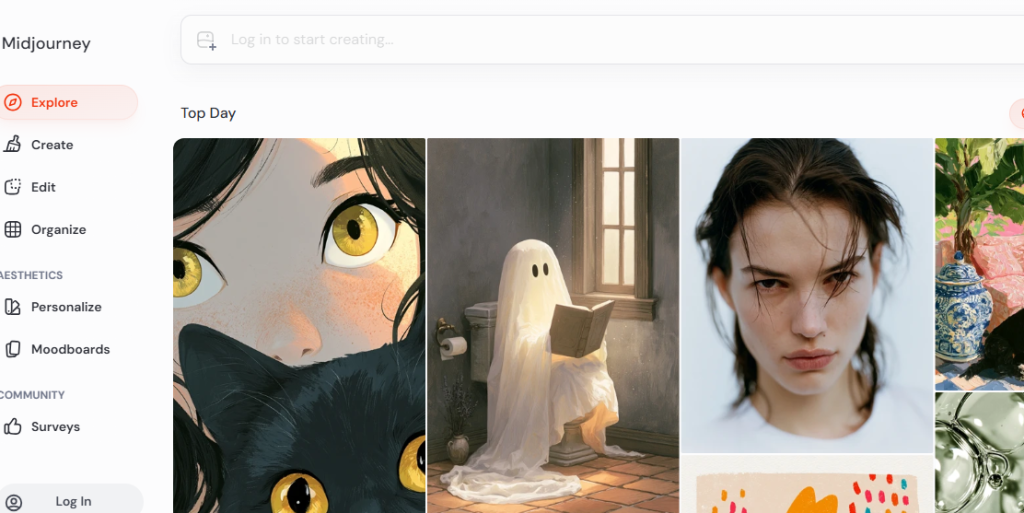
Midjourney v6 is one of the most powerful AI image generators available today. It is known for producing highly detailed and artistic images, making it a popular choice among professional designers and digital artists. However, it was not built specifically for children’s books.
Pros
- Produces high-quality artwork.
- Wide range of artistic styles.
- Excellent image detail.
- Strong creative flexibility.
Cons
- Character consistency depends heavily on complex prompts.
- No built-in children’s book layout tools.
- Users must manually prepare pages for printing.
- Requires significant prompt engineering to achieve reliable results.
5. Fanteri
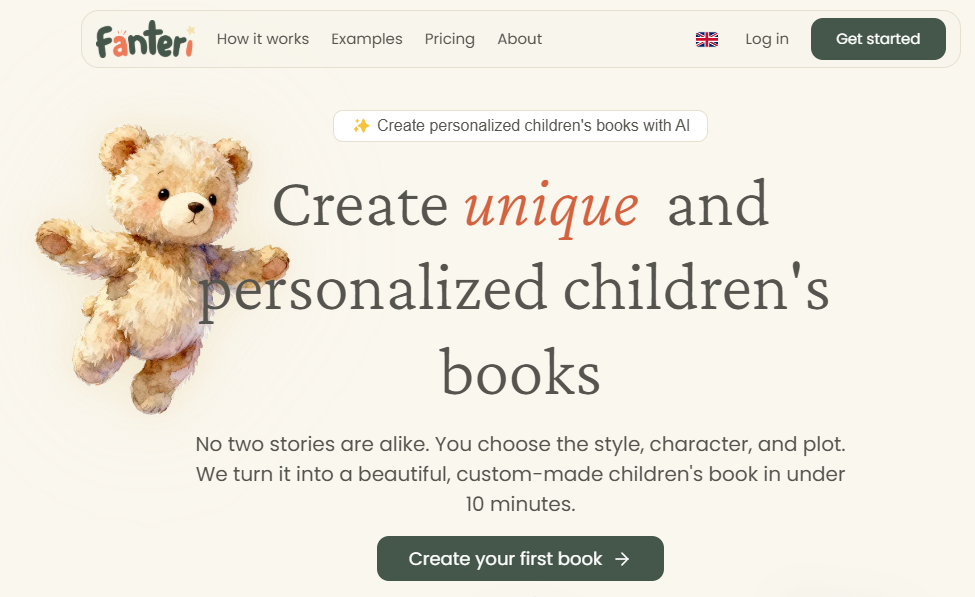
Fanteri is an AI image generation platform that focuses on creating stylized illustrations for stories and creative projects. It offers several art styles and allows users to quickly explore different visual ideas for their books.
Pros
- Generates illustrations quickly.
- Offers multiple visual styles.
- Easy to experiment with different ideas.
- Beginner-friendly interface.
Cons
- Character poses and clothing may change across scenes.
- Limited page formatting features.
- Requires additional software for publishing.
- Storybook layouts must be created manually.
6. ReadKidz
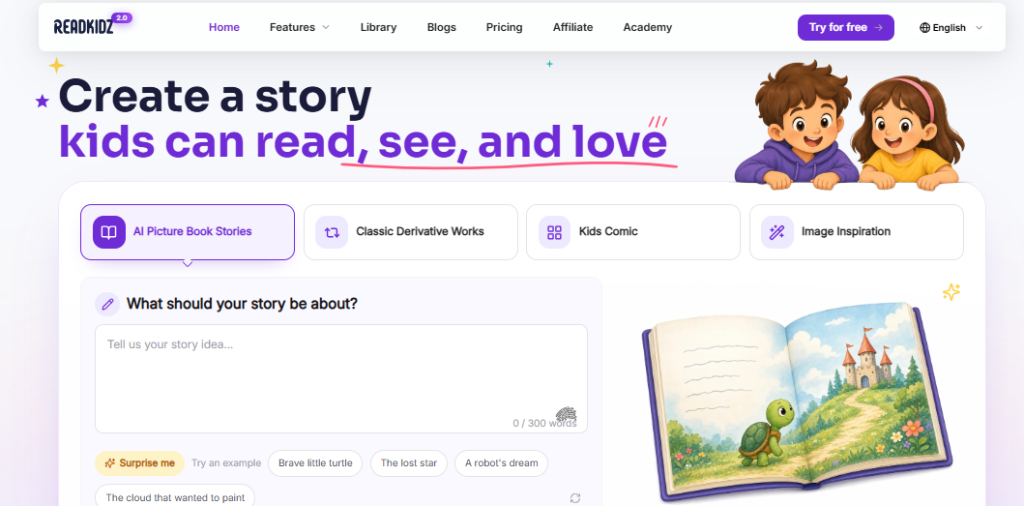
ReadKidz is built around children’s storytelling and helps users generate illustrated stories with minimal effort. It aims to simplify children’s book creation for educators and independent authors.
Pros
- Designed for children’s storytelling.
- Easy-to-use interface.
- Generates illustrations alongside text.
- Good for creating short storybooks.
Cons
- Character details may drift in longer books.
- Limited customization options.
- Few print formatting features.
- Editing tools are fairly basic.
7. Phygital+
Phygital+ combines AI storytelling with illustration generation to help creators produce interactive children’s books. It focuses on creative storytelling but still relies on users to complete several publishing steps outside the platform.
Pros
- Supports AI-assisted story creation.
- Multiple illustration styles available.
- Simple project management.
- Easy for beginners to start.
Cons
- Scene consistency can vary.
- Requires manual adjustments before publishing.
- No dedicated print layout workspace.
- Limited character-locking capabilities.
8. Gemini Storybook
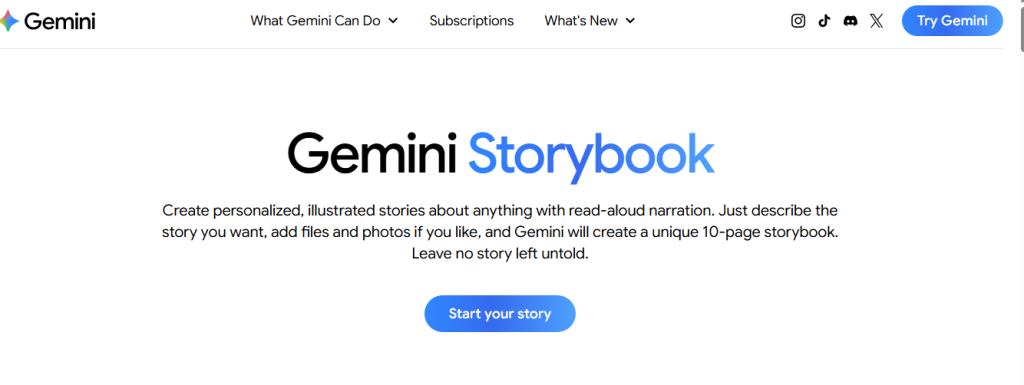
Gemini Storybook uses AI to help users generate children’s stories and simple illustrations. It focuses on making story creation fast and accessible, especially for users who want to brainstorm ideas quickly.
Pros
- Fast story generation.
- Easy integration with AI writing tools.
- Simple interface.
- Helpful for creating early story drafts.
Cons
- Limited control over recurring character designs.
- Character poses and expressions may change between illustrations.
- Requires manual page formatting before printing.
- Lacks dedicated publishing features for finished picture books.
Conclusion
You don’t need to be a professional artist to create a beautiful children’s picture book anymore.
Today’s AI illustration tools make it possible for anyone with a great story to bring their ideas to life. The biggest difference is choosing a platform that helps your characters stay consistent and your workflow stay simple.
If you’re ready to stop wrestling with mismatched illustrations and disconnected apps, it’s time to make the process easier.
Log in to WordWriter and start creating your very first picture book today.
