
10 Best AI Colouring Book Tools in 2026
Finding the best AI colouring book tool can feel harder than creating the colouring book itself.
You already have the idea. Maybe it’s a collection of cute animals, magical princesses, or relaxing mandalas. But when it’s time to turn those ideas into clean, printable colouring pages, that’s where most people get stuck. Some AI tools generate detailed artwork that’s impossible to colour, while others produce inconsistent designs that don’t belong in the same book.
If that’s the problem you’re trying to solve, you’re in the right place.
Learning about the best AI colouring book tools in 2026 can save you hours of trial and error. The right tool can help you create clean line art, keep your designs consistent, and prepare your colouring book for publishing without needing any drawing skills.
In this guide, we’ll compare the best AI colouring book tools available this year, look at what each one does well, where it falls short, and help you choose the right one for your next colouring book project.
Let’s dive in!
Why Choosing the Right AI Colouring Book Tool Matters
Not every AI image generator is designed for colouring books. Many create beautiful artwork, but that doesn’t mean the images are easy to colour or ready for printing.
Here are three reasons choosing the right tool makes a big difference:
Creates clean line art. Good colouring books need clear outlines without unnecessary shading or background clutter. The right AI tool produces pages that are easy and enjoyable to colour.
Keeps your book consistent. Whether you’re creating a unicorn colouring book or a collection of jungle animals, matching illustration styles across every page makes your book look more professional.
Saves time from idea to publishing. Instead of creating images in one app, editing them in another, and formatting pages elsewhere, the right platform simplifies the entire workflow.
The 10 Best AI Colouring Book Tools in 2026
1. WordWriter
WordWriter is more than an AI writing platform. It also helps creators build complete colouring books from a single dashboard. Instead of simply generating images, it allows you to create colouring pages, organize them into a book, and prepare them for publishing using its integrated Creative Studio and Print Studio.
Pros
- Generates clean colouring-book-ready line art.
- Smart AI Editor makes it easy to refine illustrations.
- Creates consistent illustration styles across an entire book.
- Integrated Print Studio supports popular book sizes.
- One-click page organization for faster publishing.
- Suitable for colouring books for kids and adults.
- Creative Studio keeps writing, designing, and publishing in one place.
2. Midjourney
Midjourney is known for producing highly detailed AI artwork. While it can create colouring book illustrations with the right prompts, it wasn’t built specifically for colouring book publishing.
Pros
- Produces highly detailed artwork.
- Wide range of artistic styles.
- Excellent image quality.
- Strong creative flexibility.
Cons
- Requires detailed prompts for clean line art.
- No colouring book templates.
- No print formatting tools.
- Manual editing is often required.
3. Stable Diffusion
Stable Diffusion is an open-source AI image generator that gives experienced users complete control over image creation. It can generate colouring pages through custom models and prompts.
Pros
- Highly customizable.
- Free and open source.
- Large community support.
- Can create unique colouring styles.
Cons
- Steep learning curve.
- Requires technical knowledge.
- No built-in publishing workflow.
- Character consistency depends on user setup.
4. DALL·E
DALL·E makes it easy to generate illustrations from text prompts and works well for brainstorming colouring book ideas.
Pros
- Easy to use.
- Fast image generation.
- Good prompt understanding.
- Suitable for beginners.
Cons
- Often generates shaded artwork instead of clean outlines.
- Requires editing before printing.
- No page layout features.
- Limited control over illustration consistency.
5. Canva Magic Media
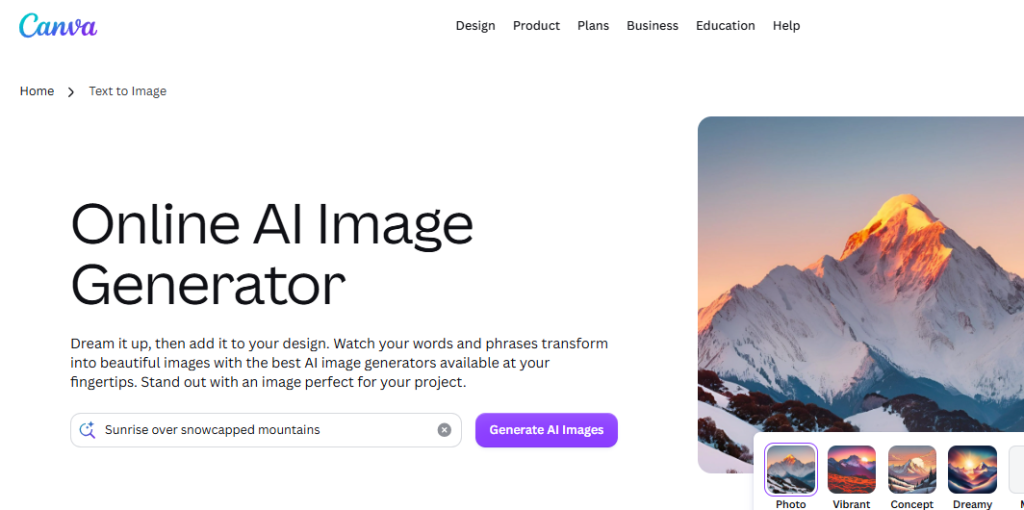
Canva Magic Media combines AI image generation with Canva’s design tools, making it useful for creators who want to design simple colouring books.
Pros
- Beginner-friendly.
- Built-in design editor.
- Easy drag-and-drop workflow.
- Simple page layout tools.
Cons
- AI illustrations often need cleanup.
- Limited control over line thickness.
- Not built specifically for colouring books.
- Character consistency can vary.
6. Leonardo AI
Leonardo AI offers powerful image generation with many creative styles and customization options.
Pros
- High-quality image generation.
- Multiple artistic styles.
- Good prompt controls.
- Active creator community.
Cons
- Requires prompt experimentation.
- No colouring book publishing tools.
- Manual formatting needed.
- Consistent characters require extra work.
7. Adobe Firefly
Adobe Firefly integrates well with Adobe’s creative apps and helps creators generate illustrations for different projects.
Pros
- Professional-quality image generation.
- Integrates with Adobe Creative Cloud.
- Easy editing workflow.
- Reliable image quality.
Cons
- Better suited for designers.
- Requires additional Adobe software.
- No colouring book templates.
- Print layouts must be created separately.
Related: How to Create Coloring Book for Kids Using AI: The Ultimate Guide
8. Kittl AI
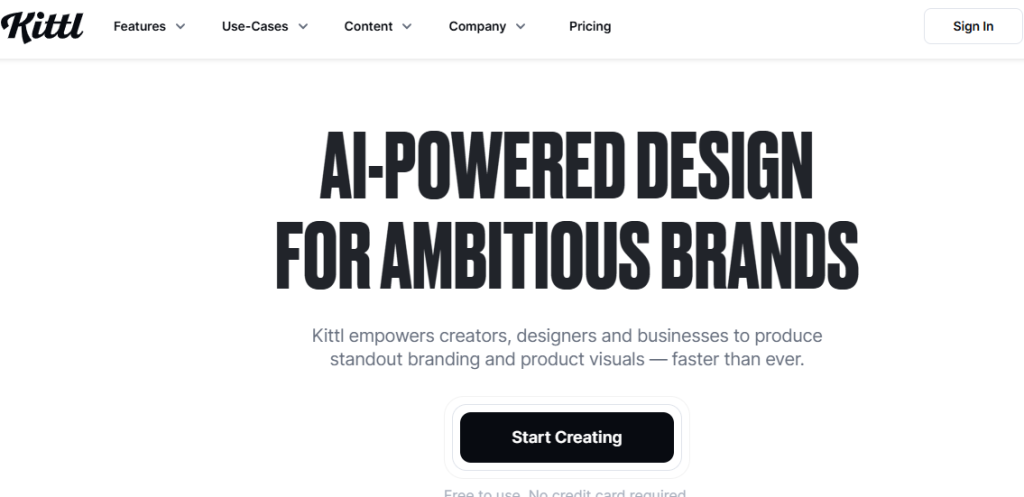
Kittl AI focuses on graphic design and illustration creation, making it useful for simple colouring book layouts.
Pros
- Simple interface.
- Good typography tools.
- Built-in templates.
- Fast design workflow.
Cons
- Limited AI illustration controls.
- Basic line-art generation.
- Not designed for long colouring books.
- Requires manual adjustments.
9. Ideogram
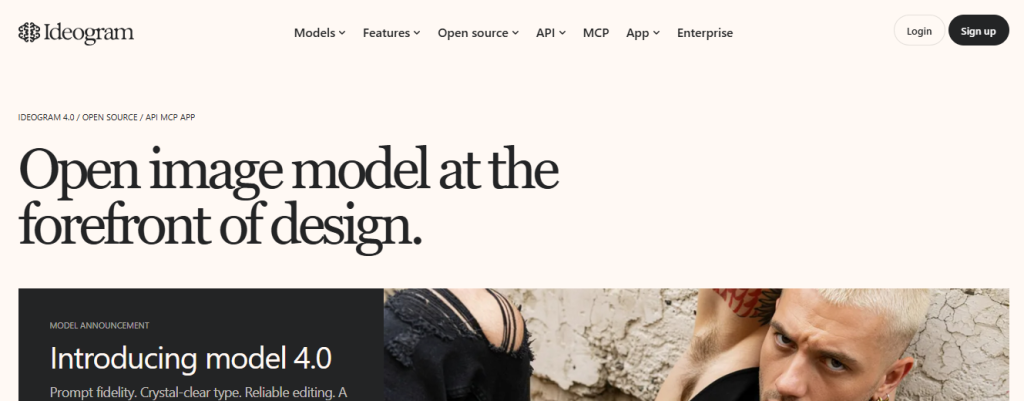
Ideogram is best known for combining AI images with accurate text rendering, making it useful for colouring book covers and activity pages.
Pros
- Excellent text generation.
- High-quality illustrations.
- Easy to use.
- Fast image creation.
Cons
- Not optimized for colouring pages.
- Limited page management.
- No publishing workflow.
- Outline quality varies between prompts.
10. NightCafe
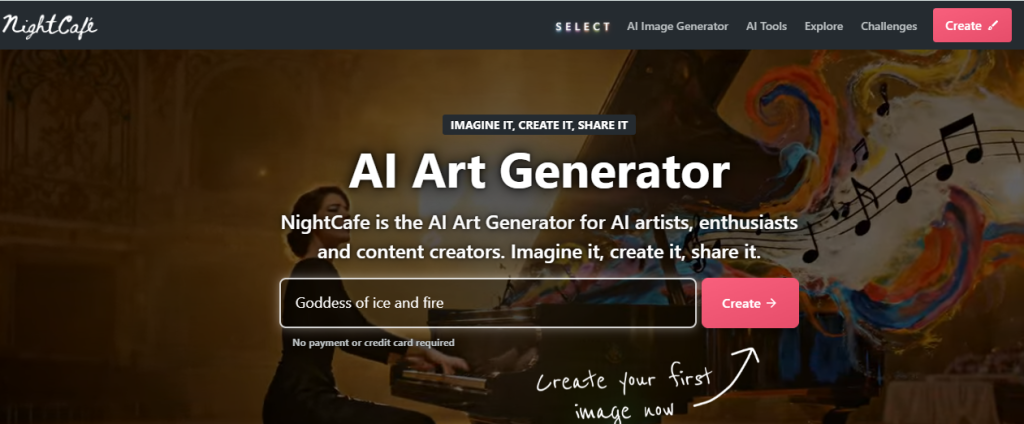
NightCafe offers multiple AI models that allow users to experiment with different illustration styles.
Pros
- Supports several AI models.
- Beginner-friendly.
- Active creator community.
- Flexible image generation.
Cons
- Results vary depending on the model used.
- Requires prompt refinement.
- No built-in colouring book formatting.
- Additional editing is usually needed before printing.
Skip the Fragmented Workflow
One of the biggest challenges when creating a colouring book isn’t generating the artwork. It’s everything that comes after.
Many creators end up jumping between different apps to generate images, clean up the outlines, arrange pages, resize everything for printing, and export the final book. That process can quickly become frustrating.
WordWriter simplifies the entire experience by bringing everything into one place.
Inside the Creative Studio, you can generate colouring book pages, refine them with the Smart AI Editor, and organize your content. Then, inside the Print Studio, you can choose your preferred book size, arrange your pages, and prepare your colouring book for publishing without constantly switching between different platforms.
That means less time managing software and more time creating books people will enjoy.
Conclusion
You don’t need to be an artist to create a beautiful colouring book anymore.
With today’s AI tools, anyone can turn an idea into a printable colouring book. The biggest difference comes down to choosing a platform that gives you clean line art, a smooth workflow, and publishing tools that save you time.
If you’re ready to create your first colouring book without juggling multiple apps, log in to WordWriter and start designing your first colouring book pages today.
