
How to Create a Demo Script with AI
Learn how to create a demo script with AI in minutes. This step-by-step guide covers what a demo script is and how to use WordWriter’s Demo Script template.
Every great product demo starts long before you share your screen. It starts with a script that tells you exactly what to say, what to show, and how to handle whatever the prospect throws at you. Without one, even a great product can fall flat in front of the wrong pitch.
Learning how to create a demo script with AI takes the guesswork out of this process. Instead of piecing together talking points at the last minute, you can generate a structured, persuasive script in minutes, one built around the prospect you are actually presenting to.
In this guide, you will learn what a demo script is and how to use WordWriter’s Demo Script template to build one.
What Is a Demo Script?
A demo script is a structured outline that guides you through a product demonstration. Instead of improvising as you walk a prospect through your product, a demo script maps out what to say and show at each stage, from the opening hook to the features you highlight, the objections you anticipate, and the call to action at the end.
A good demo script keeps the presentation focused on the prospect’s problem rather than a generic feature tour. It ensures you highlight the right capabilities for that specific buyer, address likely concerns before they become objections, and close with a clear next step.
Writing one from scratch takes time, especially if you are tailoring it to a new audience or product update. This is where AI comes in.
Why Use AI to Write a Demo Script
Every prospect cares about different things, so a one-size-fits-all demo script rarely performs well. AI helps you adapt quickly by:
- Structuring the script around the prospect’s specific pain points
- Highlighting the features most relevant to that buyer
- Building in responses to common objections
- Keeping the flow tight so the demo does not drag
WordWriter’s Demo Script template is built for this, sitting under the Sales Copy & Workplace Writing category alongside tools like Discovery Call Script and Objection Handling Guide.
How to Create a Demo Script with AI Using WordWriter
Follow these six steps to generate your first AI-written demo script.
Step 1: Sign In to WordWriter
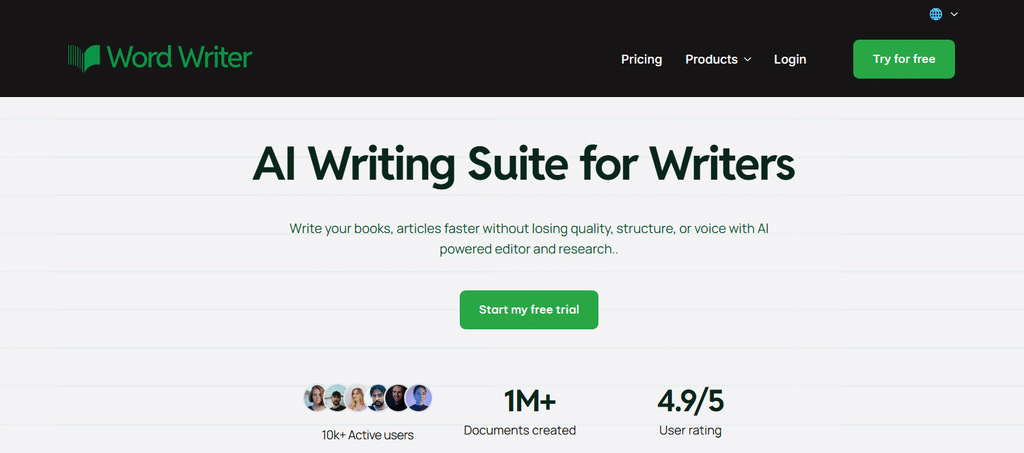
Go to wordwriter.co and log in with your account details. If you do not have an account yet, sign up first. It takes less than a minute to get started.
Step 2: Navigate to Your Dashboard
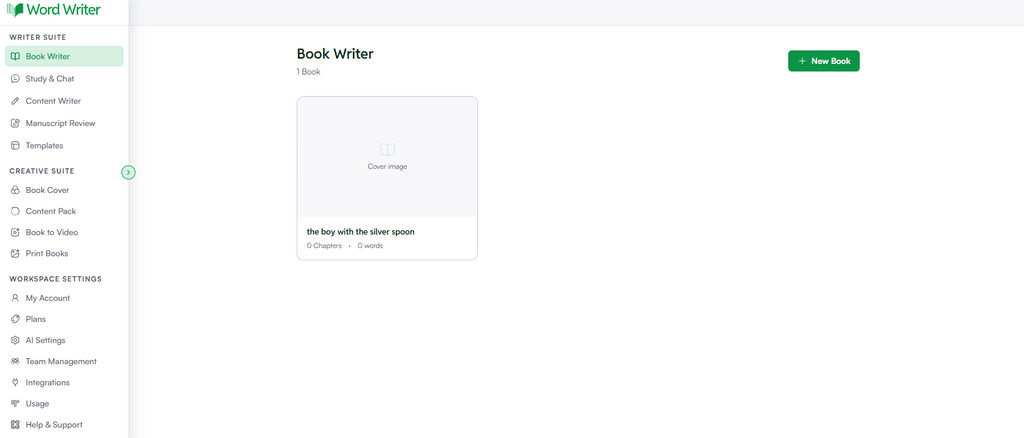
Once you are logged in, you will land on your dashboard. This is your control center for every AI writing tool WordWriter offers.
Step 3: Open Templates
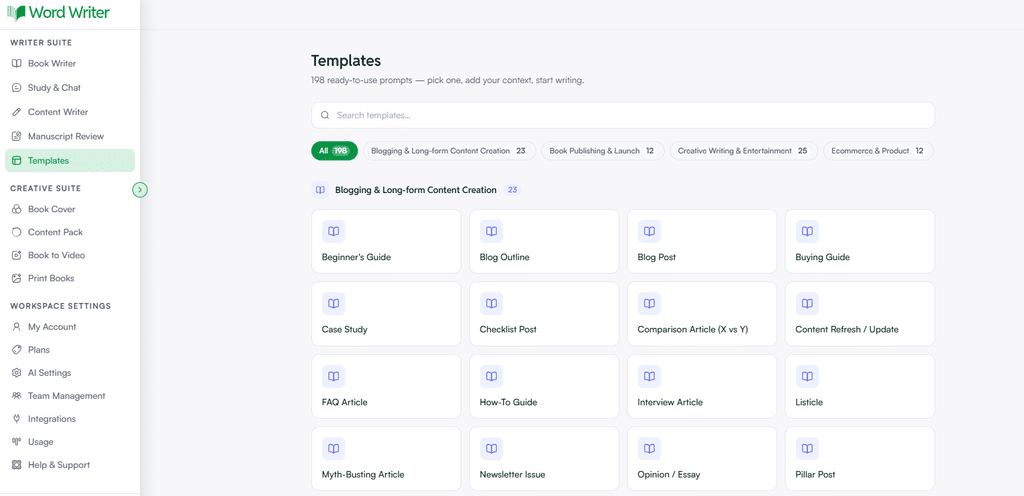
On the left corner of the dashboard, tap on Templates. This opens the full library of ready-to-use prompts.
Step 4: Search for Demo Script
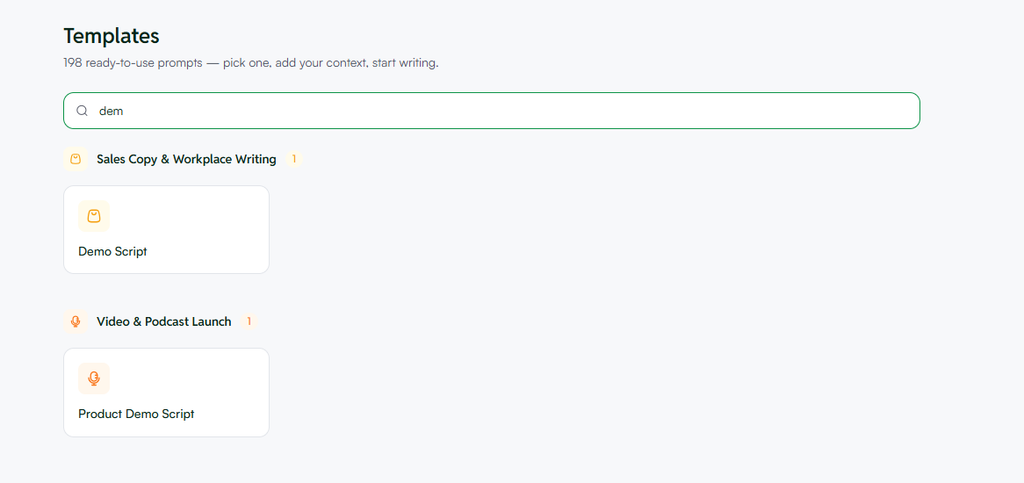
Use the search bar and type in Demo Script. You will find it under the Sales Copy & Workplace Writing category. Click on the template to open the prompt fields.
Step 5: Follow the Prompt
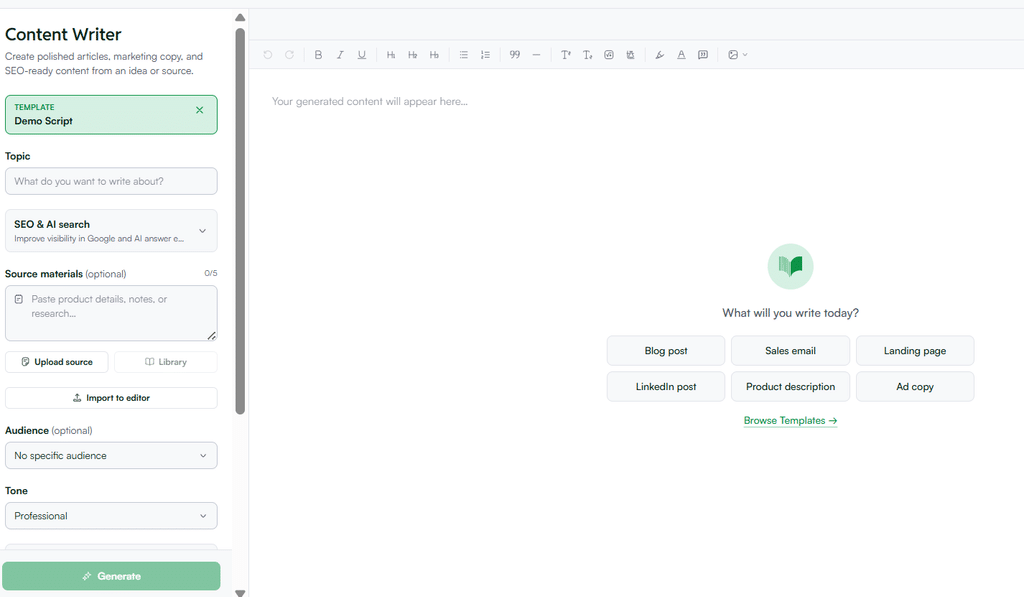
Fill in the details about your product and your audience. Include:
- Who the demo is for and their main pain point
- The key features or capabilities you want to highlight
- Any objections you expect and want the script to address
The more context you provide, the more tailored and persuasive your script will be.
Step 6: Generate Your Script
Click generate. WordWriter will produce a full demo script based on your inputs. Review the flow, adjust anything that needs your own voice or product detail, and rehearse it before your next call.
Tips for Better AI-Generated Demo Scripts
- Anchor it to one problem. A script that tries to cover everything ends up covering nothing well.
- Show, don’t just tell. Structure the script around moments where you demonstrate the feature, not just describe it.
- Plan for objections early. Build responses into the script instead of scrambling for them live.
- Practice before presenting. Use the AI draft as your foundation, then rehearse until it sounds natural in your own voice.
Conclusion
A strong demo script is the difference between a presentation that drifts and one that closes. With WordWriter’s Demo Script template, you get a structured starting point built around your prospect, so you can spend less time planning and more time perfecting your delivery.
Sign in, open Templates, search for Demo Script, add your product and audience details, and generate. In minutes, you will have a demo script ready to rehearse.
Ready to walk into your next demo prepared? Log in to WordWriter and create your demo script with AI today.
