
How to Create a Cookbook Using AI: A Complete Guide
Learning how to create a cookbook using AI is one of the fastest ways to turn your culinary passions into a published masterpiece. For years, writing a cookbook was a daunting task that required months of drafting, testing, and formatting. Today, advanced artificial intelligence tools have changed the game completely.
By leveraging the power of WordWriter AI, you can streamline the writing process, organize your recipes, and bring your book to market in record time. This guide balances the incredible efficiency benefits of artificial intelligence with the practical, hands-on details required to make your cookbook a success.
Why Use AI to Write Your Cookbook?
The traditional route of writing a cookbook involves endless hours of typing out repetitive instructions, formatting lists, and battling writer’s block. AI acts as your digital sous-chef, taking care of the tedious paperwork so you can focus on the art of cooking.
Using WordWriter AI offers several key advantages:
- Incredible Speed: Generate detailed recipe drafts, introduction paragraphs, and chapter summaries in seconds.
- Consistent Tone: Maintain a warm, encouraging, or professional voice throughout your entire book.
- Effortless Formatting: Automatically structure your ingredients, prep times, and step-by-step instructions.
- Creative Inspiration: Brainstorm unique ingredient combinations or find creative alternatives for dietary restrictions.
By utilizing AI, you can reduce the writing timeline from months to just a few days, giving you more time to spend in the kitchen.
Related: How to Create Coloring Book for Kids Using AI: The Ultimate Guide
Step-by-Step Guide: How to Create a Cookbook Using AI
Want to put together a cookbook without spending weeks writing and formatting recipes? WordWriter’s Print Studio lets you generate a full cookbook in minutes, complete with a theme, recipe count, and layout ready for print.
Here’s how to create your cookbook using AI, step by step.
Step 1: Sign in to WordWriter
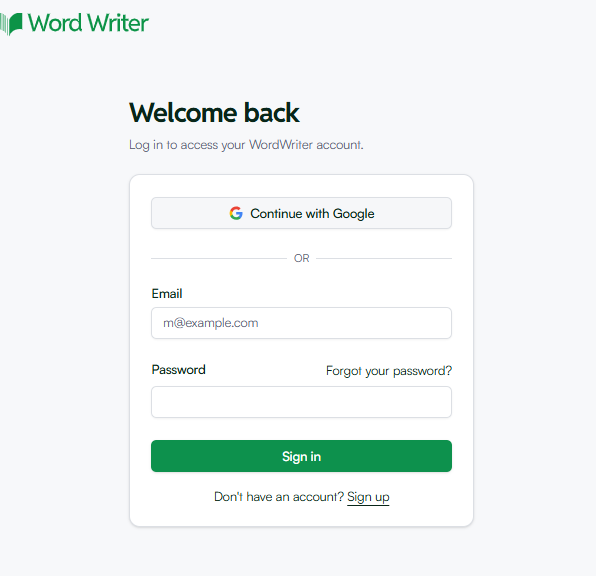
Head to wordwriter.co and log in to your account.
Step 2: Open Print Studio
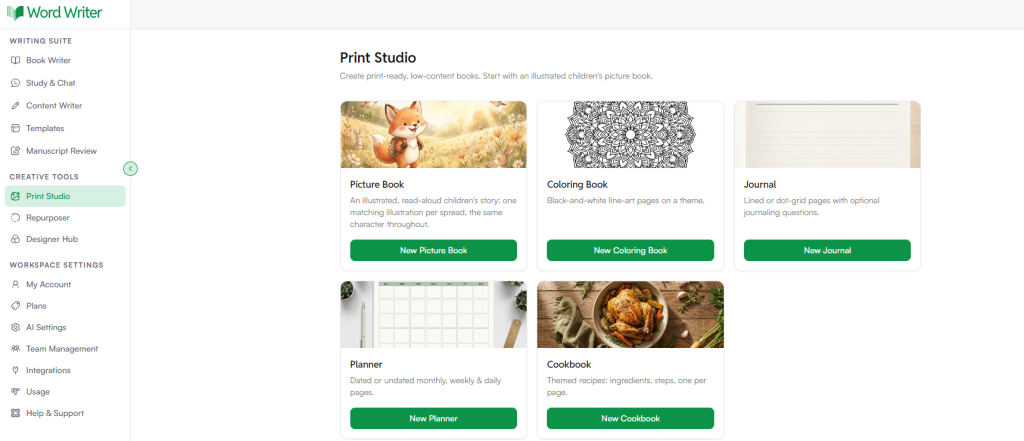
On the left sidebar, under Creative Tools, click Print Studio to open the book creation dashboard.
Step 3: Select Cookbook
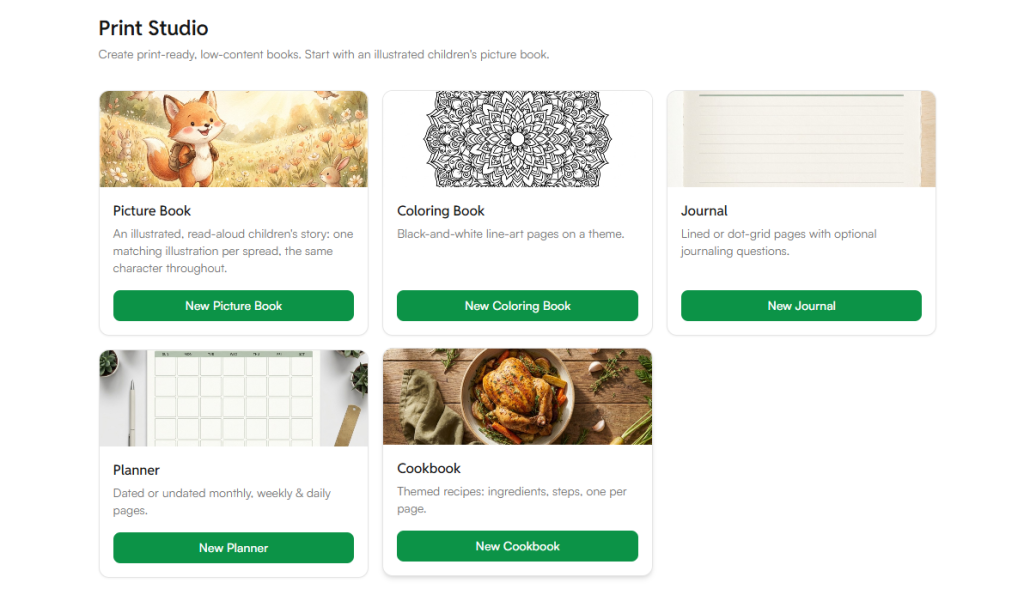
From the list of book templates, select Cookbook. This opens the New Cookbook setup screen.
Step 4: Add Your Cookbook Details
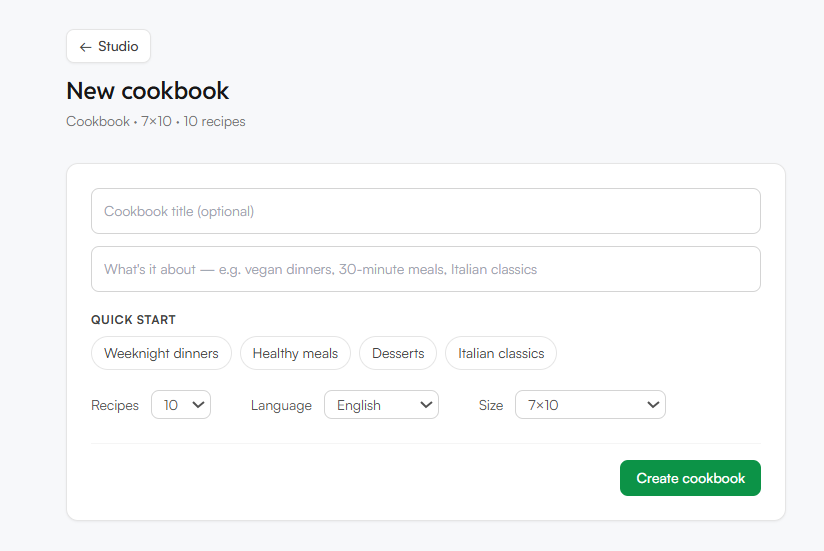
Fill in the fields to shape your cookbook:
- Cookbook title (optional): Name your cookbook, or leave it blank and let the AI suggest one later.
- What’s it about: Describe your cookbook’s focus, for example vegan dinners, 30-minute meals, or Italian classics.
If you’re not sure where to start, use one of the Quick Start options: Weeknight dinners, Healthy meals, Desserts, or Italian classics.
Step 5: Set Your Preferences
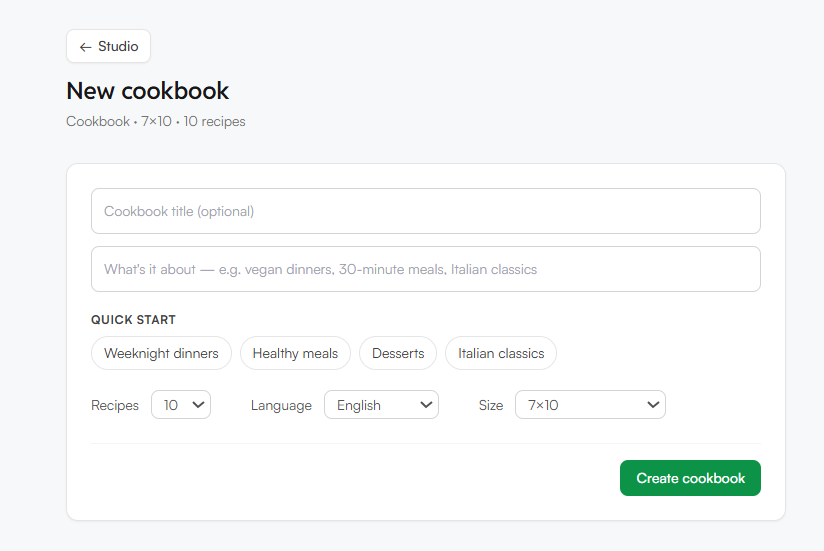
Adjust the remaining settings to match what you need:
- Recipes: Choose how many recipes to include
- Language: Select the language for your cookbook
- Size: Pick your book size, such as 7×10
Step 6: Create the Cookbook
Once everything is filled in, click Create Cookbook. WordWriter’s AI will generate your recipes and structure them into a complete, print-ready cookbook based on your inputs.
Ready to Create your Cookbook?
Writing and formatting a cookbook from scratch takes time, from recipe development to layout design. WordWriter’s Print Studio handles both in one guided flow, so you go from an idea to a finished cookbook without needing a food writer or designer.
Ready to build your first cookbook? Open Print Studio in WordWriter and start creating today.
