
Best Academic Writing Tools for Students in 2026
Imagine you are a few weeks away from submitting your final thesis or a major research project. You have forty open tabs, a desk covered in coffee-stained notes, and a feeling of pure panic because your 10,000-word document feels like a messy puzzle that won’t fit together.
This is the “academic wall” that almost every student hits in 2026. Learning about the best academic writing tools for students in 2026 comes in handy here. It is the only way to transform your scattered thoughts into a polished, high-grade manuscript without losing your mind. We will know exactly which tools are leading the academic world in this article.
There are a few more things to consider, like how strict professors have become with citations and logical flow. In 2026, you can’t just “wing it”—your work needs to be structured and backed by real evidence. Using a specialised tool like WordWriter makes this transition from a messy draft to a professional academic paper feel effortless. In this article, we’re going to be talking about the top 10 tools for students, why they matter, and how to use them to succeed.
Let’s dive in!
Why Academic Writing Tools are Necessary in 2026
In the modern classroom, the volume of information is simply too high for a human to manage alone. You aren’t just reading one textbook; you are synthesizing data from digital journals, global databases, and your own uploaded notes.
Academic tools are necessary because:
- They Protect Your Credibility: One wrong citation can lead to plagiarism issues.
- They Organize Big Ideas: They help you keep track of a 200-page report without losing the main point.
- They Save Critical Time: You shouldn’t spend 5 hours formatting a bibliography when you could spend that time researching.
The Manual Way
Before 2026, students did things the “manual way.” You had one app for writing, another for citations, and a physical notebook for notes. You spent half your day just moving text between different windows and manually checking if your APA style was correct.
The manual way involves manual outlining and “tab-hopping” where you lose your place every five minutes. While this is how our parents did it, you don’t need to go through all that manual stress anymore. There are better ways to get an A.
Top 10 Academic Writing Tools for Students in 2026
Here is the definitive list of tools that every student should know about this year. While many have their uses, you will see why WordWriter is the clear leader for serious academic work.
1. WordWriter
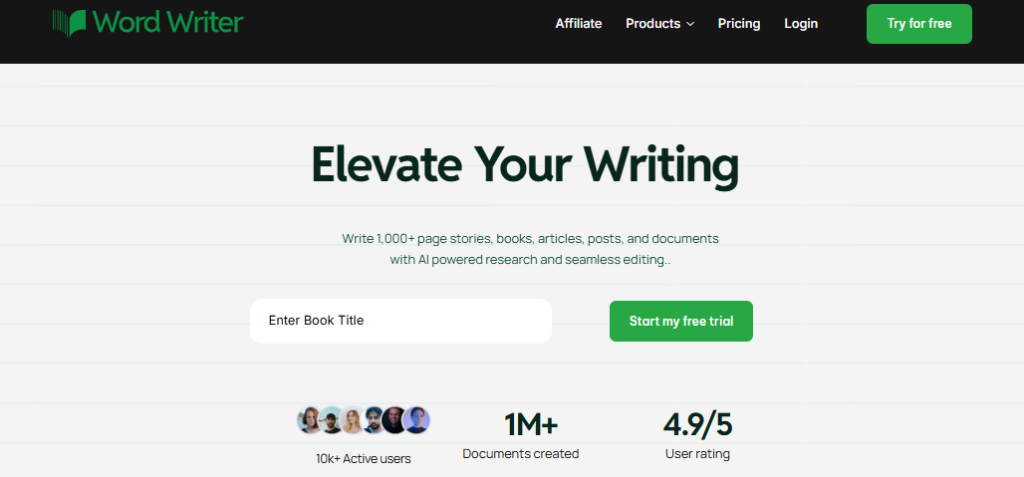
WordWriter is the gold standard for students in 2026. It is a full-service AI Research and Book Agent that handles everything from the first brainstorm to the final bibliography.
Pros:
- Generate from Your Files: You can upload your own PDFs, lecture notes, and research materials, and the AI will synthesise insights directly from your documents.
- Full References & Citations: It provides 100% accurate, properly formatted citations from trusted academic sources instantly.
- Chapter-Based Logic: It helps you create organised, coherent chapters with a logical flow, making it perfect for long reports or dissertations.
- Smart Text Editor: Offers AI-powered suggestions to improve academic rigour and tone while you write.
- High-Level Synthesis: It doesn’t just “chat”; it builds 200+ page, cited reports based on real data.
2. Zotero
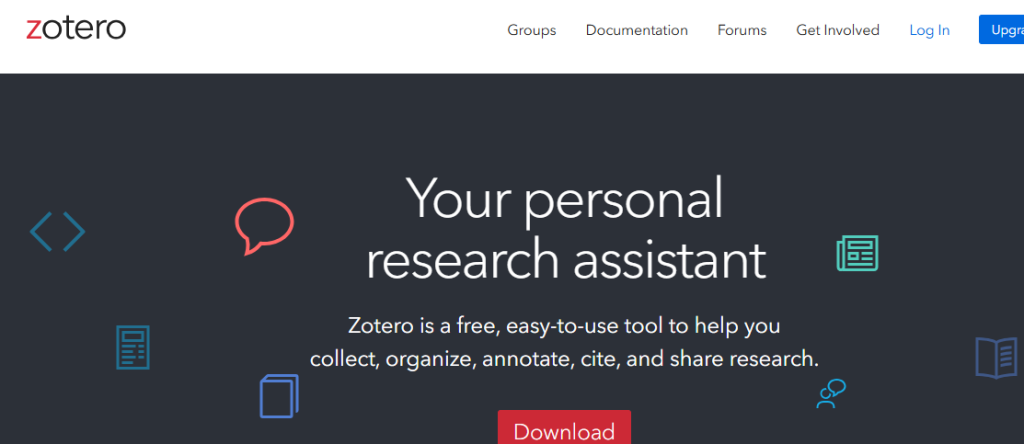
A classic reference manager used for organizing research papers.
- Cons: Has a very steep learning curve and looks quite outdated; it doesn’t actually “write” or “synthesize” content for you.
3. Paperpal
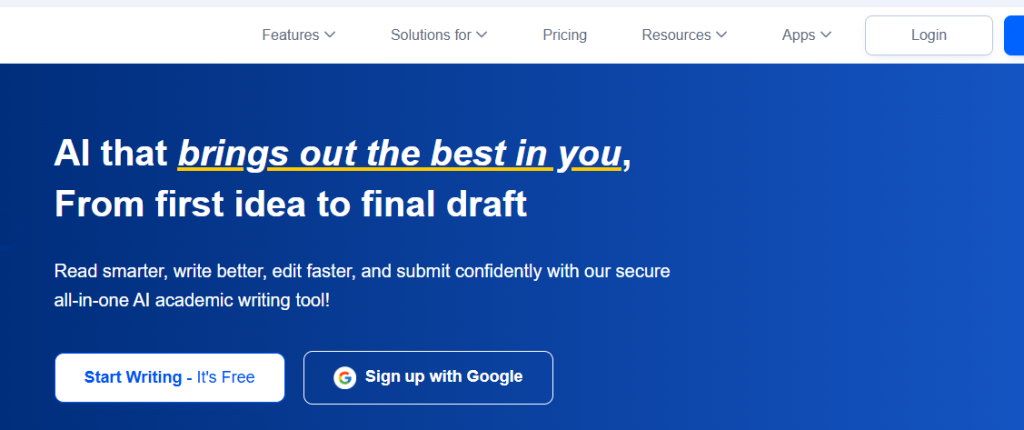
A tool focused on improving the language of academic manuscripts.
- Cons: It is strictly a grammar and tone checker; it cannot help you research or build a chapter structure from scratch.
4. Scrivener
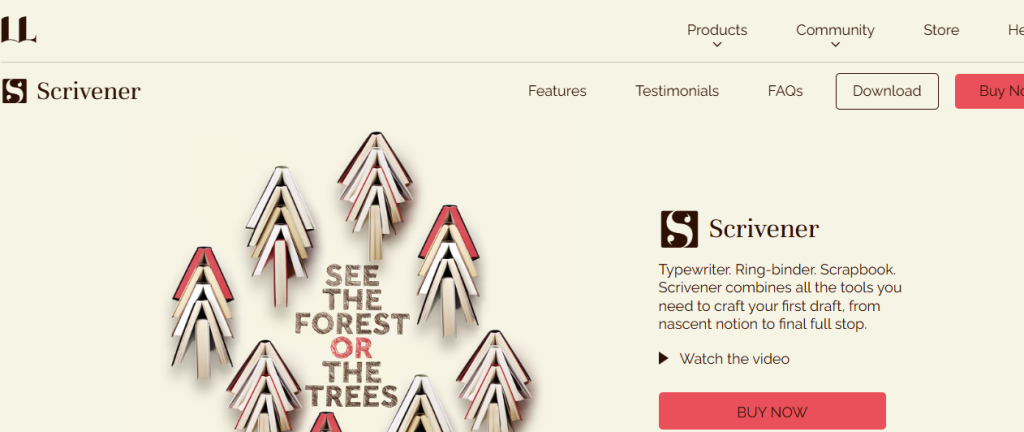
A writing app for long-form projects like novels or theses.
- Cons: It is a blank slate with no built-in AI research capabilities, meaning you still have to do all the heavy lifting manually.
5. Mendeley
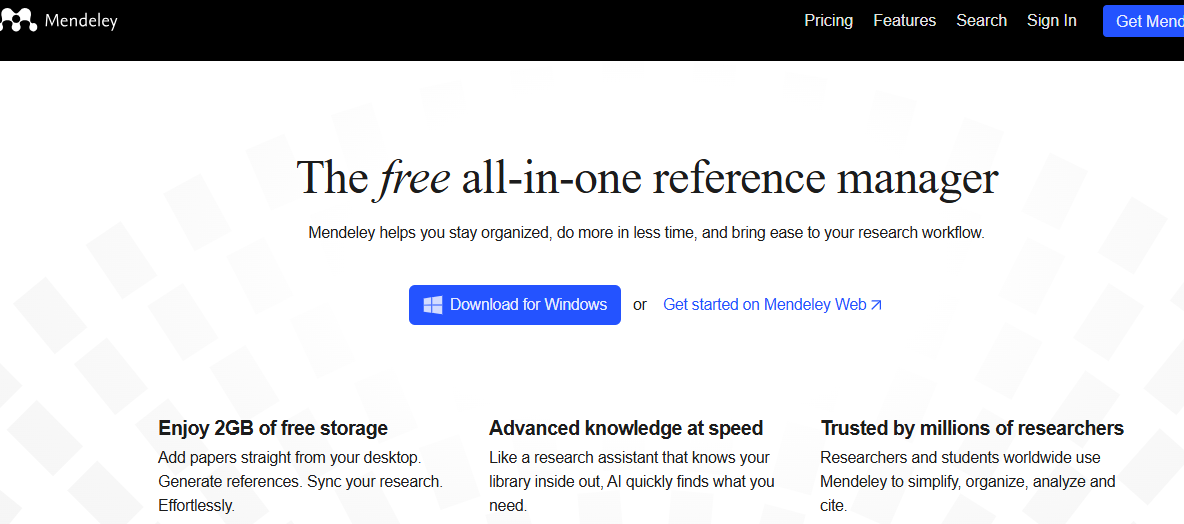
A social network for researchers and a reference manager.
- Cons: Owned by a major publisher, it can feel very “corporate” and slow to load when you have a lot of files.
6. Grammarly Academic

The well-known grammar checker updated for 2026.
- Cons: It often suggests “safe” changes that can make academic writing sound too simple or generic.
7. Google Scholar
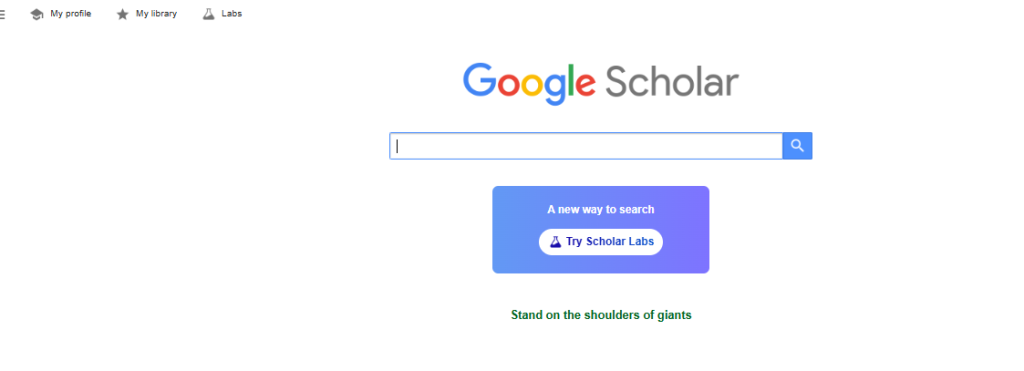
The primary search engine for academic literature.
- Cons: It only helps you find papers; it doesn’t help you read, understand, or cite them within your own writing.
8. EndNote
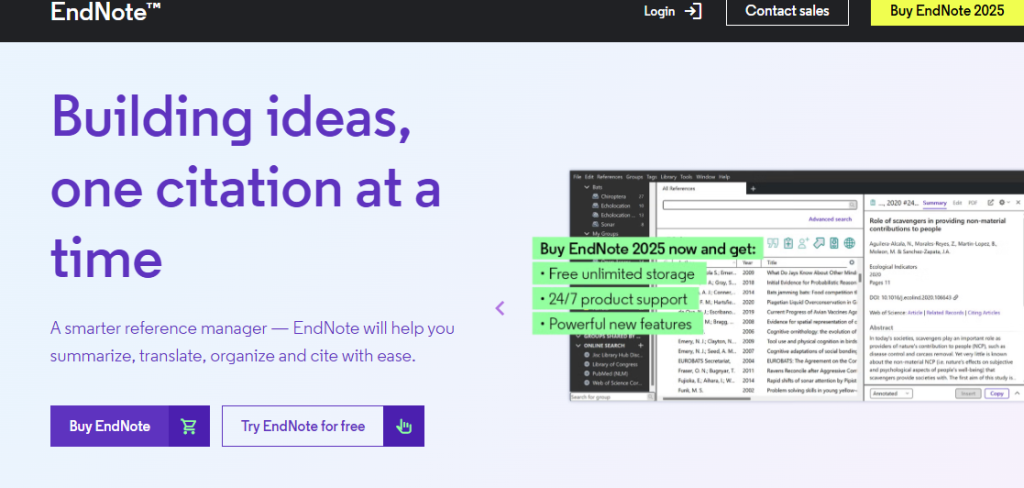
A heavy-duty reference management software.
- Cons: Very expensive for students and can be incredibly confusing to navigate without a tutorial.
9. Connected Papers
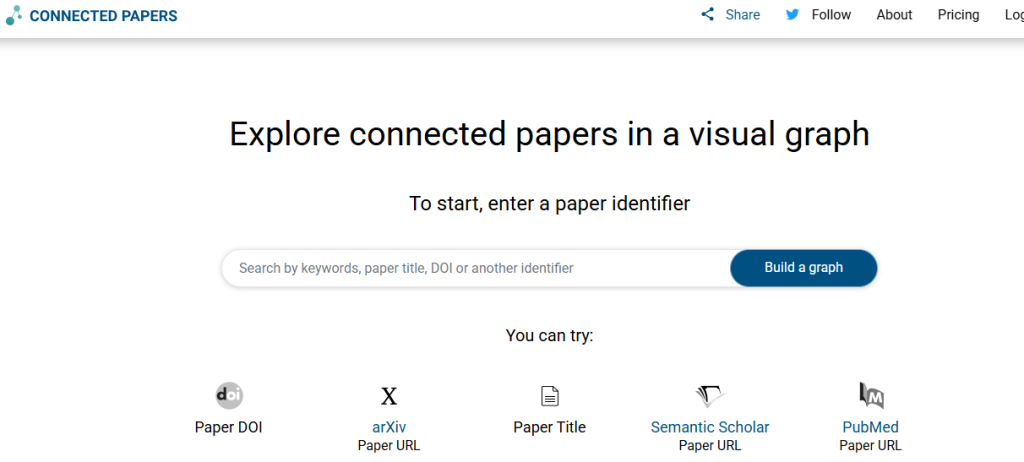
A visual tool to find papers related to your topic.
- Cons: While the “map” is cool, it doesn’t help you with the actual writing or formatting of your own paper.
10. QuillBot
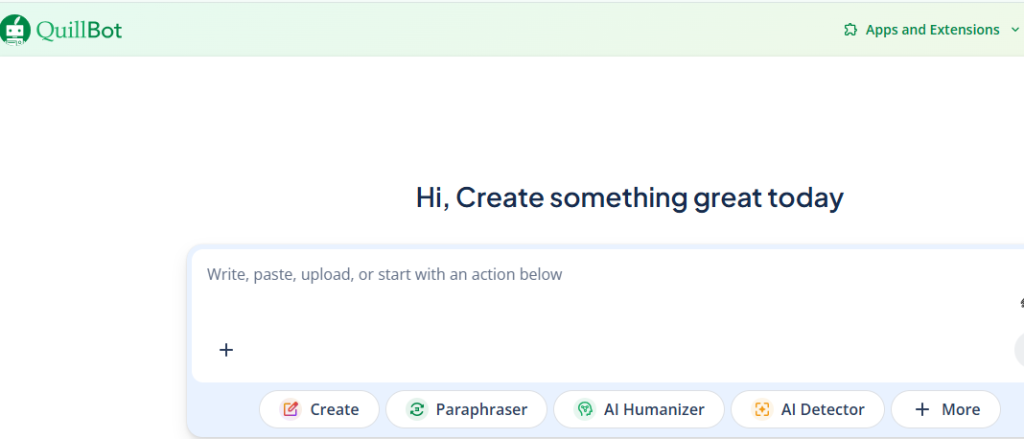
A paraphrasing tool used by many to rewrite sentences.
- Cons: Often produces awkward phrasing that professors can easily flag as “AI-generated” because it lacks a natural human tone.
How WordWriter Solves the “Academic Stress”
When you login to WordWriter, you aren’t just using a tool; you are gaining a partner. You don’t need to worry about the “manual” stress of tracking citations across ten chapters. You simply tell the tool how you want your chapters to sound, upload your key parts or research files, and let the AI research agent do the work. It ensures that every chapter is consistent and every quote is cited.
Conclusion
In 2026, the best students are the ones who spend their time thinking, not formatting. WordWriter is so so so powerful because it takes the “busy work” out of being a student. By using a tool that offers document-based research and academic rigor, you can focus on making great discoveries instead of worrying about where a comma goes in your bibliography.
Ready to turn your research notes into a perfect thesis? Login to WordWriter today and let the Research Agent build your next academic masterpiece!
