
How to Generate Food recipe with AI
Sometimes you want to cook something different from what you are used to but find it difficult because you don’t know the recipe.
Learning how to generate food recipe with AI comes in handy here. Instead of spending hours scrolling through endless blogs or old cookbooks, you can now get a custom, delicious recipe in seconds. We will know exactly how to do this in this article.
There are a few more things to consider, like how AI can even help you use up those random ingredients sitting in the back of your fridge. Using a tool like WordWriter makes this process smooth and fun.
In this article, we will be exploring why this technology is a game-changer and the simple steps to create your own culinary masterpieces. Let”s dive in.
Why You Should Generate Food Content with AI
Cooking is an art, but planning can feel like a chore. That’s where AI shines. Here’s why you should consider letting a smart assistant help you with your culinary content:
1. Instant Inspiration:
If you’re tired of making the same five meals, AI can instantly suggest dozens of new combinations based on what you have on hand. It breaks you out of your cooking rut.
2. Massive Time Savings:
For food bloggers, creating a new post from scratch, from the recipe development to the actual writing, can take hours or days. AI cuts that time dramatically.
3. Consistency:
Maintaining a regular posting schedule is crucial for growing an audience. AI helps you generate high-quality drafts quickly, ensuring you never miss a publication day.
4. Adaptability:
Need a vegan version of a classic? A gluten-free alternative? AI can rewrite recipes on the fly, tailoring them to any dietary need.
This allows you to focus less on the brainstorming and structure and more on the fun parts: cooking, photographing, and sharing your creation.
How to Generate a Food Recipe with AI – Wordwriter
There are many AI tools out there, but when it comes to seamlessly generating and repurposing content, WordWriter is a standout choice. It simplifies the entire process. Here is exactly how to do it:
Step 1: Access the Platform
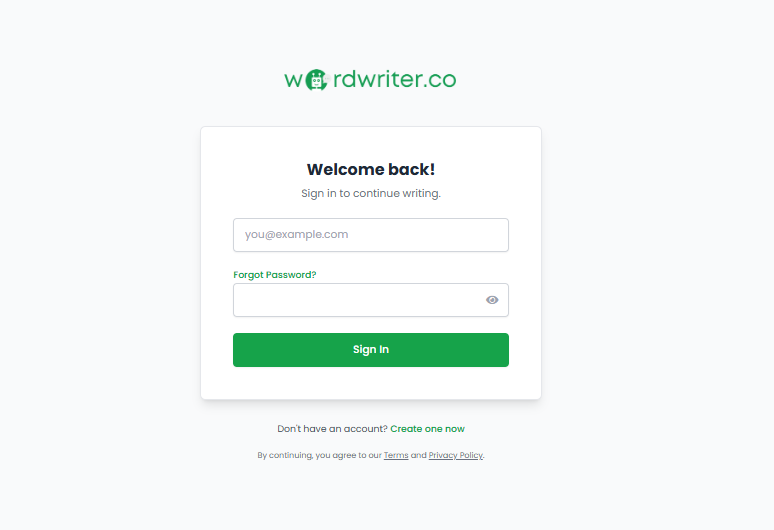
First things first: you need an account. If you’re a new user, you’ll start by signing up on Wordwriter.co. If you already have an account, just log in. Once you’re in, you’ll land on your main dashboard.
Step 2: Navigate and Prompt
From your dashboard, look for the section titled Study and Chat. This is the core hub where you interact with the AI assistant. Once you click into ‘Study and Chat’, you will see an interface that looks much like the one pictured in the screenshot below.
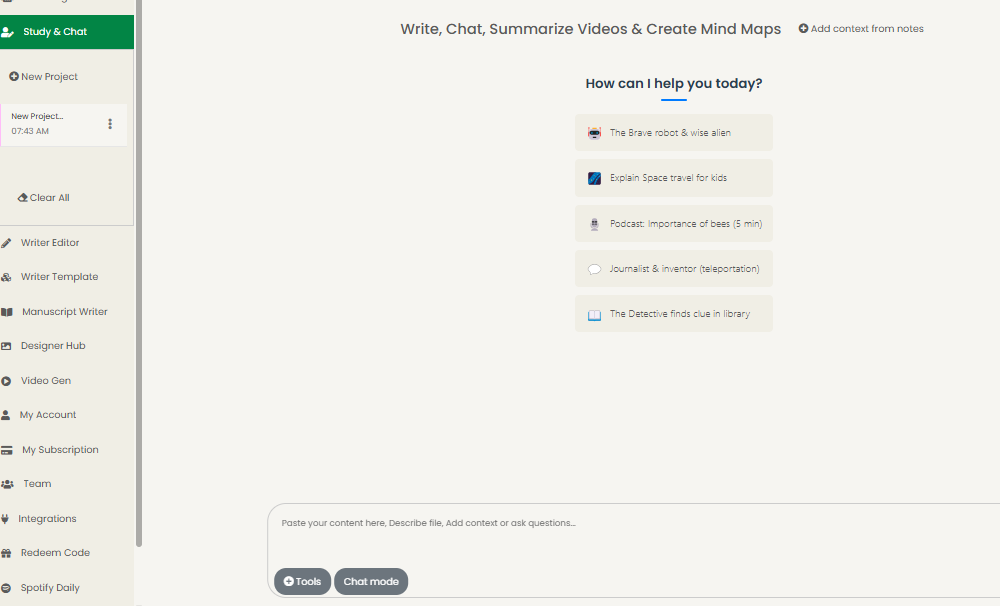
In the prompt input field (where you type your message), simply describe what you need. You can say something like, “Generate a recipe for spicy chicken tacos with mango salsa.”
Step 3: Get Your Recipe and Choose Your Format
After you send your request, WordWriter will instantly generate your complete food recipe, including ingredients and clear instructions.
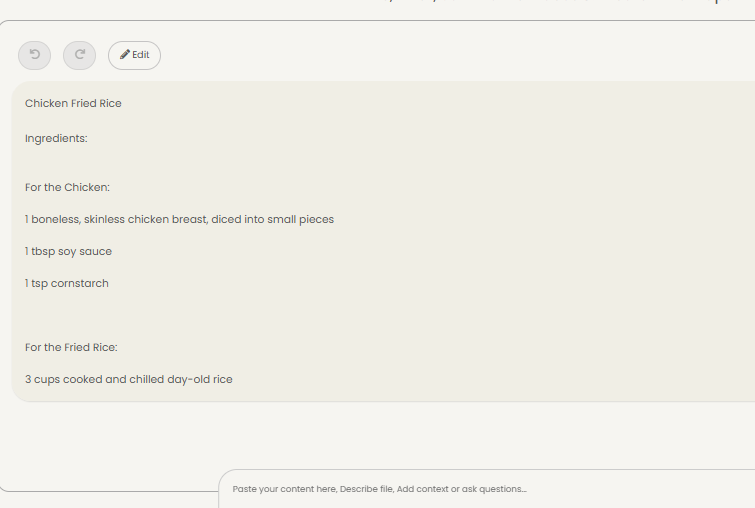
But here is where WordWriter really proves its value. Once the recipe appears, you have several powerful options to convert that single response into other valuable formats, as shown in the screenshot. You are not stuck with just a block of text. You can instantly turn it into:
- A full Blog Post: Perfect for getting the content ready for your website immediately.
- A Social Media Post: Generate engaging copy for Instagram, Facebook, or Pinterest without thinking.
- A Presentation: If you are teaching a cooking class.
- A Worksheet: Ideal for educational culinary settings.
- An Email Draft: To share the recipe directly with your newsletter subscribers.
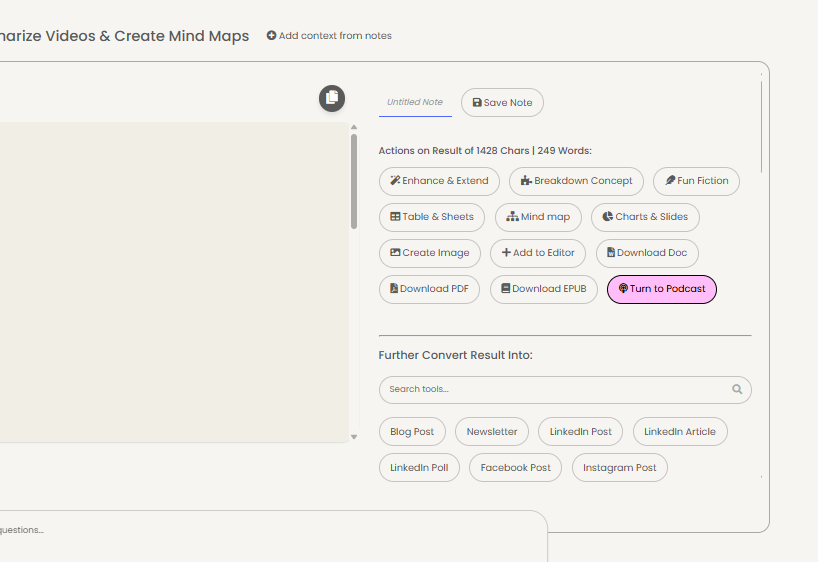
This flexibility makes WordWriter an indispensable ecosystem for anyone managing a food brand or publication.
Conclusion
In a fast-moving content era, having a reliable AI assistant isn’t just a luxury; it’s a smart strategy. When it comes to efficiency, quality, and adaptability,
WordWriter is very beneficial for creators. It doesn’t just help you write recipes; it helps you build entire content marketing streams from a single idea. It allows you to produce more, maintain quality, and stay inspired.
Stop waiting for the perfect idea to strike and start generating. Start with Wordwriter today!
