
How to Create Agent Synopsis with AI
Learning how to create an agent synopsis with AI is one of the easiest ways to turn a complex manuscript into a clear, submission-ready summary for literary agents. Writing a synopsis can be difficult because agents often want you to reveal the entire plot, including the ending, in just one or two pages. You have to explain your story clearly while still making it interesting and easy to follow.
In this guide, we will cover why an agent synopsis is important for your querying journey, why writing one manually can be difficult, and a simple step-by-step guide to creating one using WordWriter.
Let’s dive in.
Why an Agent Synopsis Matters
An agent synopsis is not the same as a book blurb. It is a professional summary that literary agents use to understand your story, including its structure, pacing, and character development, before deciding whether to request the full manuscript.
A strong agent synopsis:
- Shows That Your Plot Works: It gives agents a clear picture of your beginning, middle, and end and helps show that the story flows logically.
- Highlights Character Arcs: It shows how your main character changes and develops because of the challenges they face.
- Makes Submissions Easier: It helps you meet the submission requirements of literary agents without worrying about missing important details or using the wrong format.
Related: How to Use AI to Write a Non-Fiction Book Proposal
How to Create Agent Synopsis with AI – Wordwriter
Creating a submission-ready synopsis with WordWriter only takes a few simple steps:
1. Log in to Your Dashboard
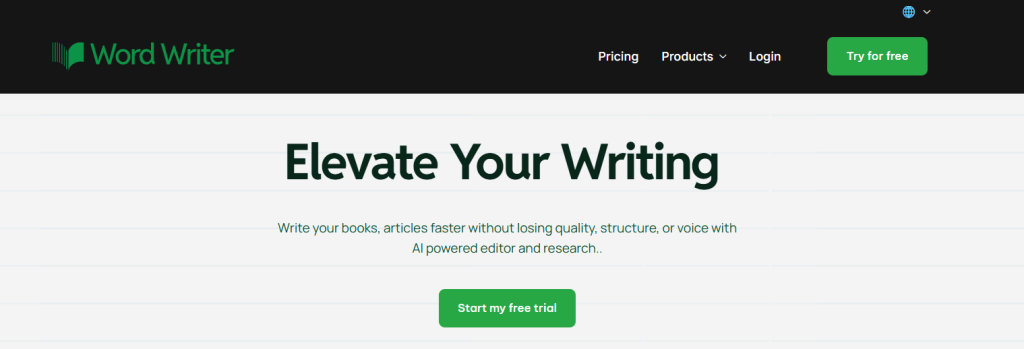
Visit the WordWriter website and log in to access your workspace.
2. Click Templates
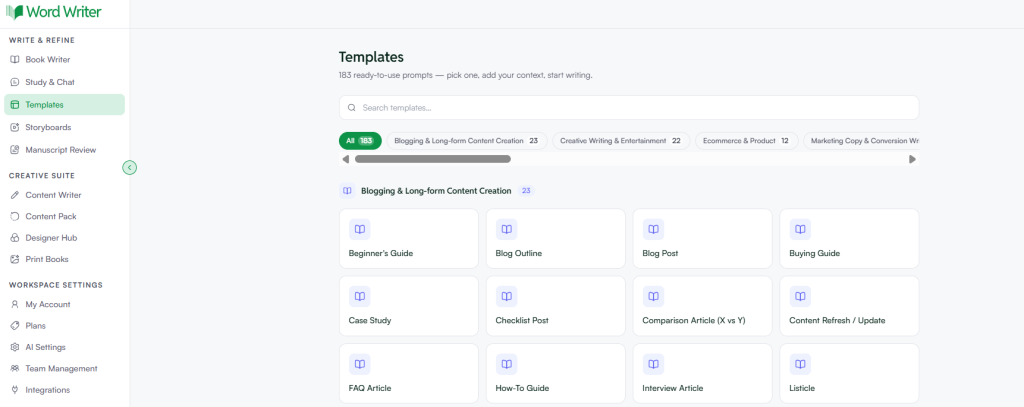
Look at the menu on the left side of your screen and click Templates.
3. Search for Agent Synopsis
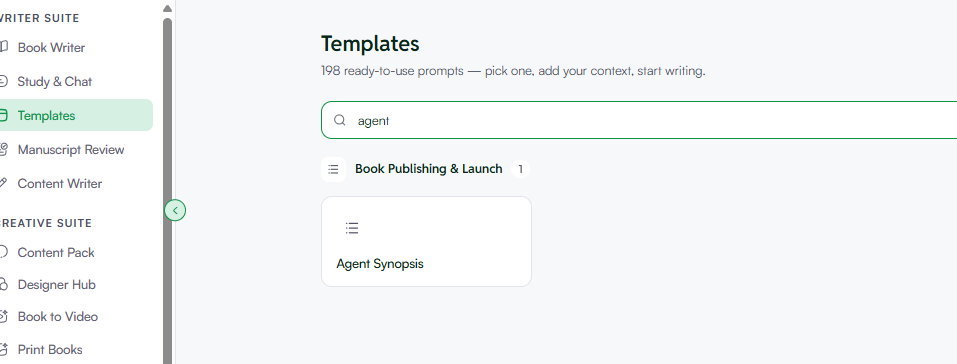
Use the search bar to type Agent Synopsis. When the template appears, click on it to open it.
4. Fill in Your Details
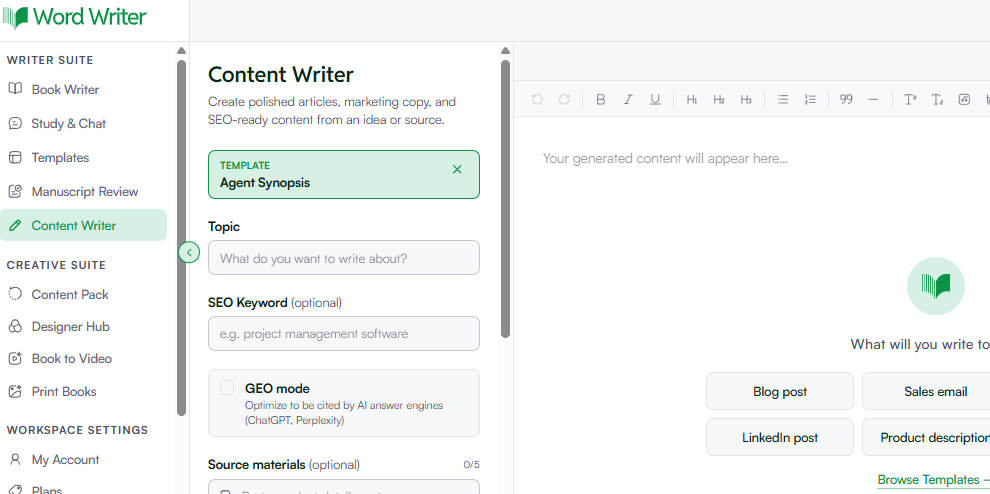
Fill out the fields to give the AI the information it needs to create your synopsis:
- Book Title & Genre: Add your book title and main genre, such as “The Starlight Code, YA Sci-Fi.”
- Main Plot & Resolution: Include your main character, central conflict, important twists, and the actual ending of your story. Don’t leave out spoilers because an agent synopsis should reveal how the story ends.
- Tone: Choose a tone that fits your story and writing style, such as Dramatic, Informative, or Suspenseful.
- The GEO Option: Turn on the GEO (Generative Engine Optimization) option if you want to structure your book’s plot and character information in a way that makes it easier for AI search tools such as Gemini, ChatGPT, and Perplexity to understand your book.
- Length: Choose your preferred length, usually between 300 and 500 words, depending on the submission requirements.
5. Generate and Polish
Click Generate. WordWriter will create a complete synopsis based on the information you provided.
Once it is ready, open it in the built-in editor and review it carefully. Check the character names, plot details, and wording to make sure everything is correct and still sounds like you. You can then save it and add it to your query submission materials.
Related: How to Create a Research Brief Using AI
Conclusion
Turning your entire book into a short synopsis for a literary agent doesn’t have to be a stressful process. WordWriter helps make it easier by organizing your main plot points into a clear and professional summary.
Instead of spending hours trying to figure out what to include and what to leave out, you can use AI to help with the structure and then polish the final version so it sounds like you.
Ready to create a clear synopsis for your next submission? Log in to WordWriter, click Templates, and create your agent synopsis today!
