
How to Convert Blog post to Linkedln Post
Repurposing is something that has been around for a while now, yet a lot of people are either not doing it or do not know how to do it. WordWriter has a tool that helps to simplify this process, and in this blog post, we will talk about how to convert your blog post to a LinkedIn post.
What Is Content Repurposing?
Content repurposing is the practice of taking a piece of content you’ve already created and adapting it for a different platform, format, or audience. Instead of starting from scratch every time you want to post something new, you take what you’ve already written, recorded, or designed and give it a new shape that fits where you want to publish it.
A blog post can become a LinkedIn post. A YouTube video can become a Twitter thread. A podcast episode can become an email newsletter. The core idea stays the same, but the format changes to match the platform and the people on it.
Why Repurposing Content Is a Smart Strategy
Most content creators and marketers spend hours producing a single piece of content, only to publish it once and move on. Repurposing flips that approach entirely. Here’s why it matters:
1. You Get More Value From Every Piece of Content
When you repurpose content, you’re maximizing the return on every hour you’ve already invested. One well-researched blog post can fuel a week’s worth of content across multiple platforms without requiring you to come up with new ideas from scratch.
2. You Reach a Wider Audience
Not everyone reads blogs. Some people spend most of their time on LinkedIn, others on Instagram, and others still prefer short-form video. Repurposing lets you meet different audiences where they already are, using the same core message.
3. You Reinforce Your Message
Research shows that people need to encounter a message multiple times before it truly sticks. When you share the same idea across different platforms in different formats, you’re not being repetitive, you’re being strategic. You’re reinforcing your expertise and making sure your message lands.
4. You Save Time and Stay Consistent
Coming up with fresh content ideas every day is exhausting. Repurposing gives you a sustainable content system that keeps you visible and consistent without burning out your creativity or your schedule.
How to Convert Blog Post to LinkedIn Post Using WordWriter
WordWriter’s built-in Repurposer tool takes the hard work out of platform adaptation. Instead of manually rewriting your content to fit LinkedIn’s tone and format, WordWriter does the heavy lifting for you in seconds. Here’s exactly how to use it:
Step 1: Create or Log Into Your WordWriter Account
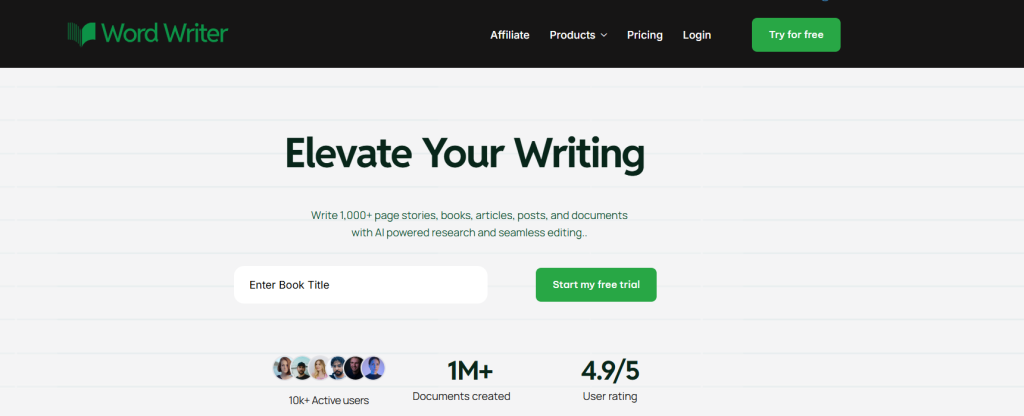
Sign in or sign up on WordWriter. If you don’t have an account yet, creating one takes less than a minute. Once you’re in, you’re ready to get started.
Step 2: Find the Repurposer Tool
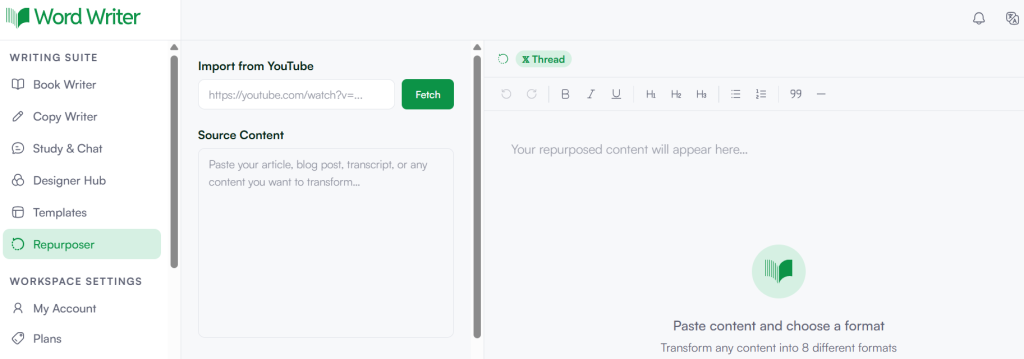
Once you’re signed in, look to the top left corner of your dashboard and find the Repurposer section. Tap on it to open it. This is where all the content transformation magic happens.
Step 3: Explore the Repurposer Page
On the Repurposer page, you’ll notice an option to import from YouTube. This feature lets you repurpose video content from YouTube into different formats, which is a handy bonus feature worth exploring later.
Step 4: Paste Your Blog Post
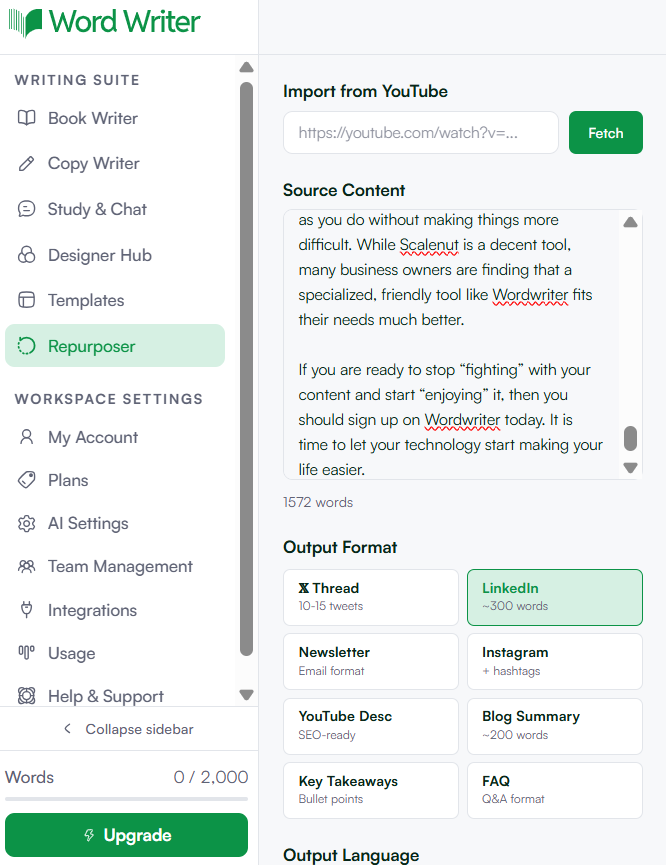
Just beneath the YouTube URL option, you’ll find a dialogue box. This is where you paste the blog post you want to repurpose. Simply copy your blog content and paste it right in.
Step 5: Select LinkedIn as Your Output Format
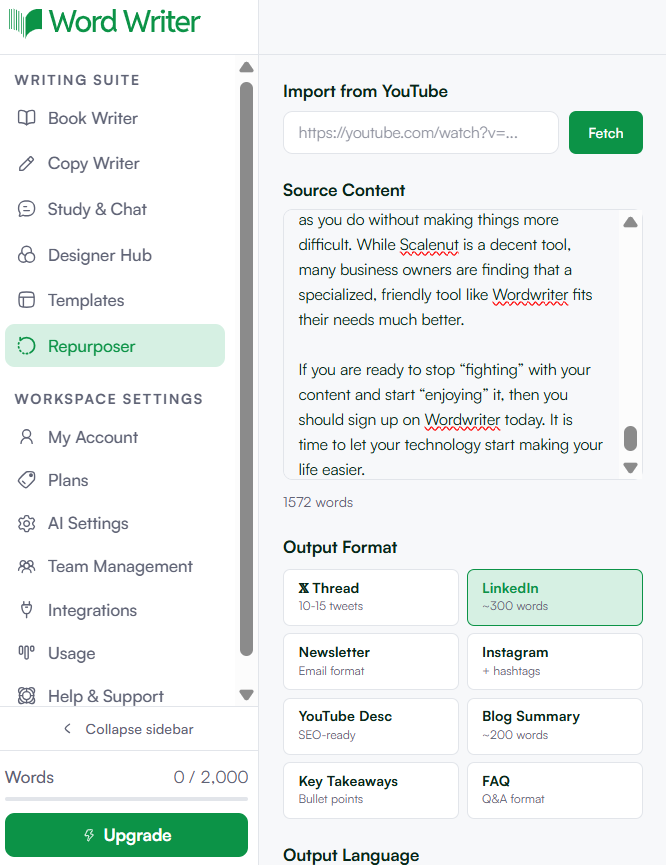
Below the dialogue box, you’ll see an Output Format section. This is where you choose what you want your content to become. Select LinkedIn from the available options to make sure your content is shaped and structured for the platform.
Step 6: Choose Your Preferred Language
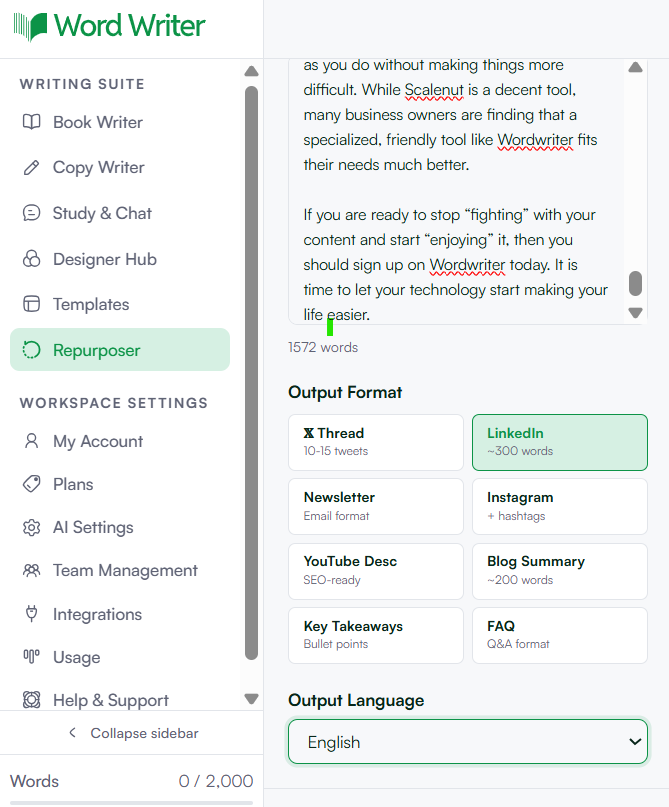
Select your desired language from the language options provided. WordWriter supports multiple languages, so your content can reach the right audience no matter where they are.
Step 7: Hit the Repurpose Button
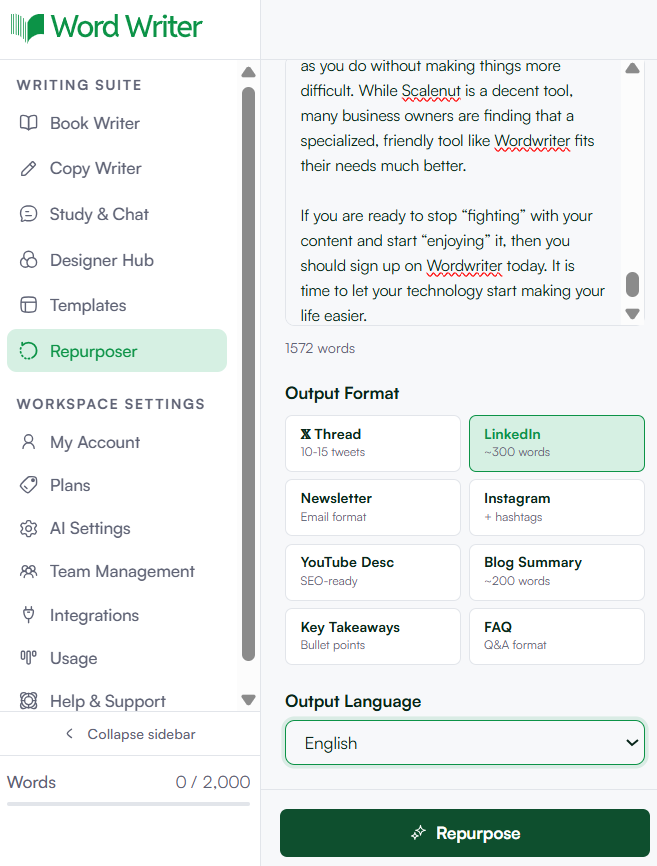
Once your content is pasted and your settings are selected, tap the Repurpose button. WordWriter will get to work and generate your LinkedIn post in seconds.
Step 8: Edit, Copy, and Publish
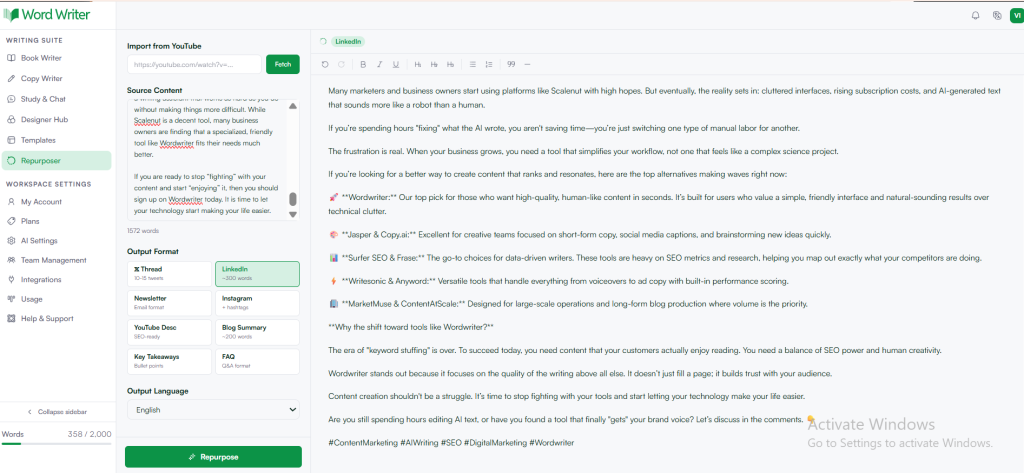
Your repurposed content will appear just below the Repurpose button. You’ll find a built-in editor in this section that lets you fine-tune the output, adjust the tone, fix any details, or add a personal touch. Once you’re happy with it, copy the content and head straight to LinkedIn to post it.
Conclusion
Repurposing content doesn’t have to be a whole project. With WordWriter’s Repurposer tool, turning a blog post into a LinkedIn post takes minutes, not hours.
Whether you’re a solo creator trying to stay consistent across platforms or a marketing team looking to get more mileage out of every piece of content you produce, this tool makes the process simple, fast, and effective. Give it a try and watch your blog content work harder for you.
