
Social Media Content Repurposing Tools for 2026
What are the best social media content repurposing tools in 2026?
Now imagine this: you spend three days researching, writing, and perfecting a brilliant blog post. You hit “publish,” share it once on Facebook, and… nothing. A few likes, a couple of clicks, and by tomorrow, that masterpiece is buried under a mountain of new posts.
It feels like throwing a diamond into the ocean. This is the “content trap” of 2026, where great ideas go to die because they aren’t being seen in enough places. Learning how to use a social media content repurposing tool comes in handy here.
It is the only way to stop the cycle of “create, post, and vanish.” We will know exactly how to fix this in this article.
Let’s dive in.
The Importance of Repurposing Content in 2026
Why is everyone talking about repurposing this year? It’s because the “Content Glut” is real. With AI making it easier for everyone to post, feeds are more crowded than ever. If you only share your message once, you are effectively invisible.
Repurposing is vital for four main reasons:
1. Algorithm Dominance:
Different algorithms favour different formats. By turning a blog into a video script, a carousel, and a thread, you “feed” the algorithms exactly what they want.
2. Fighting Audience Fragmentation:
Your audience is scattered. Some are on niche Discord communities, while others are on traditional platforms. Repurposing ensures you meet them where they live.
3. Reinforcing Brand Authority:
People need to see a message multiple times before it sticks. Repurposing allows you to repeat your core values without sounding like a broken record.
4. ROI on Creativity:
Your “Source Assets” (like a deep-dive research paper or a long video) are expensive to produce. Repurposing ensures you get the maximum Return on Investment (ROI) for that effort.
Top 8 Social Media Content Repurposing Tools for 2026
To help you choose the right partner for your content journey, we have analysed the 8 most powerful tools available today.
1. WordWriter
WordWriter has become the gold standard for creators who want to scale fast without losing their human touch. It is an all-in-one ecosystem that handles everything from the first draft to the final social caption.
Pros:
- Seamless Integration: It connects directly to WordPress and social schedulers.
- Tone Matching: It mimics your unique writing style so you don’t sound like a bot.
- Multi-Asset Generation: One click can generate 10+ variations of a single post.
Cons:
The feature set is massive, so it takes about 10 minutes to fully explore all the “hidden” power tools.
2. ChatQuick
This tool is the favorite for those who think “audio-first.” It’s excellent for turning messy notes into polished ideas.
- Pros: Best lifelike audio narration; great for “Study Explainers.
3. Opus Clip
A must-have for video creators who need to turn long-form webinars into 60-second viral clips.
- Pros: Automatically finds “high-interest” moments in videos.
- Cons: It can’t help you write a blog post or an email newsletter.
4. Buffer AI
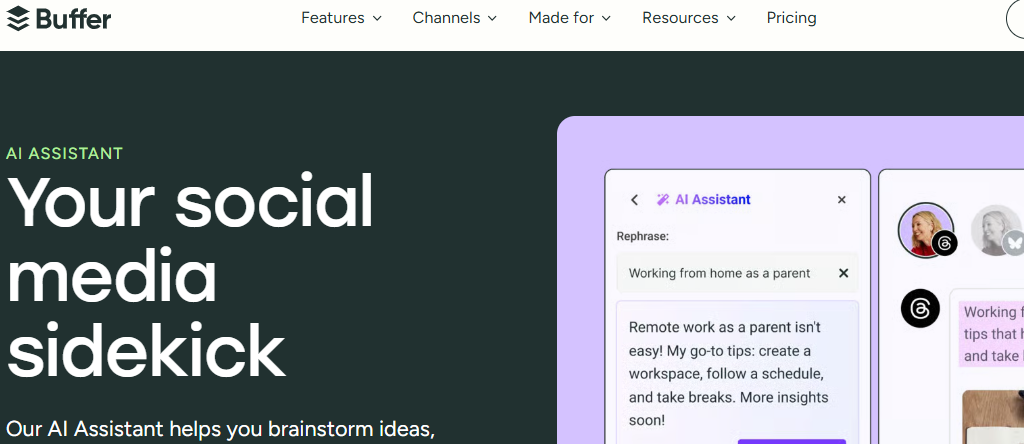
A scheduling giant that has integrated basic AI writing assistance into its calendar.
- Pros: Excellent for organizing your posting times.
- Cons: The AI is better for “tweaking” than for deep repurposing from scratch.
5. Canva Magic Studio
The king of visual repurposing. If you need your blog to become a beautiful infographic, this is it.
- Pros: Turns text into stunning graphics in seconds.
- Cons: Not suitable for heavy writing or SEO-focused blogging.
6. Descript
An innovative editor that lets you edit video by simply editing the transcript text.
- Pros: incredibly powerful for podcasters.
- Cons: Has a steeper learning curve compared to “one-click” tools like WordWriter.
7. Repurpose.io
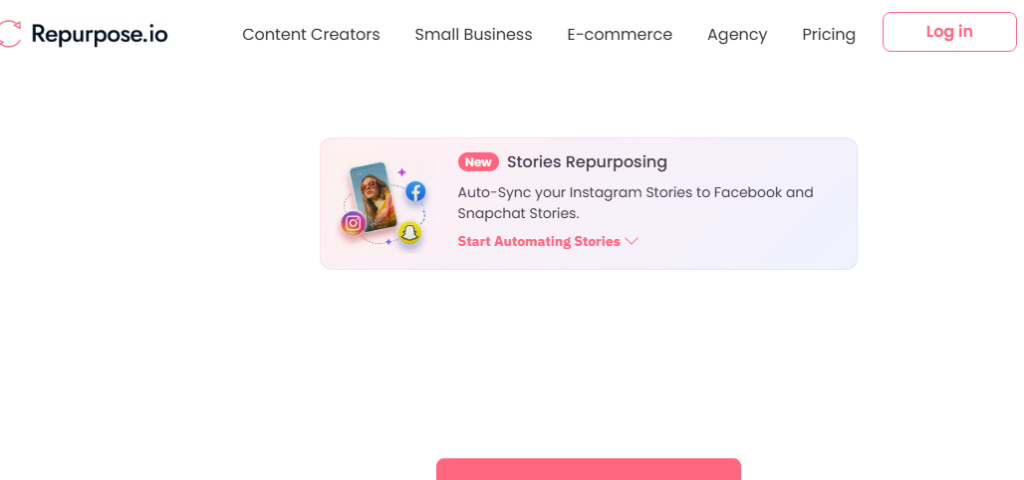
The ultimate automation bridge that moves files from one app to another.
- Pros: Removes watermarks automatically when moving content between platforms.
- Cons: It is a delivery tool, not a “writing” tool; it won’t improve your copy.
8. Lumen5
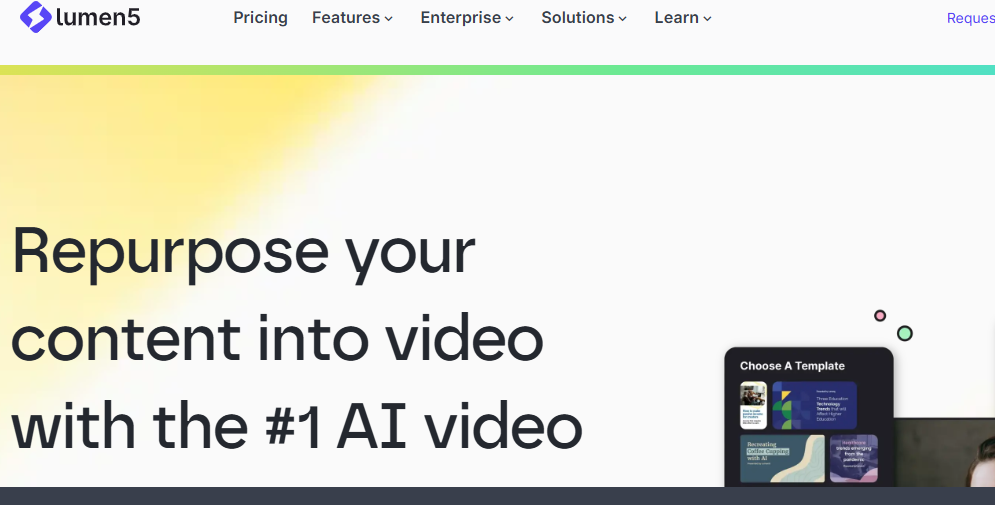
An AI video creator that turns written articles into “talking-head” style video presentations.
- Pros: Perfect for corporate updates and educational summaries.
- Cons: The visuals can sometimes feel repetitive if you use the same templates often.
Related: What is Batch Content Writing? Mistakes to Avoid
Conclusion
In 2026, the difference between a “struggling creator” and a “dominant brand” is the tool they use.
WordWriter is very powerful because it treats your content as an ecosystem, not just a one-off post. It takes the stress out of daily posting and gives you back hours of your life. By choosing a tool that prioritizes context and human-like tone, you ensure that your message doesn’t just fill a slot in a feed—it actually changes minds and builds your business.
Ready to turn your next idea into a multi-platform empire? Login to WordWriter now and see why it’s the top-rated repurposing tool.
