
How to Create a Chorus Hook Using AI

A great chorus hook can make or break a song. It is the part listeners remember, hum after the song ends, and come back to hear again. But writing a hook that is catchy, memorable, and still says something meaningful is harder than it sounds. Songwriters often spend hours chasing the right combination of words and rhythm.
With WordWriter, you can create a chorus hook using AI, giving you strong starting options you can build a full song around.
In this guide, we will walk through exactly how to create a chorus hook using AI on WordWriter.
Related: How to Generate a Love Song Using AI
What Makes a Good Chorus Hook
A chorus hook is the most repeated, most memorable line in a song, usually found in the chorus. It needs to be short, easy to sing along to, and emotionally clear, even out of context. The best hooks capture the core feeling of the song in just a few words, which is why so much weight rests on getting that one line right.
Why Use WordWriter to Create a Chorus Hook
Writing a hook means balancing a lot of competing demands at once. It has to be catchy, but not gimmicky. Simple, but not empty. Repeatable, but still meaningful by the tenth listen. Trying to hit all of that from scratch can lead to a lot of trial and error.
With WordWriter, you can:
- Generate multiple hook options in seconds instead of one at a time
- Match the hook to a specific mood, genre, or theme
- Explore different angles on the same idea until one clicks
- Use a generated hook as is, or as a starting point to rework in your own voice
How to Create a Chorus Hook on WordWriter
Here is exactly how to create a chorus hook using WordWriter’s AI template, step by step.
Step 1: Sign in to WordWriter
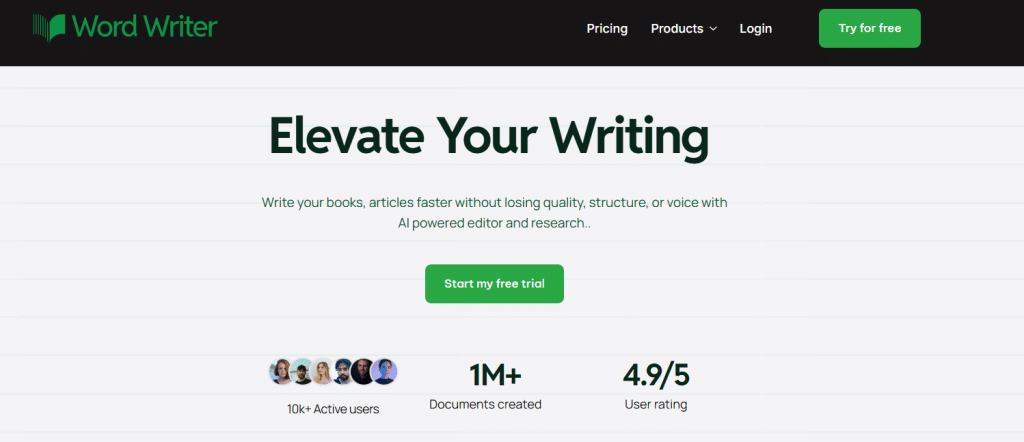
Log into your WordWriter account to access the AI template library.
Step 2: Open Templates
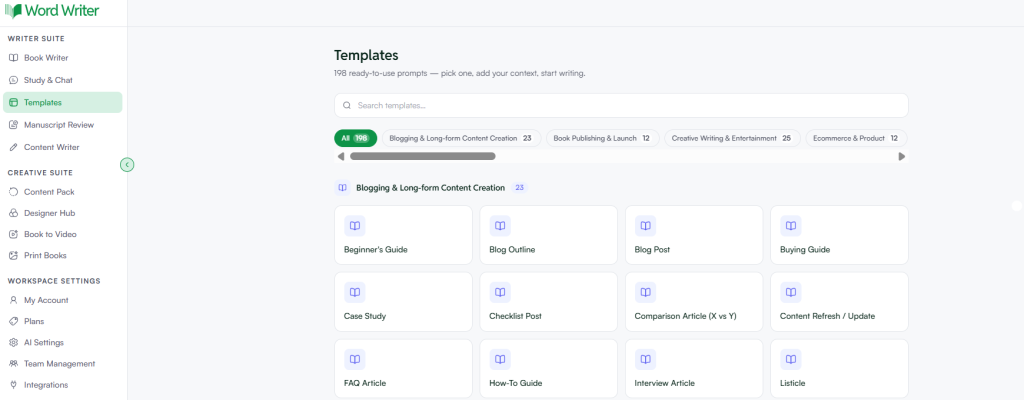
On the left corner of your dashboard, tap on Templates.
Step 3: Search for Chorus Hook
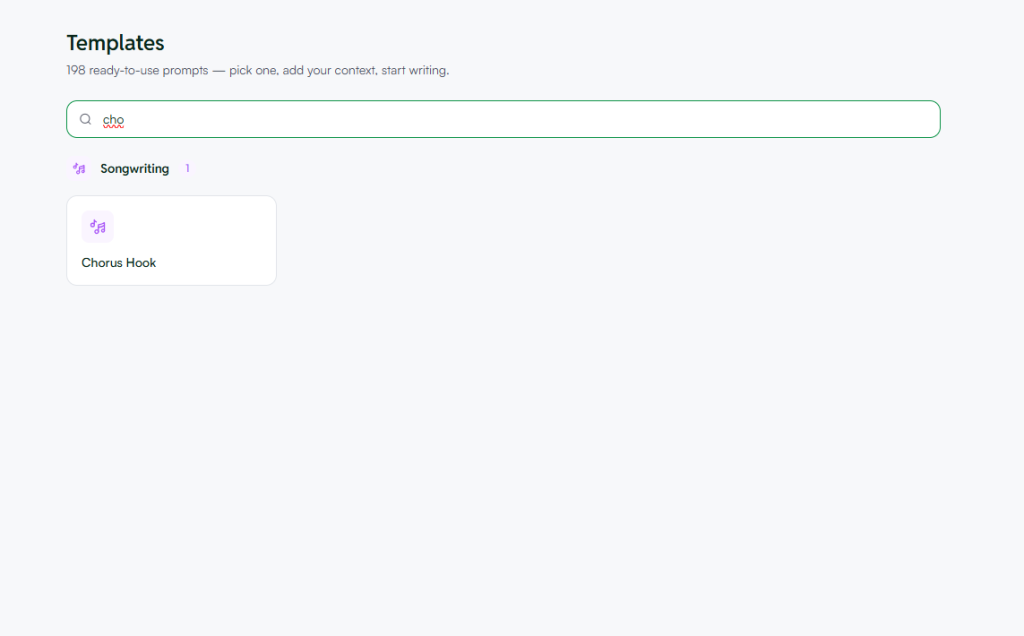
Browse or search for the chorus hook template within the creative writing or music section.
Step 4: Open the Template and Add Your Details
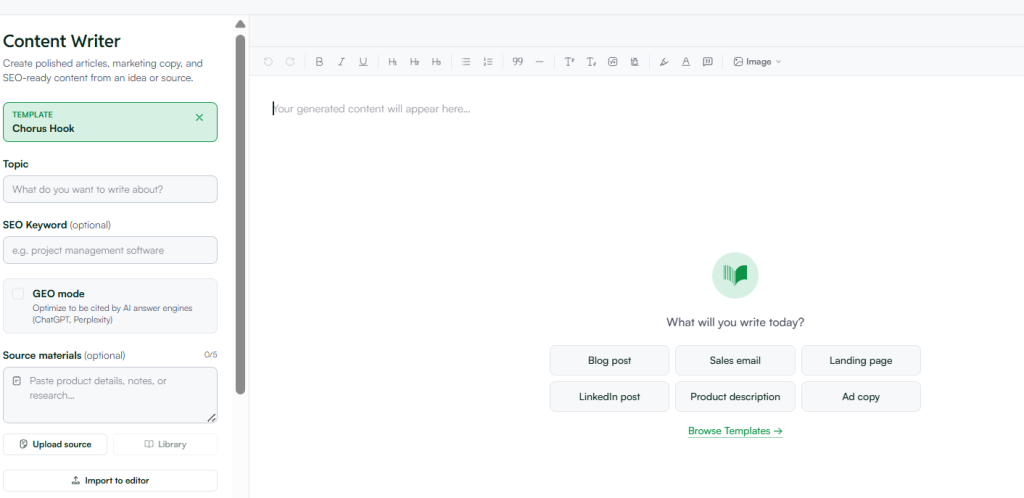
Tap open and provide details about your song, such as the theme, the mood, and any lines or phrases you already have in mind.
Step 5: Generate Your Hook
Tap on Generate. WordWriter will produce several chorus hook options based on the details you provided.
What Information to Have Ready Before You Start
To get hooks that actually fit your song, have these details ready before you open the template:
- The core theme or feeling of your song, such as heartbreak, freedom, or new love
- The genre or style you are writing in, since a hook for a ballad reads very differently from one for a pop or hip hop track
- Any specific words, phrases, or lines you already want included
- The general mood, whether upbeat, melancholic, defiant, or something else
The more context you give WordWriter about the feeling behind the song, the more the generated hooks will actually fit rather than feeling generic.
Reviewing and Refining Your Hook
Once WordWriter generates a set of hook options, read through them and check for:
- Whether the hook is easy to say or sing out loud without stumbling
- Whether it captures the core feeling of your song in a few words
- Whether it stands on its own, even without the rest of the lyrics for context
- Any options that feel close but need a small tweak in wording or rhythm
If none of the options feel exactly right, you can regenerate with more specific direction, or ask WordWriter to lean further into a particular word, phrase, or emotion.
Tips for Better AI Generated Chorus Hooks
- Give WordWriter a feeling, not just a topic. A hook about heartbreak sounds different than one about heartbreak specifically tied to being the one who left. Specificity in the emotion leads to a sharper hook.
- Generate several options before picking one. Since this takes seconds, it is worth generating a handful of hooks and comparing how each one feels when read out loud.
- Say it out loud, not just read it. A hook can look good on the page and still feel awkward to sing. Testing it out loud is the fastest way to catch that.
- Use a generated hook as a launching point. Even if a hook is not perfect as is, a strong option can spark the small tweak or better word that gets you to the version that actually works.
Related: How to use AI to write song lyrics: A Detailed Guide
Final Thoughts
A chorus hook carries a lot of weight for something so short, and finding the right one often comes down to trying several options until one feels undeniable. With WordWriter, you can generate multiple hook ideas in seconds, then test and refine them until you land on the line that sticks.
Whether you are working on your first song or your fiftieth, WordWriter gives you more starting points to work from, so you can spend less time stuck on one line and more time finishing the song around it.
