
How to Write a Salary Negotiation Email
Knowing how to write a salary negotiation email can mean the difference between accepting a sub-par job offer and securing the compensation you genuinely deserve. Opening a negotiation through email gives you space to compose your thoughts, ground your ask in market data, and present a calm, highly professional case without the anxiety of putting someone on the spot in a live conversation.
In this guide, we will cover why email negotiations work so well, what elements every strong counteroffer needs, and a simple step-by-step breakdown of how to generate and polish your email using WordWriter.
Related: How to write perfect job description with AI
Why Negotiating Salary via Email Works
Asking for more money can feel uncomfortable, but doing it in writing actually gives both you and the employer a clear advantage. It removes emotional pressure from the exchange and leaves a documented paper trail of agreed terms.
An effective salary negotiation email accomplishes three main goals:
- Expresses Genuine Appreciation: Reaffirms your excitement for the role so the employer knows you are negotiating in good faith.
- Anchors a Specific Number: Provides a concrete figure or clear target grounded in your skills and market research.
- Keeps the Door Open: Frame the ask as an invitation to discuss total compensation rather than a rigid ultimatum.
The Manual Struggle vs. The AI Advantage
Drafting a counteroffer manually often leads to overthinking. You write a sentence, erase it, wonder if you sound demanding, and rewrite it five times over. You might spend two hours agonizing over whether a sentence sounds polite enough or if your tone strikes the right balance between firm and collaborative.
Instead of staring at a blank screen, you can generate a structured, professional draft in seconds using WordWriter, allowing you to spend your time polishing the personal details instead of struggling with word choice.
Step-by-Step: How to Write Your Email with WordWriter
Generating a custom, persuasive salary negotiation email with WordWriter requires only a few quick steps:
1. Login to Your Dashboard
Head over to the WordWriter platform and login to your account. (If you don’t have an account yet, creating one takes less than a minute).
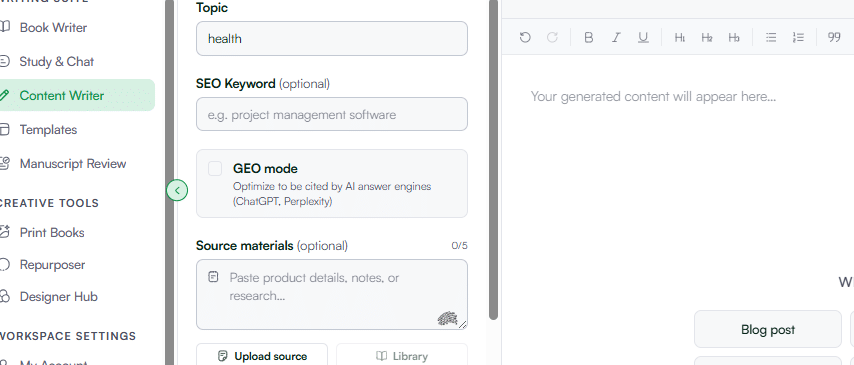
2. Navigate to Content Writer
Look at the main navigation menu on the left side of your screen and select Content Writer. This opens the multi-purpose writing workspace designed for professional communications, essays, and email correspondence.
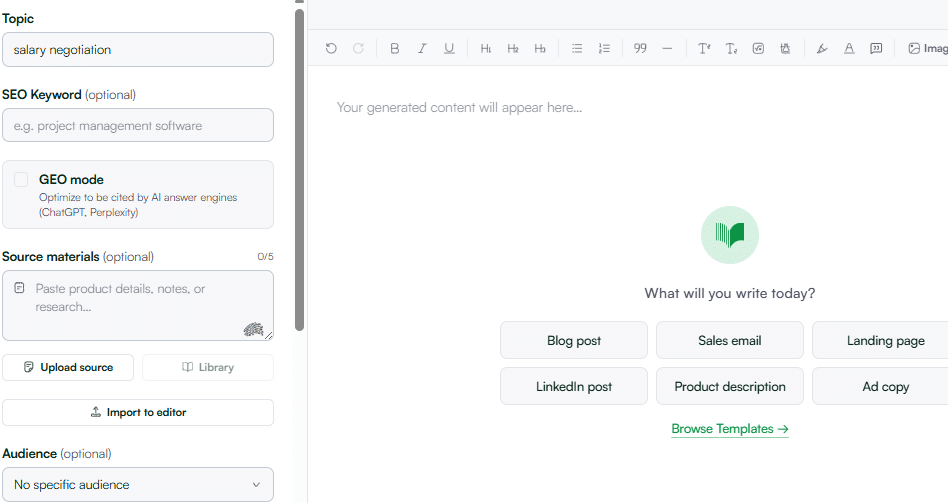
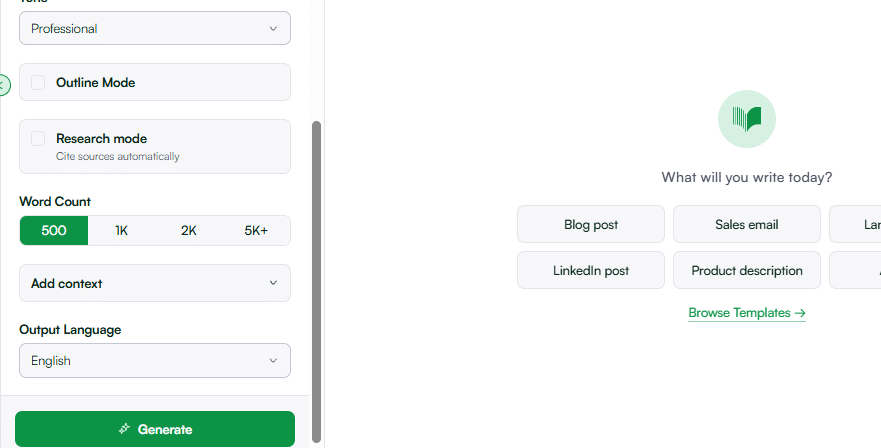
3. Enter Your Details
Fill in the initial details to give the generator context. Pick your desired target length. For a salary negotiation email, shorter is better so the decision-maker can scan your request quickly.
4. Click Generate
Hit Generate, and WordWriter will instantly produce a clean, well-structured counteroffer draft complete with an opening appreciation line, a market-backed rationale, and a collaborative closing.
5. Edit to Make It Personal
Once generated, open the draft inside the Smart Editor. This is where you make it yours:
- Plug in the exact salary figure or target range.
- Swap generic achievement placeholders with 1 or 2 specific wins from your recent interview rounds.
- Adjust the greeting and manager’s name so it matches your recent conversations.
6. Review and Send
Give it one final read to ensure the tone feels natural and confident. Once you are completely satisfied with the personal details, copy the message directly into your email thread and hit send
Related: 10 Best AI Blog Writing Tools in 2026
Conclusion
Negotiating your pay shouldn’t feel like a high-stakes gamble or leave you lying awake second-guessing your wording. WordWriter is powerful because it takes the anxiety out of tough workplace conversations, giving you a clear, professional script that asserts your value without burning bridges.
