
How to Write Product Launch Email Using AI
WordWriter’s Product Launch Email template is built to help you announce your new product without staring at a blank page for hours. It gives you a ready structure, so all you need to do is drop in your details and let AI handle the heavy lifting.
Launching a new product is exciting, but writing the email that announces it can eat up time you do not have. Getting the tone right, building excitement, and driving clicks in just a few short paragraphs is harder than it looks. This is where AI steps in to make the process faster and easier.
Here is how to use it.
How to write Product Launch Email Using AI
Step 1: Sign In to WordWriter
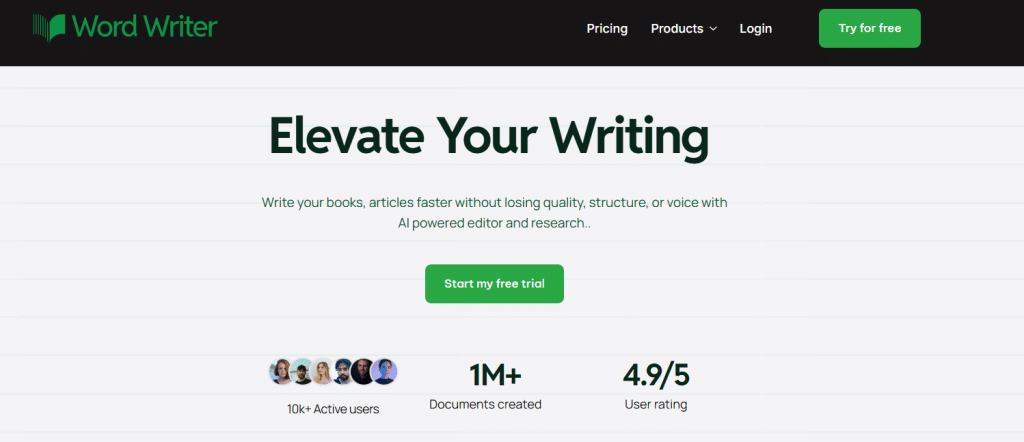
Go to wordwriter.co and log in with your account details. If you are new, sign up first, it takes less than a minute.
Step 2: Navigate to Your Dashboard
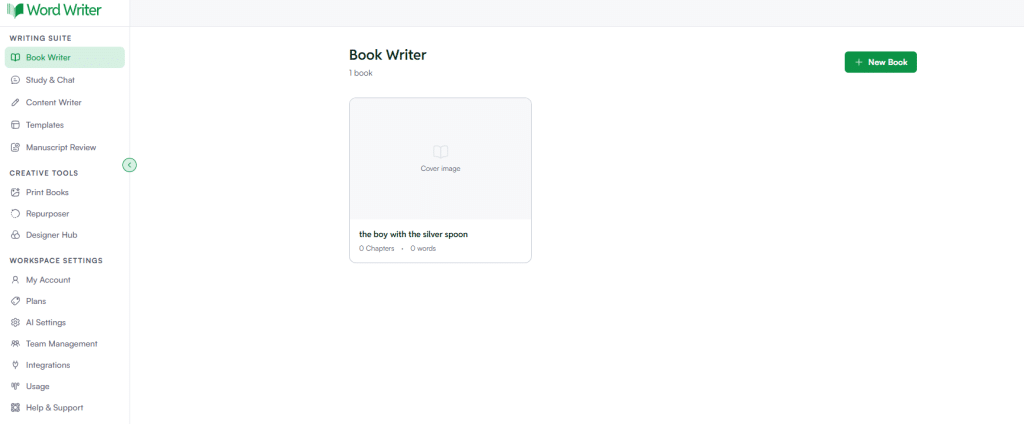
Once you are logged in, you will land on your dashboard. This is your control center for every AI writing tool WordWriter offers.
Step 3: Open Templates
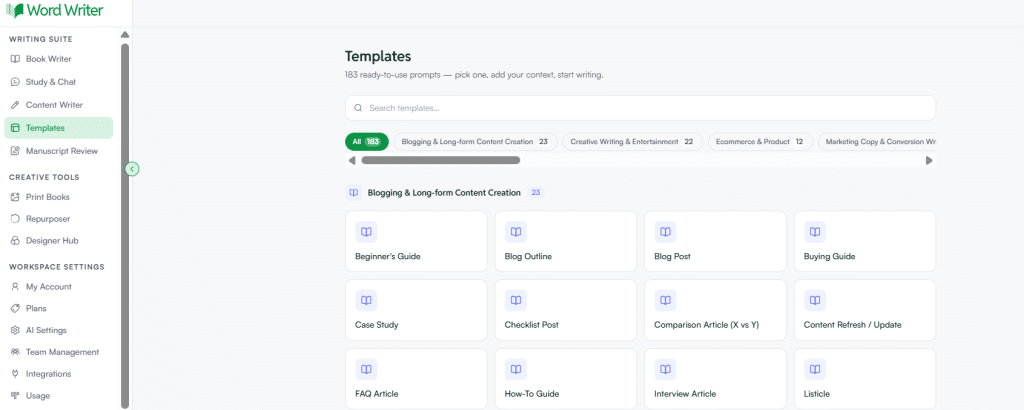
On the left corner of the dashboard, tap on Templates. This opens the full library of AI Apps.
Step 4: Search for Product Launch Email
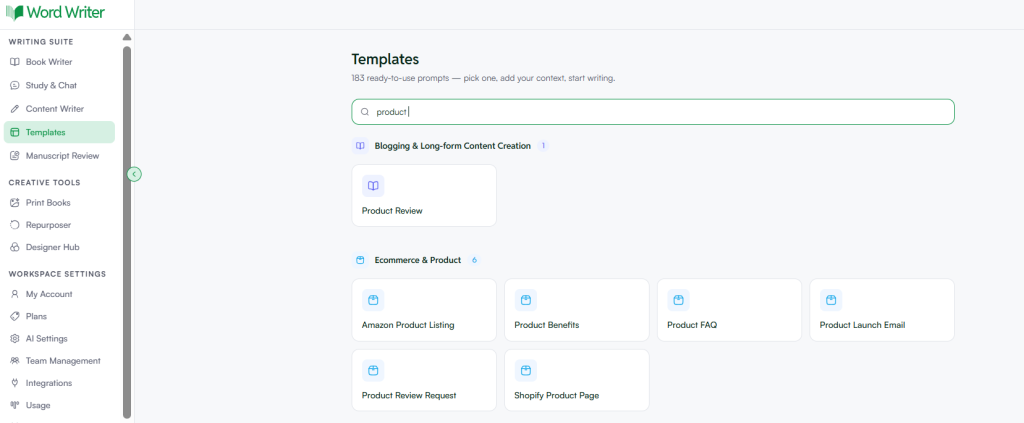
Browse the list or use the search bar and type in Product Launch Email. Click on the template once you find it.
Step 5: Follow the Prompt
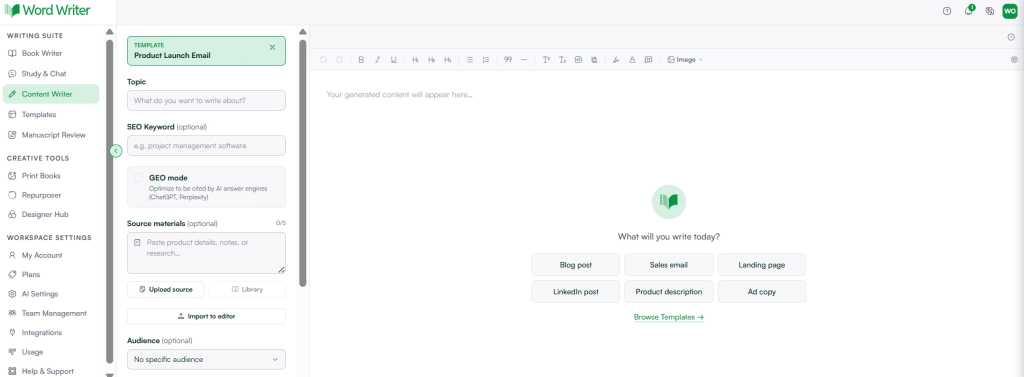
Fill in the prompt fields with details about your product. Include the product name, its main benefit, who it is for, and any launch offer or deadline. The more specific you are, the better your draft will be.
Step 6: Generate Your Email
Click generate. WordWriter will produce a full draft based on your inputs. Review it, tweak the tone if needed, and copy it into your email platform.
That is all it takes to go from idea to a ready-to-send product launch email using AI.
Conclusion
A great product deserves an email that actually gets it in front of people, not one that sits in your drafts folder while you second guess every line. WordWriter’s Product Launch Email template takes that pressure off. Sign in, open Templates, search for Product Launch Email, add your product details, and generate a draft built to convert in minutes, not hours.
Every day you delay is a day your launch loses momentum. Log in to WordWriter now, generate your product launch email, and get it in front of your audience while the excitement is still fresh.
